Create Facebook Ad Videos That Actually Convert
Turn Product Concepts Into Scroll-Stopping Facebook Video Ads
Your competitors are running video ads. Your target audience scrolls past static images without a second glance. Wandura's Facebook ad video maker gives you a practical workflow: describe your product or upload a visual reference, select an AI generation model that fits your brand voice, and export platform-ready video ads for Facebook and Instagram placements. No design team, no editing software, no trial-and-error with stock footage that looks like everyone else's.

Built for Facebook Advertisers Who Need Results
Whether you're running campaigns for your own store or managing ads for clients, Wandura handles the creative production so you can focus on targeting, budgeting, and scaling what works.
Direct-to-Brand Advertisers
You know your offer inside and out, but producing video creatives fast enough to test multiple angles is a constant bottleneck. Describe your product's core benefit in plain language, upload a product photo or brand asset, and generate multiple ad variations optimized for Facebook's autoplay environment. Run A/B tests on different hooks, product angles, or call-to-action frames without waiting on a creative team.
E-Commerce Sellers Running Meta Campaigns
Your product catalog is always changing—seasonal collections, new SKUs, flash sales. Wandura's Facebook video ad maker works with your existing workflow: upload product images or describe new items from scratch, and generate platform-formatted ads for Facebook feed, Stories, and Reels placements. The creative asset pipeline stops being a blocker for your media buying.
UGC Creators and Freelance Ad Managers
Clients expect fresh creatives every week, but production cycles don't always align with campaign timelines. Use Wandura to generate video ad concepts from text prompts or uploaded references, then refine based on performance data. You stay responsive to what the data tells you without burning out your creative resources.

Stop Losing Audiences to Better-Creatived Competitors
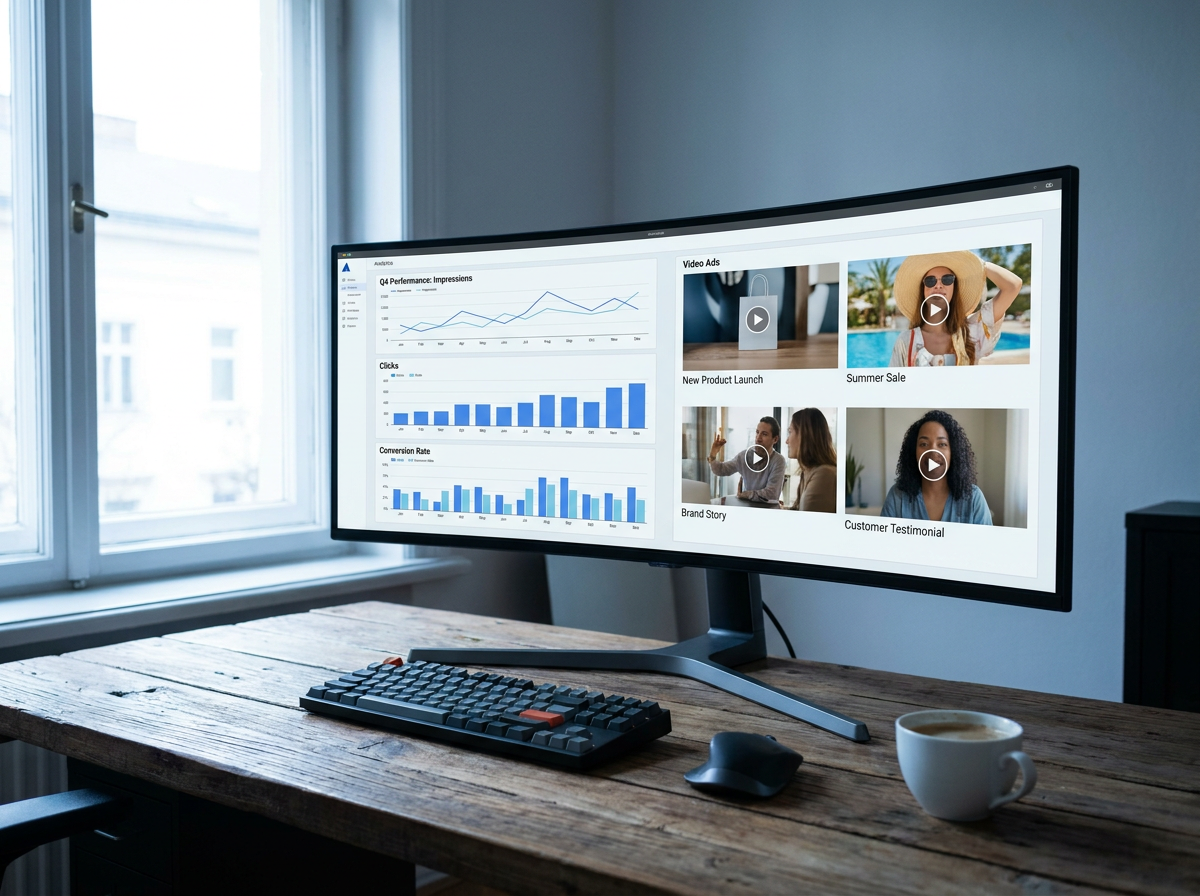
Facebook's algorithm prioritizes engagement signals in the first few seconds. Static images and poorly edited videos get filtered out before they reach people who would actually convert. Wandura generates video ads designed for that autoplay environment—vertical or square formats, clear visual hierarchy, hook-in-the-first-frame logic built into the generation settings.
Generate Multiple Facebook Ad Variations Without the Production Overhead
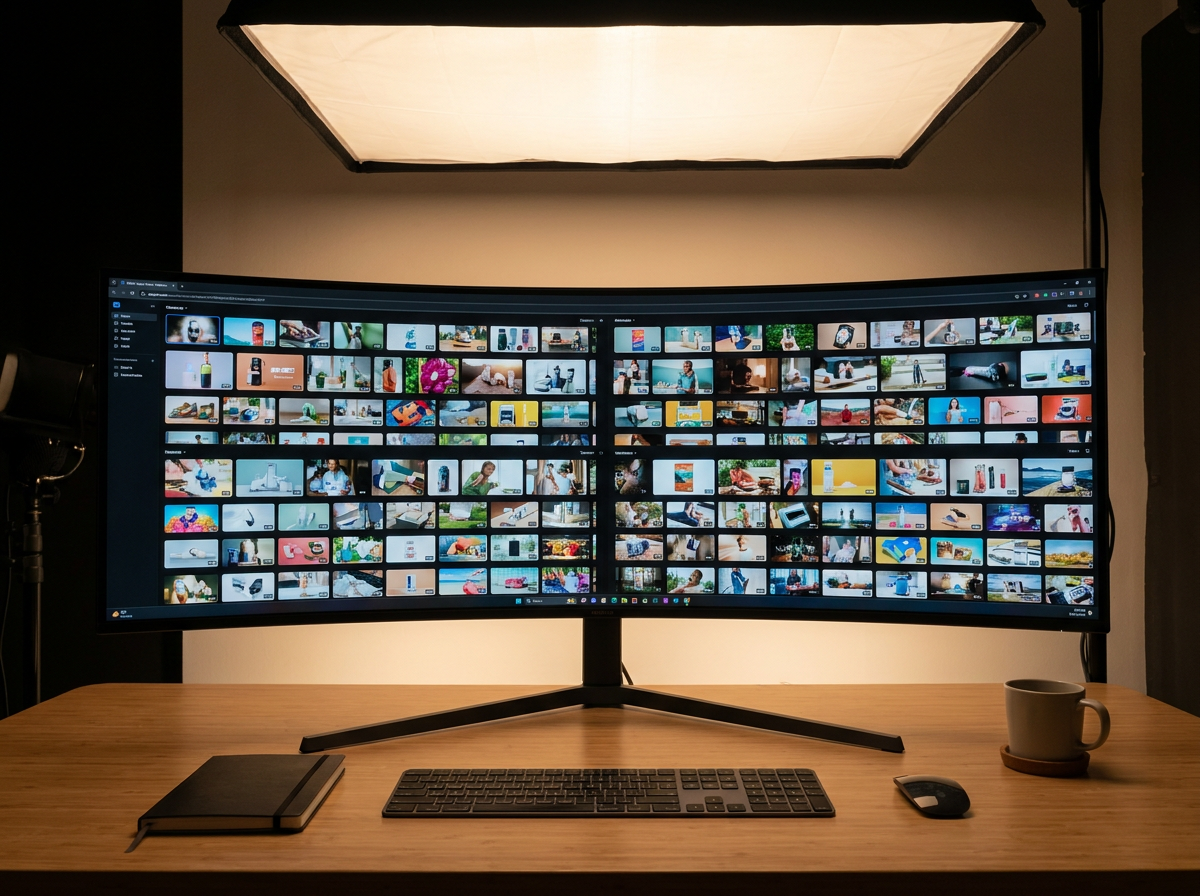
One product, five different hooks, five video ad concepts—generated in the time it would take to write a creative brief for an agency. Describe the same product from different angles (benefit-focused, social-proof angle, problem-solution frame), and Wandura produces corresponding video ad concepts. Test them against each other, cut the losers fast, and scale the winners.
70+ AI Models in One Studio
 Seedance 2.0
Multimodal cinematic motion up to 4K
 Kling V3 Pro
Cinematic motion with film-grade lighting
 Veo 3.1
Premium realism with native audio
 Sora 2 Pro
Complex scenes and physics at premium quality
 LTX 2.3 Fast
Fastest drafts at the lowest cost
 Nano Banana Pro
High-fidelity images with sharp detail
 Seedream 4.5 Edit
Multi-image editing with up to 6 references
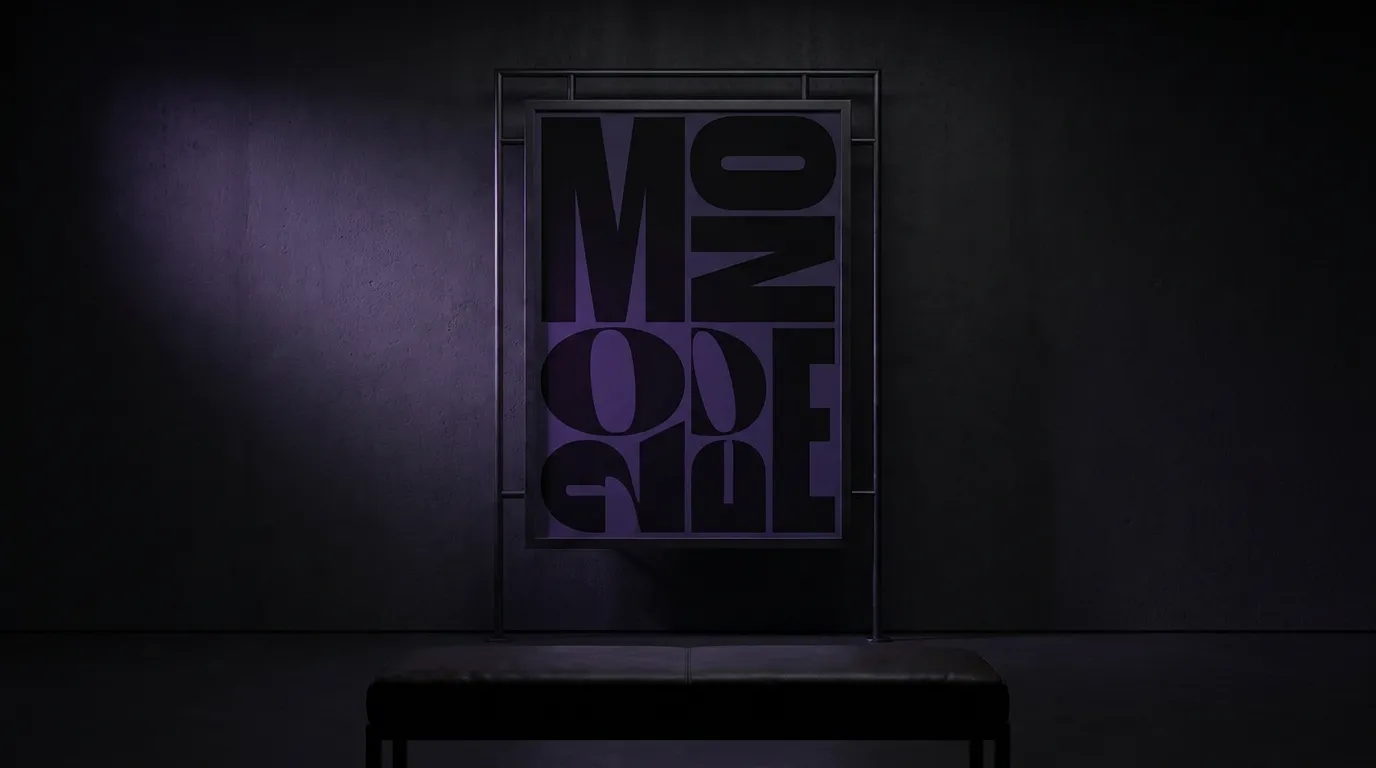 GPT Image 2
Best-in-class text rendering in images

 FLUX 1.1 Pro
Razor-sharp detail with top-rated realism
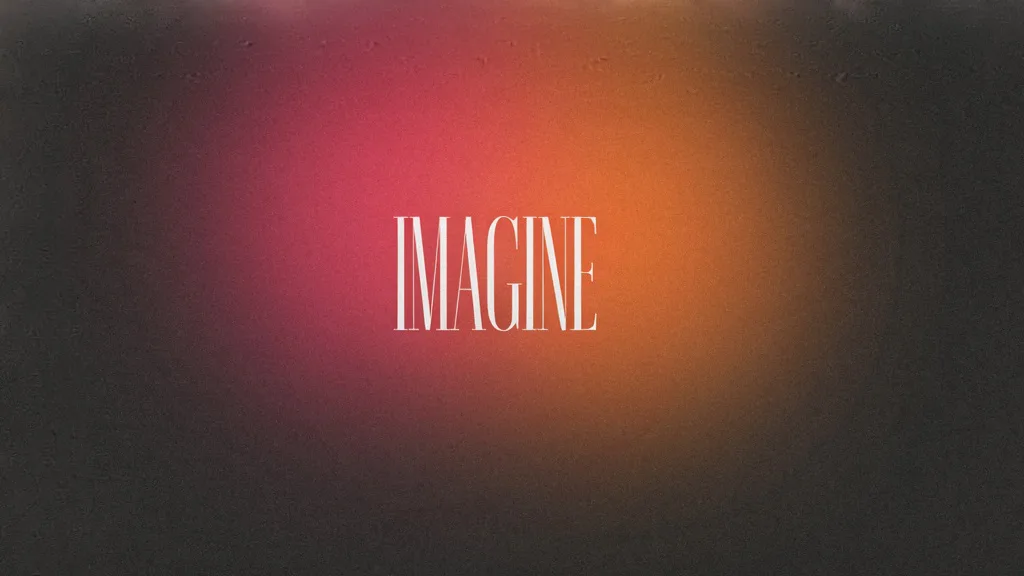
 Ideogram V4
Typography and marketing text that stays crisp
 MiniMax Speech 2.8 HD
Natural, high-quality speech synthesis
Explore More Wandura Tools

How to Create Facebook Video Ads With Wandura
Step 1: Describe or Upload Your Product
Start by telling Wandura what you're advertising. Use the text prompt field to describe your product's key benefit, target audience, and the core message you want to communicate. Alternatively, upload a product image or brand asset—the AI uses both visual and text inputs to ground the generated video in your actual offering rather than generic stock-feeling content.
Step 2: Choose Your AI Model and Ad Format
Select the generation model that matches your brand voice and campaign objectives. Pick your target format—Facebook feed ads, Stories, or Reels—because each placement has different aspect ratio and duration requirements. Wandura formats the output accordingly so you don't have to manually crop or resize before uploading to Meta Ads Manager.
Step 3: Generate, Review, and Export
The AI produces your video ad based on your inputs. Review the result, make any refinements through follow-up prompts if needed, and export directly in the format Meta requires. Add your tracking links in Facebook's ad manager when you set up the campaign—no need to embed UTM parameters in the video itself.
Why Advertisers Choose Wandura
70+ AI models in one studio — Sora 2, Veo 3.1, Kling V3, Seedance and more, without juggling separate subscriptions.
Transparent pricing — 1 credit = $0.01, and you pay only for what you generate — no per-seat subscription lock-in.
No lock-in — pay-as-you-go credits and watermark-free exports on the Growth plan and above.
Built for ads — outputs formatted for TikTok, Reels, Shorts and marketplace listings in the right aspect ratios.
Plans & Pricing
Wandura runs on transparent credits — 1 credit = $0.01. Choose a monthly plan or top up with credit packs, and pay only for what you generate.
Basic
- ✓Up to 80 images/month
- ✓Up to 17 videos/month
- ✓1 parallel task
Kling 3.0Growth accessVeo 3.1Growth accessGPT Image 2CreditKling 2.6CreditSeedance 2.0CreditStarter
- ✓Up to 132 images/month
- ✓Up to 33 videos/month
- ✓2 parallel tasks
- ✓Audio generation
Kling 3.0Growth accessVeo 3.1Growth accessGPT Image 2CreditKling 2.6CreditGrowth
- ✓Up to 223 images/month
- ✓Up to 88 videos/month
- ✓4 parallel tasks
- ✓Priority support
Kling 3.0Credit accessVeo 3.1Credit accessNano Banana ProCredit accessGPT Image 2CreditKling 2.6CreditSeedance 2.0CreditAgency
- ✓Up to 500 images/month
- ✓Up to 124 videos/month
- ✓8 parallel tasks
- ✓Commercial license
Kling 3.010-Day UnlimitedVeo 3.110-Day UnlimitedNano Banana Pro10-Day UnlimitedGPT Image 2CreditKling 2.6CreditSeedance 2.0CreditCredit packs (no subscription): 1,000 credits for $10 · 6,250 credits for $50 (save 20%) · 14,000 credits for $100 (save 33%). Packs stay valid for 90 days. Growth and Agency plans add watermark-free exports, faster generation, and priority support; Agency includes 10-day unlimited access to Premium Exclusive models each cycle.
FAQs
No. Wandura generates video ad creative files that you upload directly to Meta Ads Manager yourself. This keeps you in full control of your ad accounts, campaigns, and spending. The workflow is: generate your video here, download the file, then upload to Facebook's ad manager or Business Suite as you normally would.
Current supported formats include Facebook feed ads (square and landscape), Stories ads, and Reels ads. All exports are formatted to meet Meta's technical specifications for each placement type—correct aspect ratios, duration limits, and file requirements.
Yes. Facebook and Instagram both use Meta's ad infrastructure, and the video formats Wandura produces for Facebook placements are compatible with Instagram placements. Feed ads work for both platforms, and Reels-format exports serve both Facebook Reels and Instagram Reels placements.
The generation process is iterative. You can refine outputs by adjusting your text prompt, uploading more specific product images, or specifying particular visual styles or messaging angles in your description. Think of it like a creative brief: the more specific you are, the closer the output gets to your vision.
Wandura is a creative generation tool—you remain responsible for ensuring your ad content complies with Facebook's advertising policies and applicable regulations. The tool doesn't restrict what you can describe or generate, but Meta's ad review process will apply their own policies to any uploaded creative assets.
See What You Can Create




Start Creating Facebook Ad Videos That Cut Through the Noise
Your audience sees hundreds of ads per day. Most of them blur together. The ones that perform—the ones that stop the scroll and drive conversions—have strong visuals, a clear hook, and platform-native formatting. Wandura's Facebook ad video maker handles the creative production side so you can focus on the strategy that actually moves your numbers.
Describe your product or upload your visual assets, pick your generation model, and have platform-ready video ads in minutes instead of days.