GPT Image 2 - AI Image Generator
Type it, get it. GPT Image 2 turns a prompt — or your own reference image — into posters, character sheets, product shots, illustrations, UI mockups and film concepts, with text that actually reads right. Pick any aspect ratio and generate up to four options at once.
 ModelGPT Image 2
Key Benefits of GPT Image 2
Text That Stays Legible
GPT Image 2 renders words, titles and labels cleanly — posters, book covers, character sheets, infographics: anywhere the text has to read right.
One Model, Any Style
Photoreal, illustrated, flat, cinematic or concept-art — describe the look and GPT Image 2 follows it, so one model covers your whole range.
Any Aspect Ratio
Square, portrait or landscape — choose the frame that fits, whether it is a story, a print poster or a wide hero.
Up to Four Per Generate
Request several options in a single run and compare variations side by side before you pick one.
Chain Into Your Next Step
Send any result straight into Upscale, Background Removal or Image-to-Video — no downloading and re-uploading.
Made with GPT Image 2
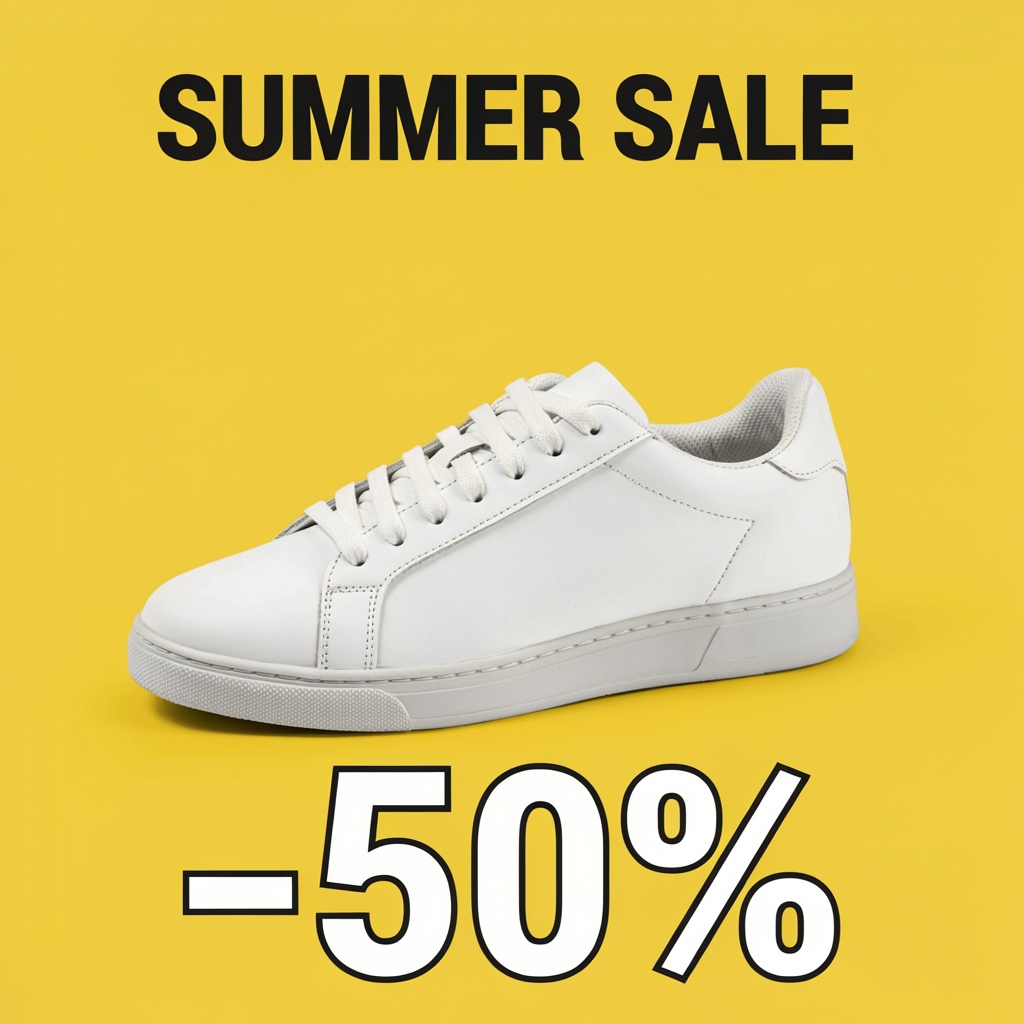
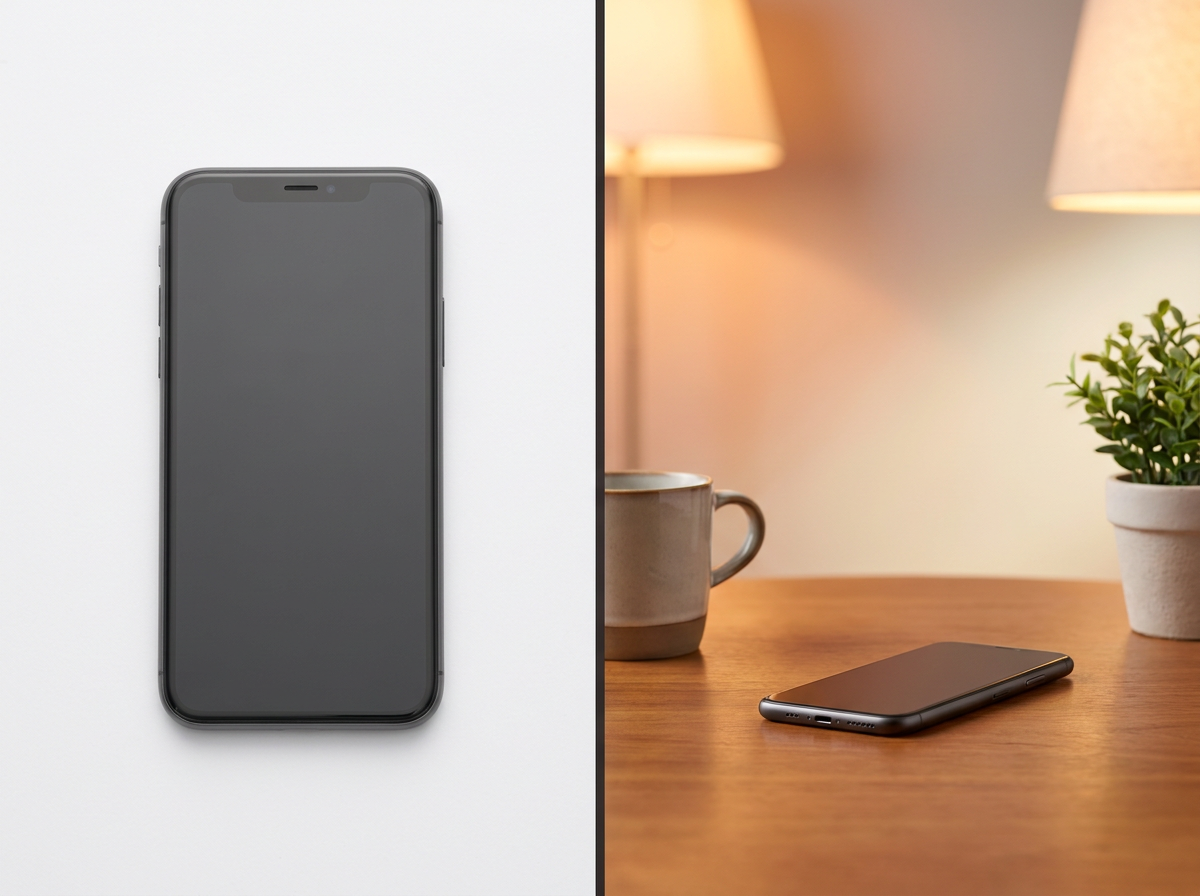
Every image below was made with GPT Image 2 on Wandura — film concepts, character sheets, illustrations, posters, editorial, UI and product, all with clean, legible text. Hover any one to see the exact prompt.
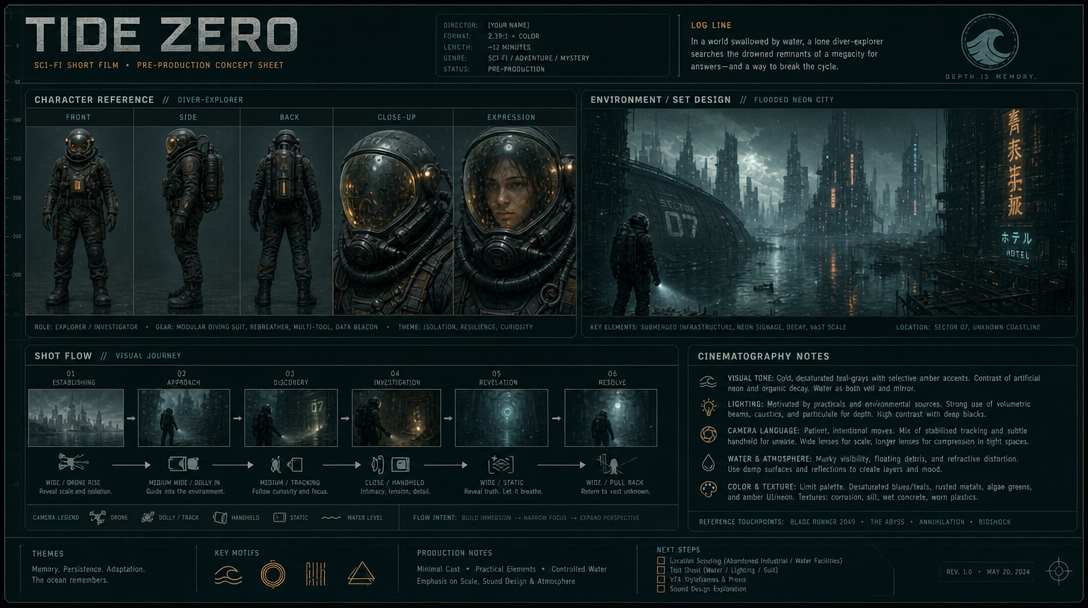 A one-page film pre-production concept sheet for an original sci-fi short titled "TIDE ZERO" — a labelled character reference row, an environment/set-design block, a shot-flow camera diagram and a cinematography-notes panel with small but legible body text. Teal-grey palette with amber accents.
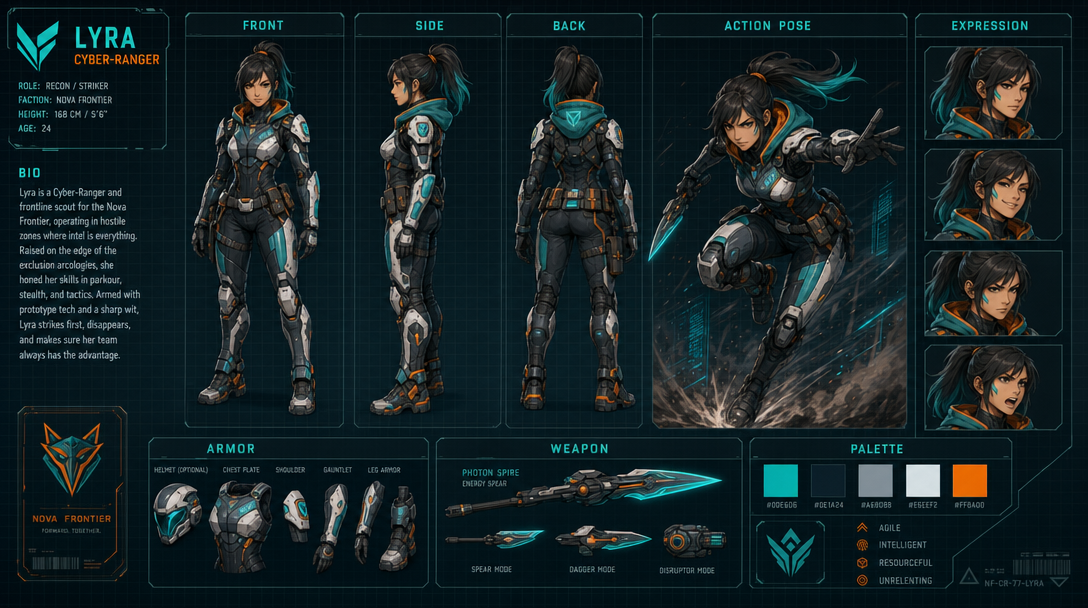 A game character reference sheet: a stylized cyber-ranger heroine in five labelled views (Front, Side, Back, Action, Expression) with callout labels "Armor / Weapon / Palette" and a short readable bio. Teal and orange accents, clean concept-art layout.
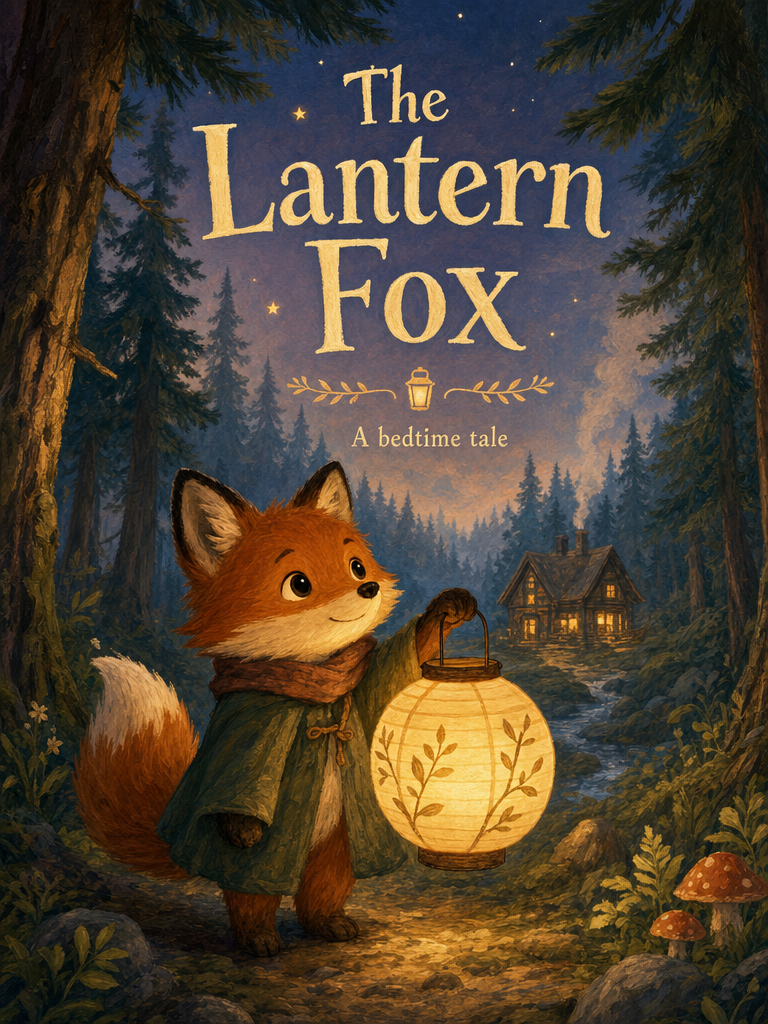 A warm children's-storybook cover titled "The Lantern Fox", a small fox holding a glowing paper lantern in a misty pine forest, hand-painted gouache style, legible title and a "A bedtime tale" subline.
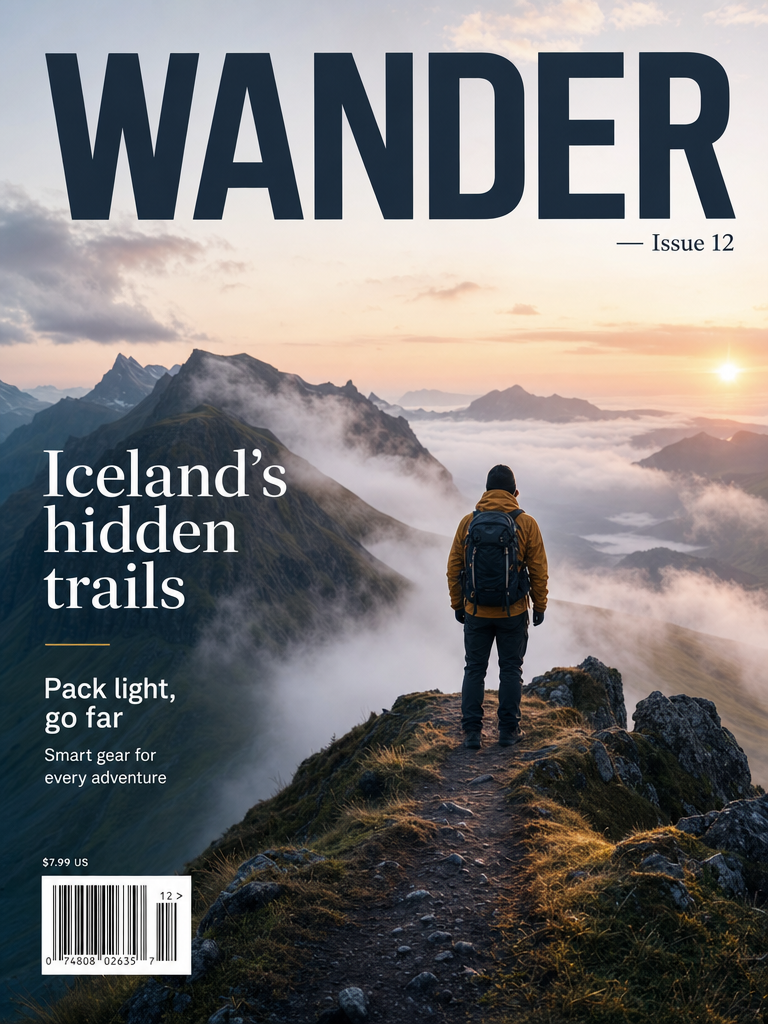 A travel magazine cover, masthead "WANDER — Issue 12", a lone hiker on a misty mountain ridge at dawn, legible cover lines "Iceland's hidden trails" and "Pack light, go far", clean editorial typography.
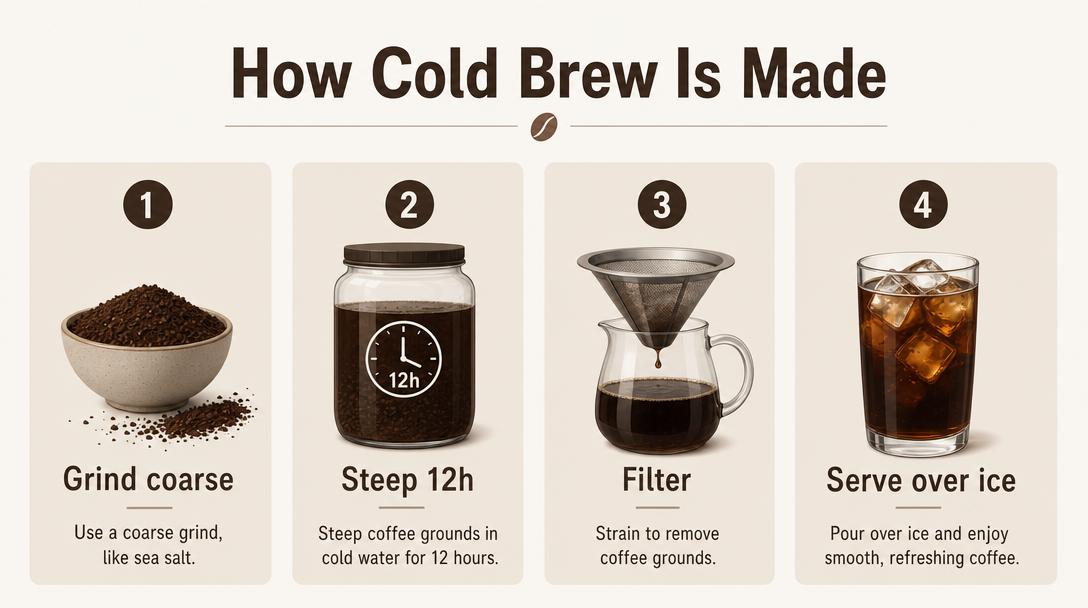 A clean flat infographic titled "How Cold Brew Is Made", four numbered steps with simple icons and short legible captions — Grind, Steep 12h, Filter, Serve over ice — muted coffee-brown palette.
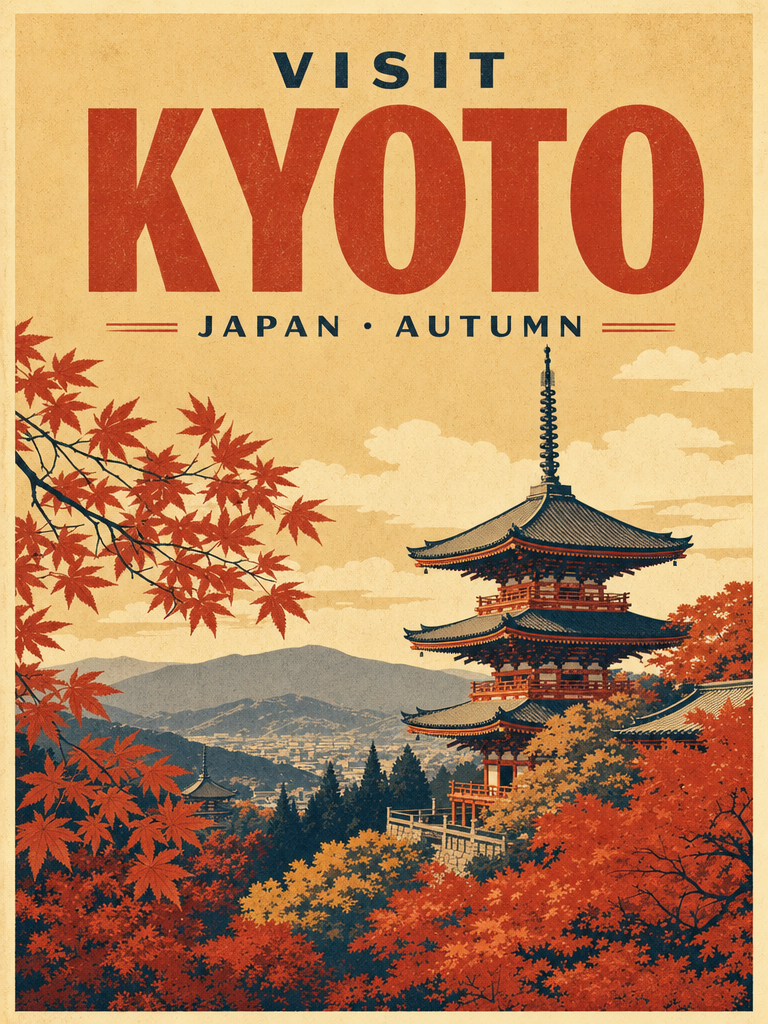 A vintage screen-print travel poster reading "VISIT KYOTO", a stylized pagoda among autumn maples, bold legible title and a "Japan · Autumn" subline, limited warm palette, paper grain.
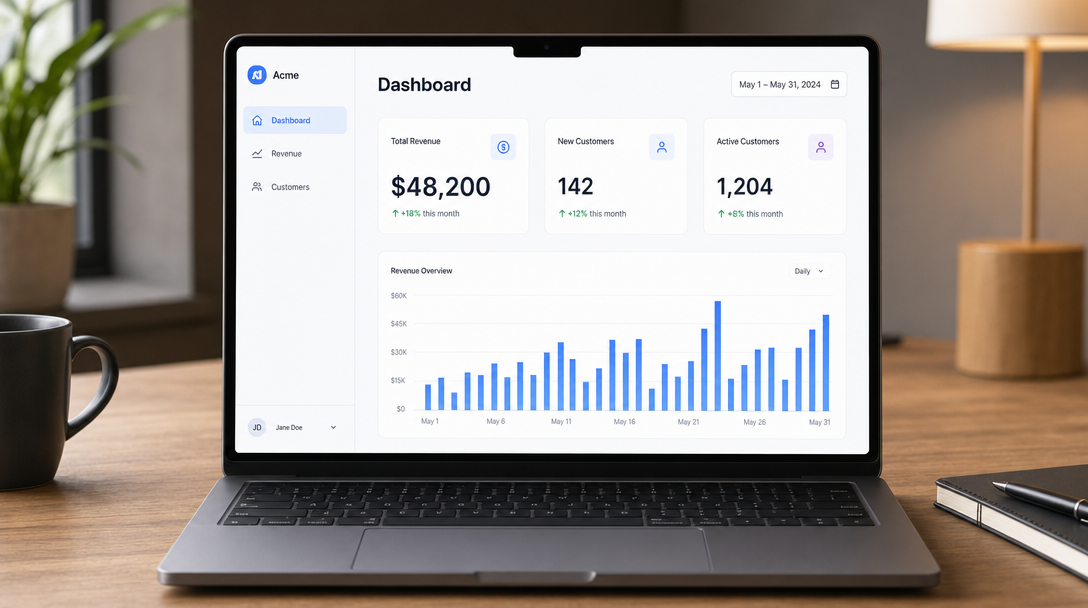 A clean SaaS dashboard mockup on a laptop: a sidebar reading "Dashboard / Revenue / Customers", a headline stat "$48,200" with "+18% this month" and a small bar chart, modern minimal product shot.
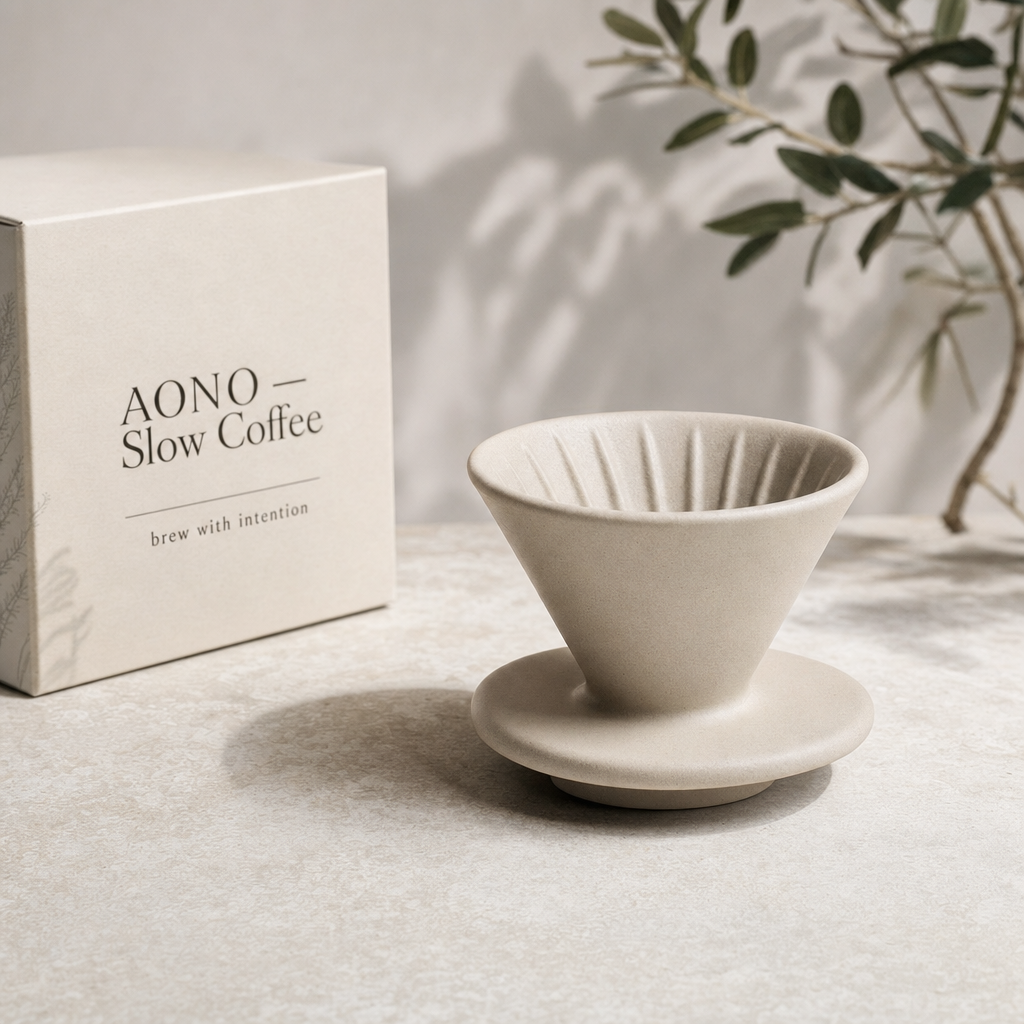 A premium minimalist product photo, a matte ceramic pour-over coffee dripper on pale stone, an elegant legible label "AONO — Slow Coffee" and a small tagline "brew with intention", soft daylight.
Key Features of GPT Image 2
Accurate, readable text in the image
GPT Image 2 is built for legible typography — ask for a title, labels, callouts or a paragraph of body copy and it renders them cleanly, from poster headlines to a character sheet full of tiny annotations.
Try it NowOne prompt, many looks
Photoreal, illustrated, flat, cinematic or concept-art — describe the style in words and GPT Image 2 follows it, so the same idea can be explored across very different directions.
Try it NowHolds a complex, structured layout
Ask for a multi-panel scene — a five-view character turnaround, a storyboard grid, a labelled diagram — and GPT Image 2 keeps the structure and the subject consistent across it.
Try it NowSend it straight into your next edit
Every result lands with chain actions underneath it — send the image into Upscale, Background Removal or Image-to-Video without downloading and re-uploading.
Try it NowHow To Use GPT Image 2
Pick the Model
Open the model picker in the composer and choose GPT Image 2 — or draft on a cheaper model first.
Describe What You Want
Write your prompt, then set aspect ratio, quality and how many options you want right below it.
Generate & Reuse
Hit Generate — results land in your Creations and can chain straight into 36+ other tools.
How to Get the Best Results With GPT Image 2
Type the Text in Quotes
Put the exact words you want in the image in quotes — 'a cover that reads "The Lantern Fox"' renders far more reliably than describing the text loosely.
Describe the Layout, Not Just the Style
Say where things sit — "title top, subject centered, small caption bottom." GPT Image 2 is layout-aware and holds structure better when you spell it out.
Draft Low, Finish High
Nail the composition on Low quality for speed, then re-run the winning prompt on High for the final, more detailed take.
FAQ – GPT Image 2
Almost anything from a prompt — posters and covers, character reference sheets, product shots, illustrations, UI mockups, infographics and film concept boards. It is especially strong when the image needs clean, readable text.
Yes — you get full commercial rights on all paid plans, for client work, products, print and advertising alike.
It renders text elements from your prompt — titles, labels, captions, even short paragraphs. Put the exact words in quotes for the most reliable results.
Square, portrait and landscape — choose the frame under the prompt before you generate, to match wherever the image is headed.
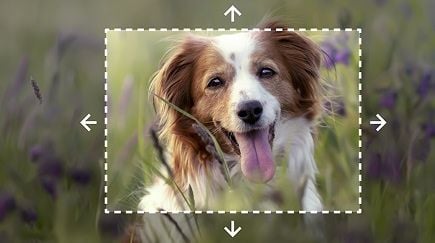
Yes — add a reference image in the composer and GPT Image 2 works from it, so you can restyle a photo or iterate on an existing design instead of starting from scratch.
No card required to start — create a free account and your first generations are on us, then top up credits any time.