Generate Custom Tattoo Ideas with AI
Describe the tattoo you want and let Wandura's AI produce multiple design concepts you can refine and evolve — no artistic skill required.
Turn a Vague Idea Into a Tattoo You Love
Most people know they want a tattoo long before they can describe exactly what that tattoo should look like. Wandura's AI tattoo generator bridges the gap between a feeling and a final design. Type in a concept — a symbol, a phrase, a mood, a reference image — and the model generates original tattoo ideas across styles. You can explore minimalist linework, ornamental shading, blackwork geometry, or watercolor techniques without commissioning an artist or sketching anything yourself. The goal is to give you a visual starting point you can build from, refine, or take directly to a tattoo artist.
Try the AI Tattoo Generator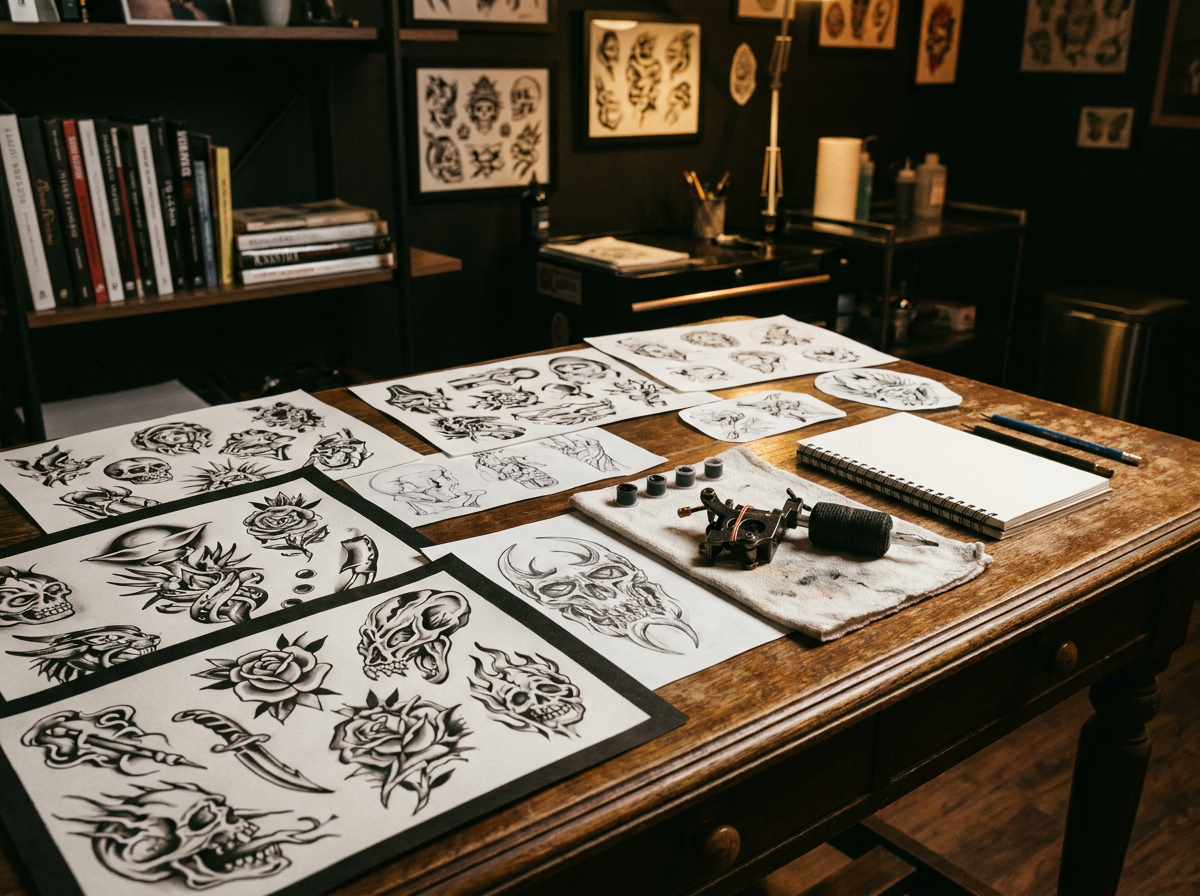
9 AI Models, One Text → Image Tool
Explore Tattoo Styles Before Committing
If you've seen a style you like — Japanese traditional, dotwork, neo-traditional, fine-line botanical — but aren't sure how it would look on your idea, the AI generator lets you test run concepts in multiple styles at once. A single prompt like "wolf head" can produce black-and-grey realism, geometric linework, and woodblock-inspired variants so you can compare them against your own skin and taste before deciding.
Try the AI Tattoo Generator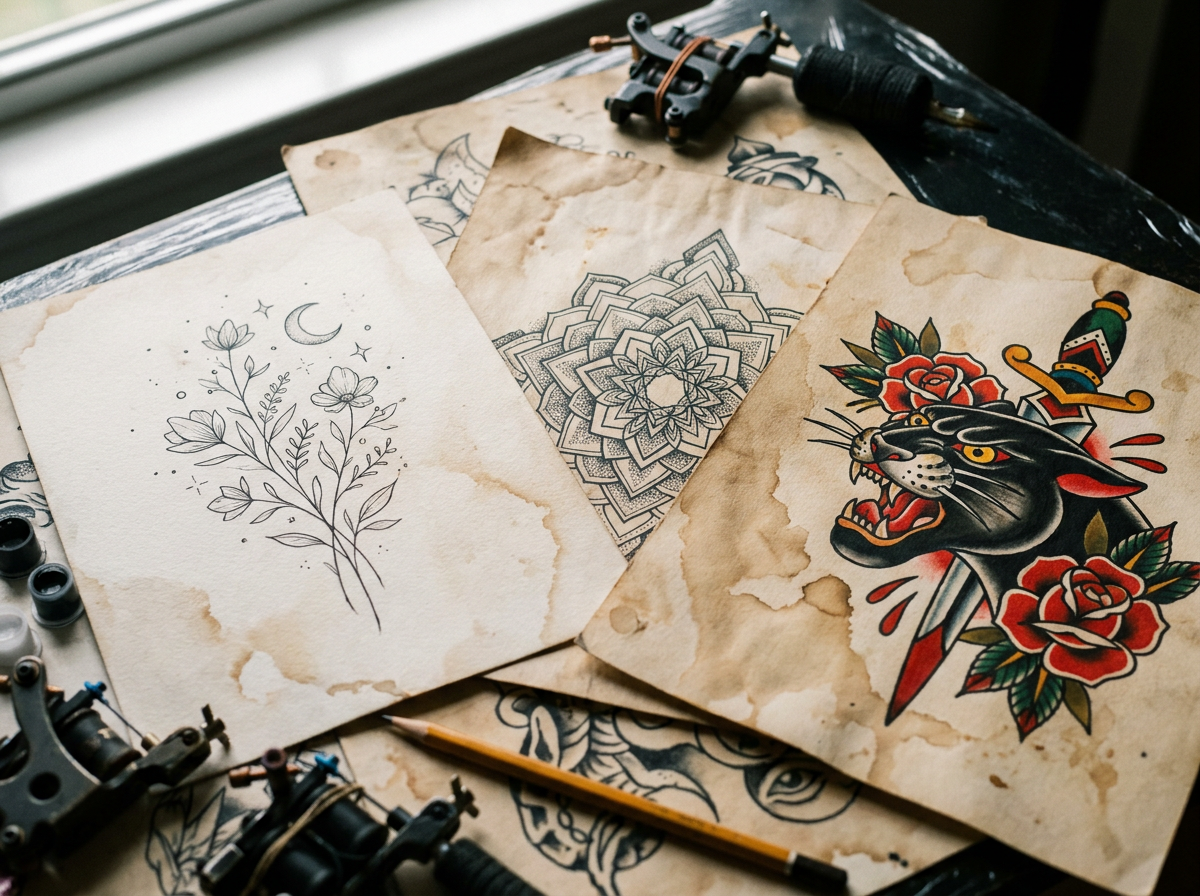
Personalize a Flash Design
Tattoo artists sell flash sheets with pre-designed images, but those designs are meant to be used as-is. If you want to take a flash piece and adapt it — swap the flower type, change the orientation, add text — Wandura's AI can generate modified versions based on your specific modifications. Describe the original flash and explain what you want changed, and the model produces an adapted concept you can bring to your artist.
Try the AI Tattoo Generator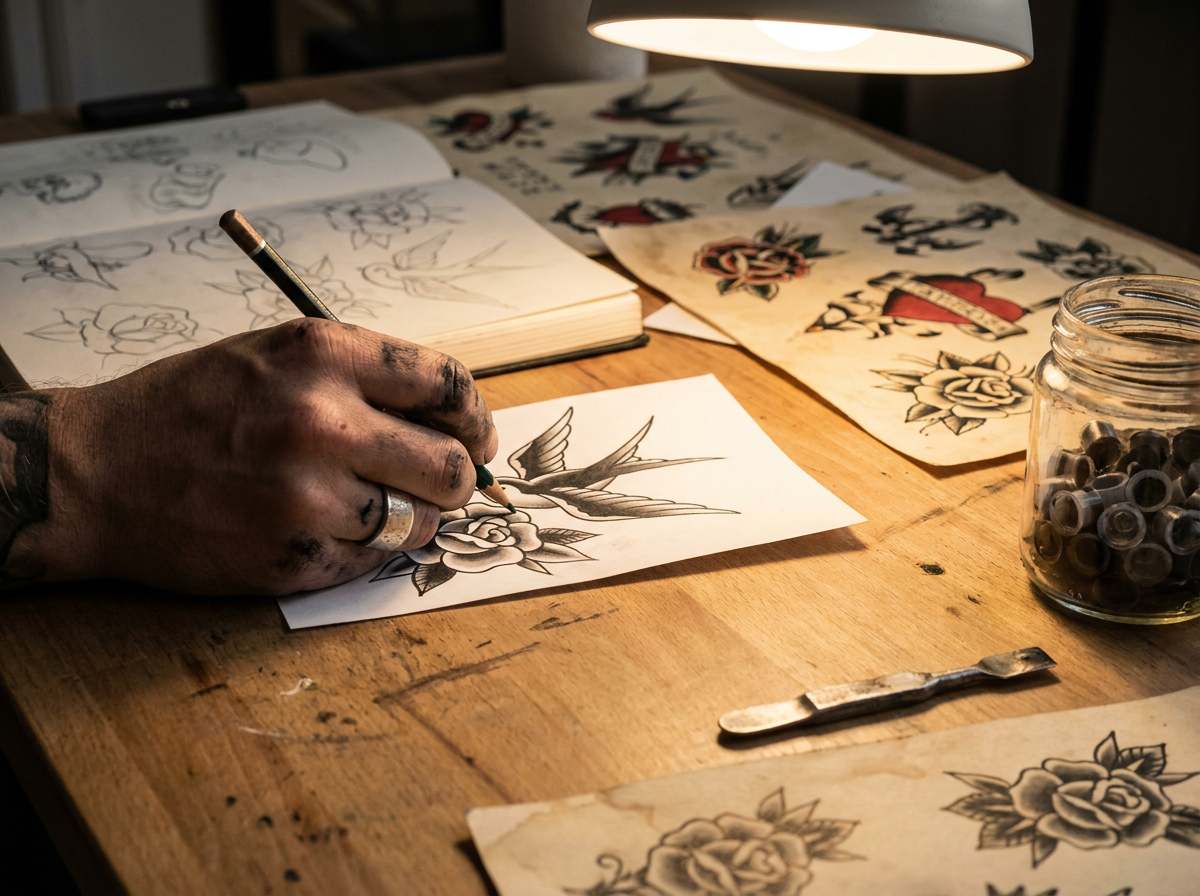
Create Matching or Coordinated Tattoos
Couples, friends, or family members often want tattoos that relate to each other without being identical. Use the AI generator to produce complementary designs — two halves of a composition, matching illustrations with individual twists, or a shared theme expressed differently on each person. Generate several concepts and select the pair that feels right for your relationship.
Try the AI Tattoo Generator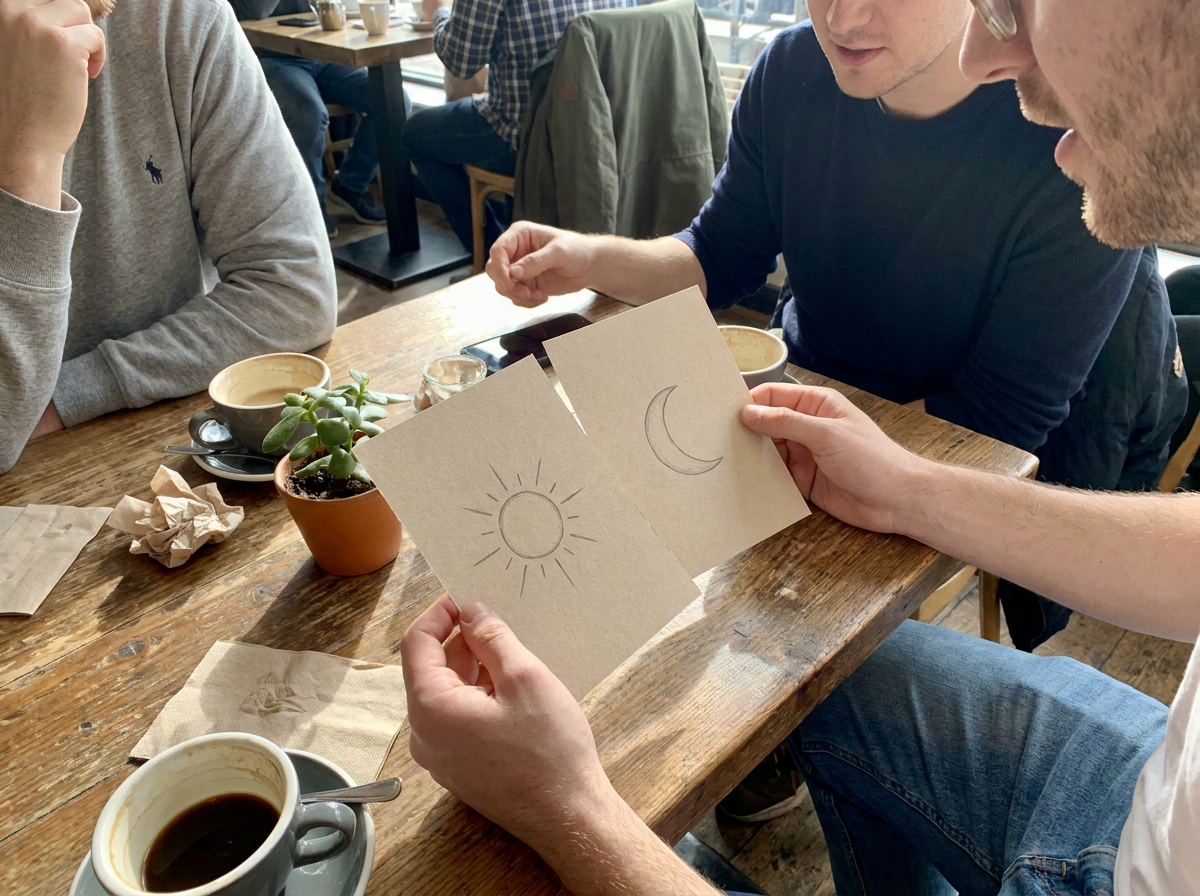
Visualize Placement and Scale
A tattoo that looks great on a screen can look overwhelming or get lost on an actual body. Use Wandura's AI tattoo generator to test how a design reads at different scales and placements. Generate the concept, then mentally scale it to your forearm, upper arm, sternum, or behind the ear. This helps you catch size problems before you sit in the chair.
Try the AI Tattoo Generator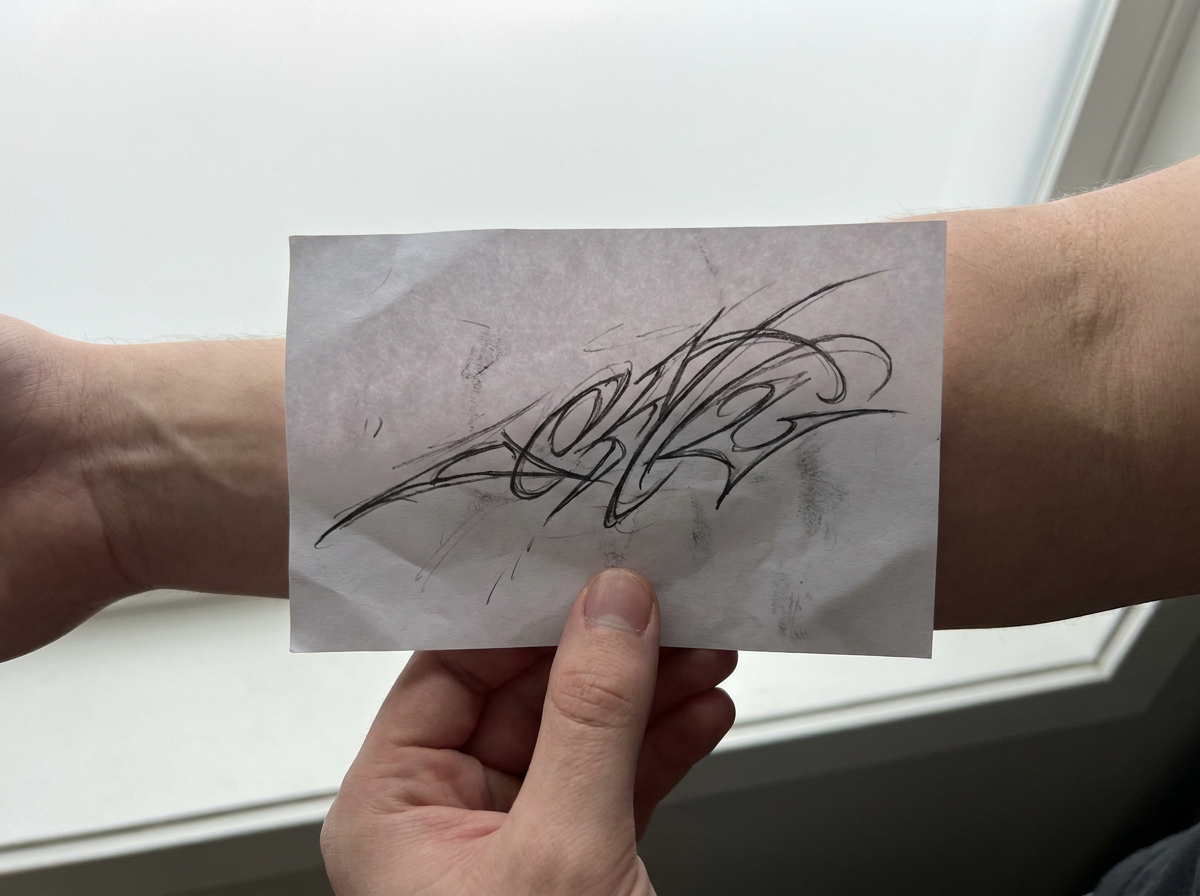
How It Works
Enter your tattoo concept
Type a description of what you want — it can be specific ("sparrow on a compass rose, traditional American style") or more open-ended ("something about growing older but not losing wonder"). The more context you give, the more useful the first round of results.
Browse and select the strongest designs
Wandura generates multiple variations from a single prompt. Scroll through the results and save the one or two that feel closest to what you're envisioning. You don't need to commit to a single design at this stage — just narrow down to your favorites.
Refine and export
Take your selected design in whatever direction feels right. You can iterate on the prompt, describe specific changes, or use the generated concept as a visual reference to communicate with your tattoo artist. Export the image in a resolution suitable for printing or sharing.
How Much Does Text → Image Cost?
Every model below runs on one Wandura credit balance — pay only for what you generate, with no separate subscription per model.
| Model | Pricing |
|---|---|
 Nano Banana Pro Nano Banana Pro | High quality |
| Nano Banana 2 | Latest · multi-resolution |
 GPT Image 2 GPT Image 2 | Strong text |
 Ideogram V4 Ideogram V4 | Typography/CTA |
 FLUX 1.1 Pro FLUX 1.1 Pro | Highest Elo |
 Seedream 5.0 Lite Seedream 5.0 Lite | Balanced · up to 6 images |
 Qwen Image 2.0 Pro Qwen Image 2.0 Pro | 2K native · typography |
| Recraft V3 | SOTA · long text |
 Z-Image Turbo Z-Image Turbo | Fast · cheapest |
FAQs
The AI generates original images based on your text description — it does not pull from a database of existing tattoo photographs or artwork. That said, if your prompt references recognizable cultural symbols or widely shared imagery, the output may visually resemble similar designs that exist elsewhere, just as a human artist might draw inspiration from the same sources.
Yes — you get full commercial rights on all paid plans, so you can sell or distribute the designs you generate.
The generated tattoo designs can be exported in a format suitable for digital viewing and, depending on the resolution, for print. Higher-resolution exports give you more flexibility if you're working with a tattoo artist who wants a clean reference image to trace from.
Yes — if you have a rough sketch, an existing tattoo you want adapted, or a photograph that captures the vibe you're going for, you can use that as the basis for generation alongside a text description of what you'd like to change or keep.
Name the tattoo style and technique in your prompt — for example 'fine-line black tattoo,' 'traditional American flash with bold outlines,' 'blackwork dotwork,' or 'watercolor tattoo on white background.' Specifying a clean background and a flat, ink-style rendering (rather than a full illustration or scene) steers the output toward something a tattoo artist can work from.