AI Video Generator Free for Creators Who Need Results
Try this AI video generator free with the credits new Wandura AI accounts get on signup, then choose a plan when you need more. Write a prompt, pick one of the video models, and the Generate button shows the price in credits before you create.

What Is Free on Wandura AI
New accounts get free credits when they sign up. You spend them like any other credits: each model shows its price before you create, so you can see how far they go. When they run out, choose a plan on the Pricing page to keep creating.
Try It With Free Credits28 AI Video Models, One Text → Video Tool
 Kling 3.0Cinematic
 Seedance 2.0Multimodal · up to 4KSeedance 2.5Cinematic · up to 30s · 720p maxSeedance 2.0 FastFast · 720pSeedance 2.0 MiniCheapest · 720p max
 Veo 3.1Premium · audio
 LTX 2.3 FastDraft
 Pika 2.21080p · commercial
 Hailuo 02 StandardCost-efficient
 Happy Horse V1.13–15sKling 2.6Native audioVeo 3.1 FastQuicker · audioVeo 3.1 LiteBudget · audioHailuo 2.3 StandardRealistic motion
 PixVerse V6Stylised · 1080p
 Vidu Q3Audio · 1080p
 Wandura 1.3Audio syncWandura 1.4Multi-shot · up to 15sMiniMax H3Up to 2KMiniMax H3 MaxPremium · 1080pMiniMax H3 Max TurboFast · cheapKling O3Multi-shotGemini Omni Flash 1.1Fast · up to 4K
 FLUX.3 VideoAudio · up to 20sKling O1Omni · up to 10sWandura 1.5Up to 15sLTX 2.5 ProAudio · 1080p
 Luma Ray 3.2Cinematic · 5s or 10s
Testing Content Ideas Before Investing
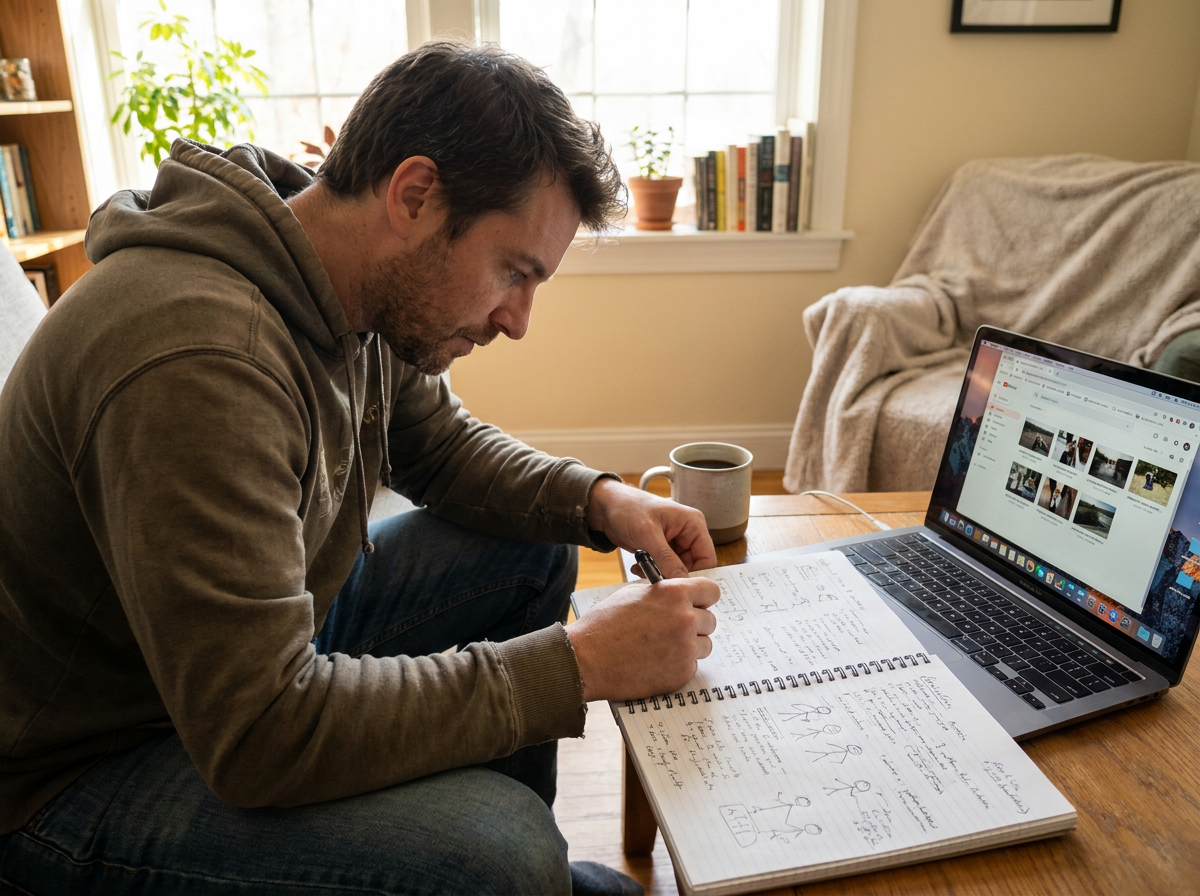
Use your free credits to test a concept before you spend on a plan: run the same prompt on two or three models and compare the clips side by side.
Try It With Free Credits
Making Free Credits Go Further
The price in credits depends on the model, length and resolution. A shorter clip on a lighter model, such as Seedance 2.0 Mini ("Cheapest · 720p max"), lets your free credits cover more tests.
Try It With Free Credits
After the Free Credits
Free credits are for trying the tools. For regular posting, a monthly plan gives you a fresh set of credits each billing cycle (plan credits do not roll over), and subscribers can top up with credit packs. See Pricing for what each plan includes.
Try It With Free Credits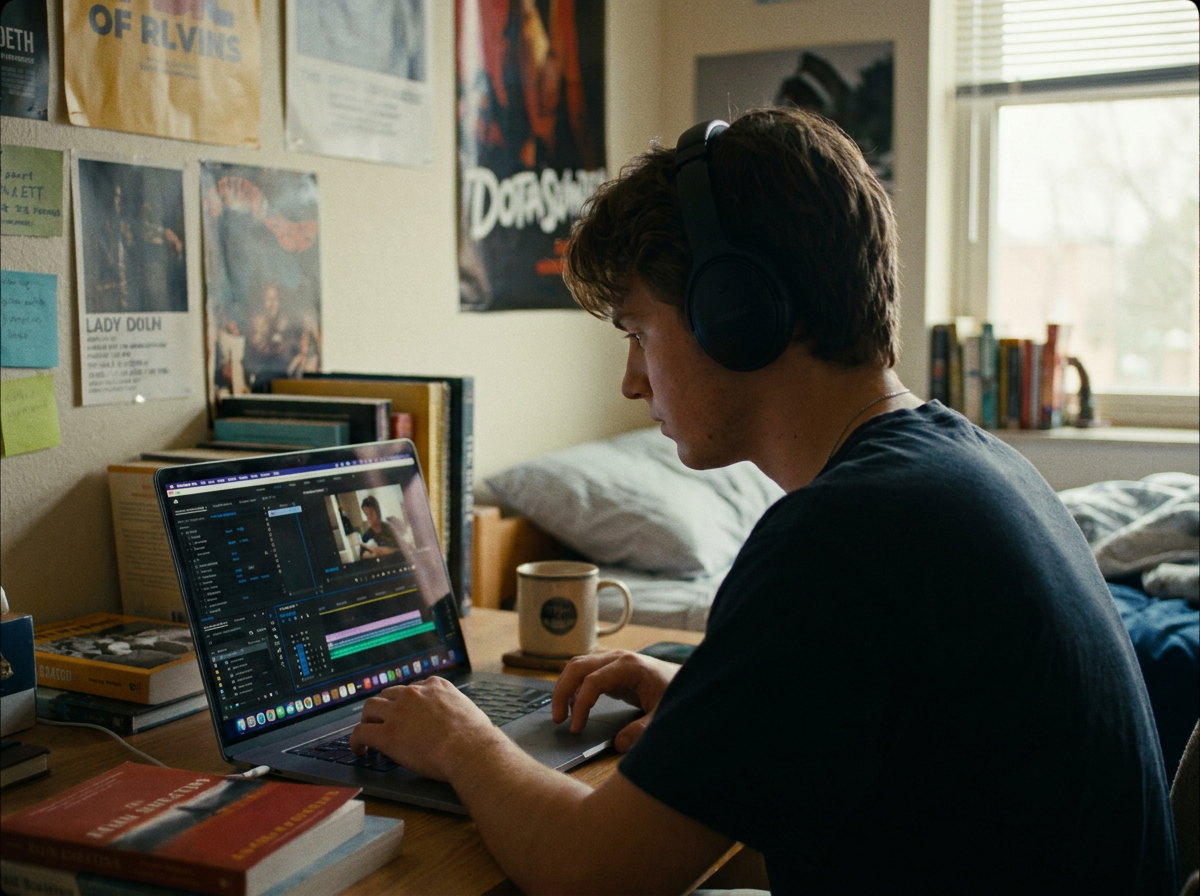
Learning Video Production Without Cost Barriers
If you are learning AI video, free credits let you practise prompts on real models. Change one detail per run, such as the camera move or the lighting, and compare the results.
Try It With Free CreditsHow It Works
- Step 01
Enter your video concept
Describe the scene, style, or message you want to convey. Wandura's AI interprets your input and generates video content matching your description.
- Step 02
Choose your output settings
Select video length, quality level, and style preferences. Adjust parameters based on whether you need a quick draft or a polished final cut.
- Step 03
Generate and download
Render your AI video and preview the result. Download when satisfied, or regenerate with adjusted settings until the output meets your standards.
How Much Does Text → Video Cost?
Every model below runs on one Wandura credit balance — pay only for what you generate, with no separate subscription per model.
| Model | Pricing |
|---|---|
| Kling 3.0 | Cinematic |
| Seedance 2.0 | Multimodal · up to 4K |
| Seedance 2.5 | Cinematic · up to 30s · 720p max |
| Seedance 2.0 Fast | Fast · 720p |
| Seedance 2.0 Mini | Cheapest · 720p max |
| Veo 3.1 | Premium · audio |
| LTX 2.3 Fast | Draft |
| Pika 2.2 | 1080p · commercial |
| Hailuo 02 Standard | Cost-efficient |
| Happy Horse V1.1 | 3–15s |
| Kling 2.6 | Native audio |
| Veo 3.1 Fast | Quicker · audio |
| Veo 3.1 Lite | Budget · audio |
| Hailuo 2.3 Standard | Realistic motion |
| PixVerse V6 | Stylised · 1080p |
| Vidu Q3 | Audio · 1080p |
| Wandura 1.3 | Audio sync |
| Wandura 1.4 | Multi-shot · up to 15s |
| MiniMax H3 | Up to 2K |
| MiniMax H3 Max | Premium · 1080p |
| MiniMax H3 Max Turbo | Fast · cheap |
| Kling O3 | Multi-shot |
| Gemini Omni Flash 1.1 | Fast · up to 4K |
| FLUX.3 Video | Audio · up to 20s |
| Kling O1 | Omni · up to 10s |
| Wandura 1.5 | Up to 15s |
| LTX 2.5 Pro | Audio · 1080p |
| Luma Ray 3.2 | Cinematic · 5s or 10s |
FAQs
New Wandura AI accounts get free credits on signup to try the tools. When the free credits run out, choose a paid plan on the Pricing page to keep creating.
Not all of them. Some tools, such as Mimic Motion and Face Swap Video, need a paid plan, and their page says so before you start.
It depends on the model and settings you pick. Each option shows its price in credits on the Generate button before you create, so a cheaper model or a shorter clip lets you run more tests.
No prior editing experience is required. The AI handles visual generation based on your text descriptions. If you can explain what you want to see, you can produce video content.
Choose a paid plan on the Pricing page to get more credits. Credit packs can then be added on top of a plan.