ANIME PRODUCTION — LAUNCH VIDEO
A tutorial on building a full anime sequence in Wandura Cinema Studio — from a locked style prompt and character sheet to finished 4K shots.
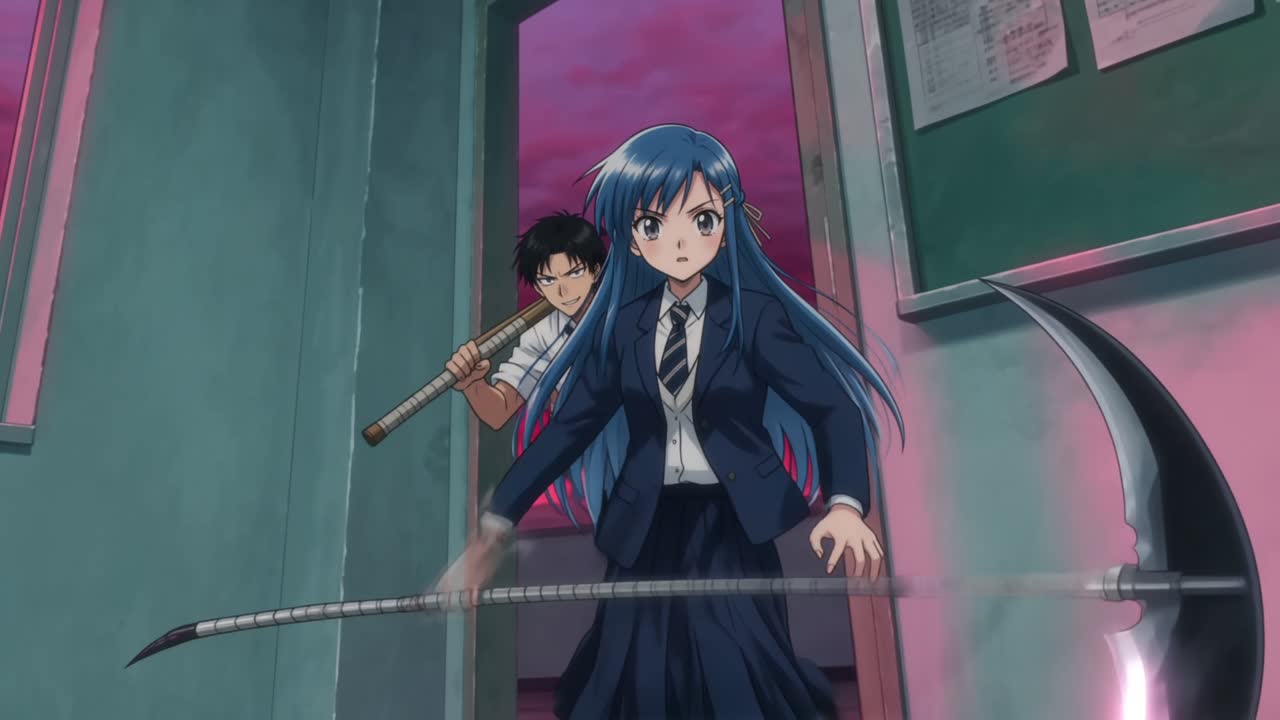
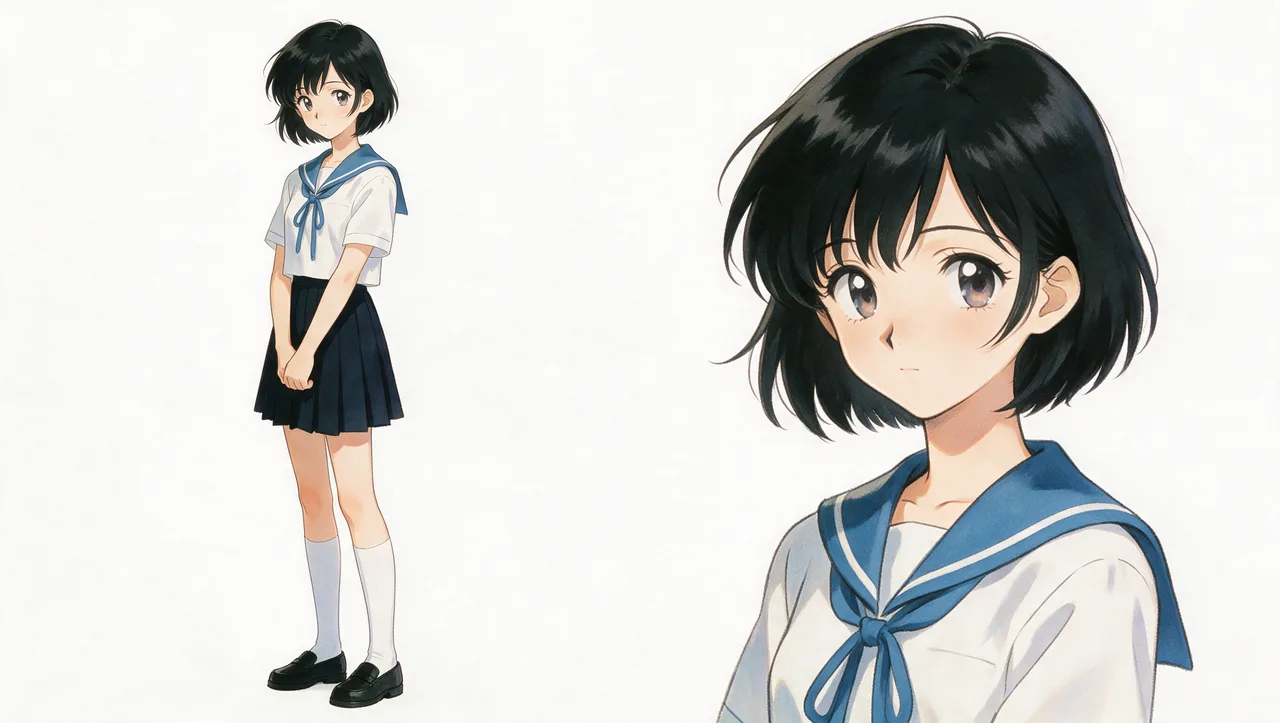
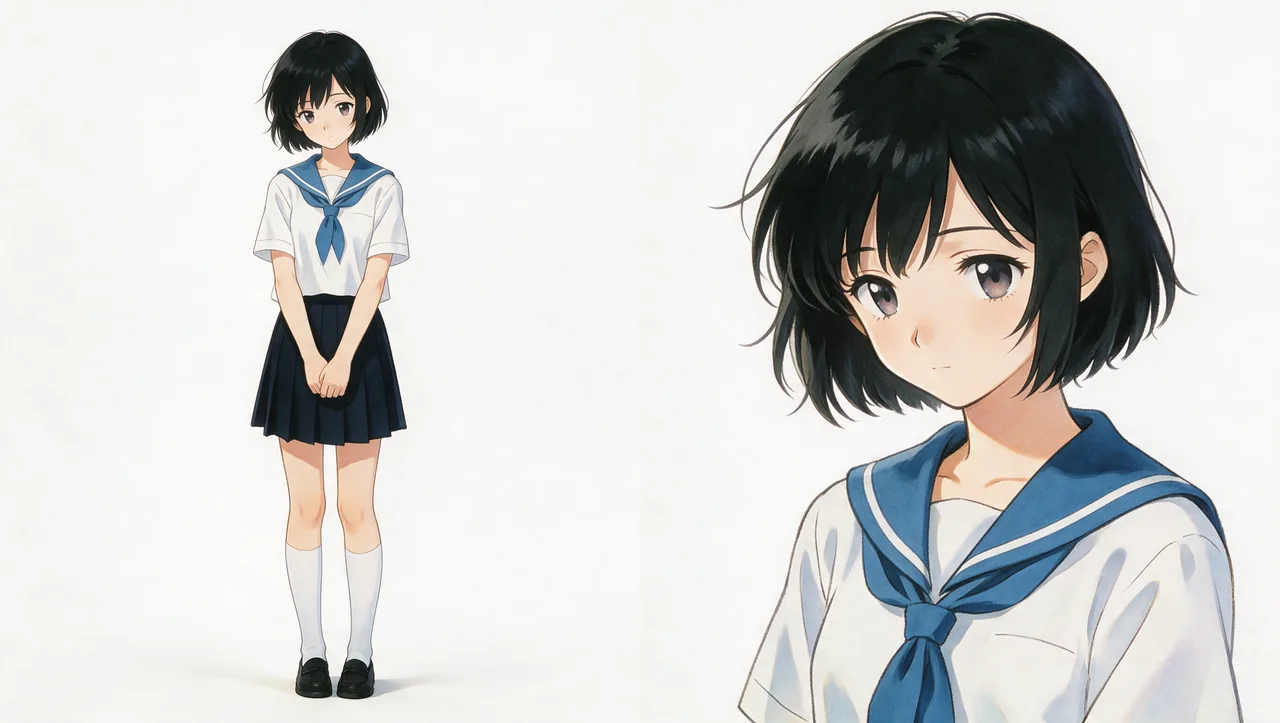
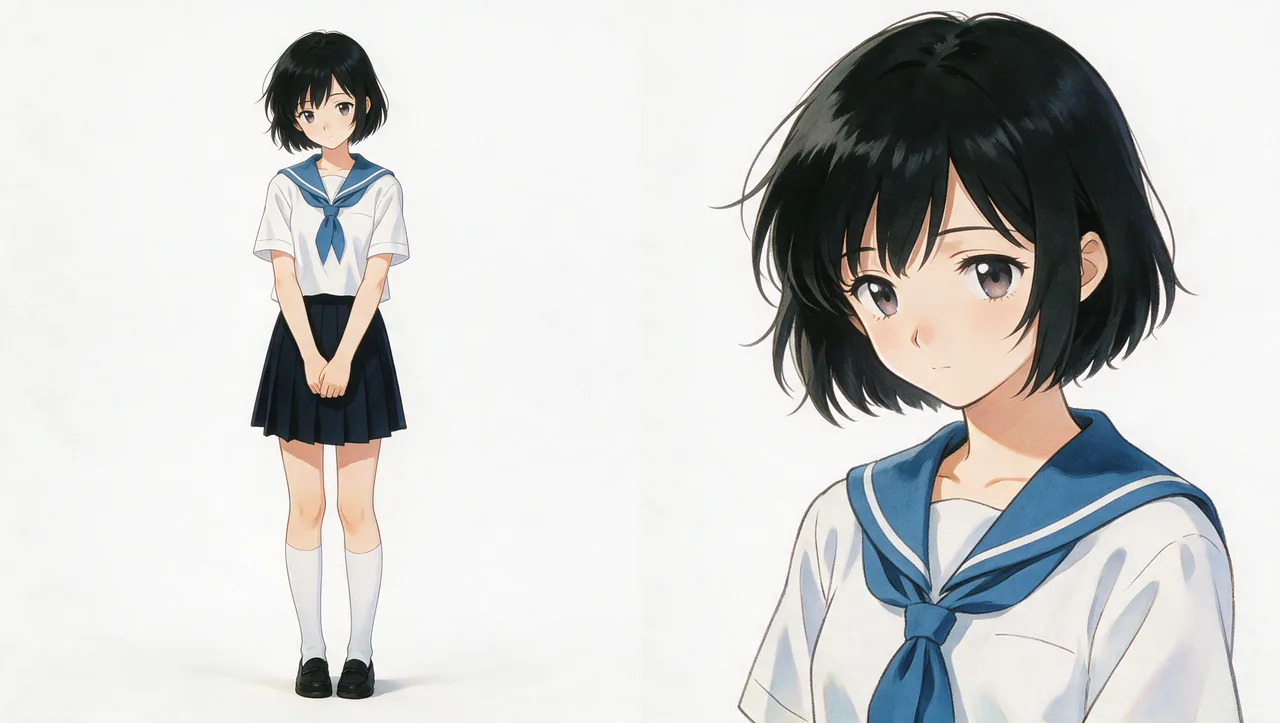
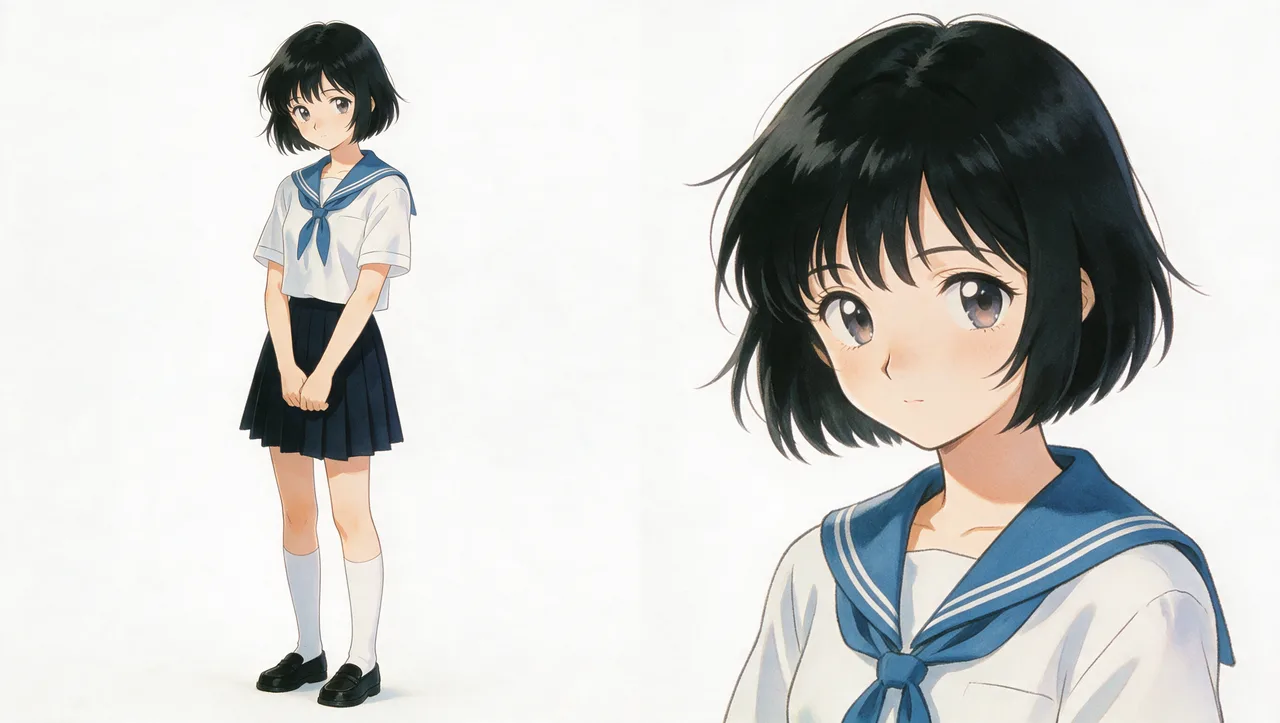
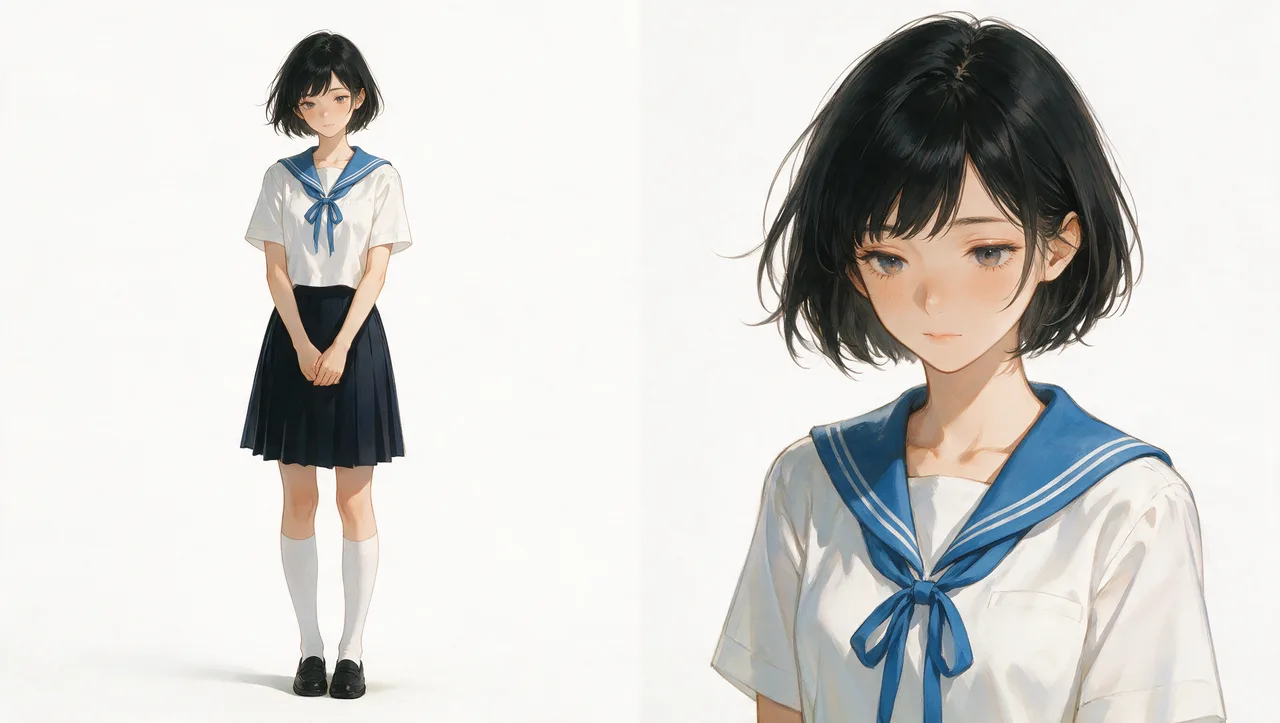
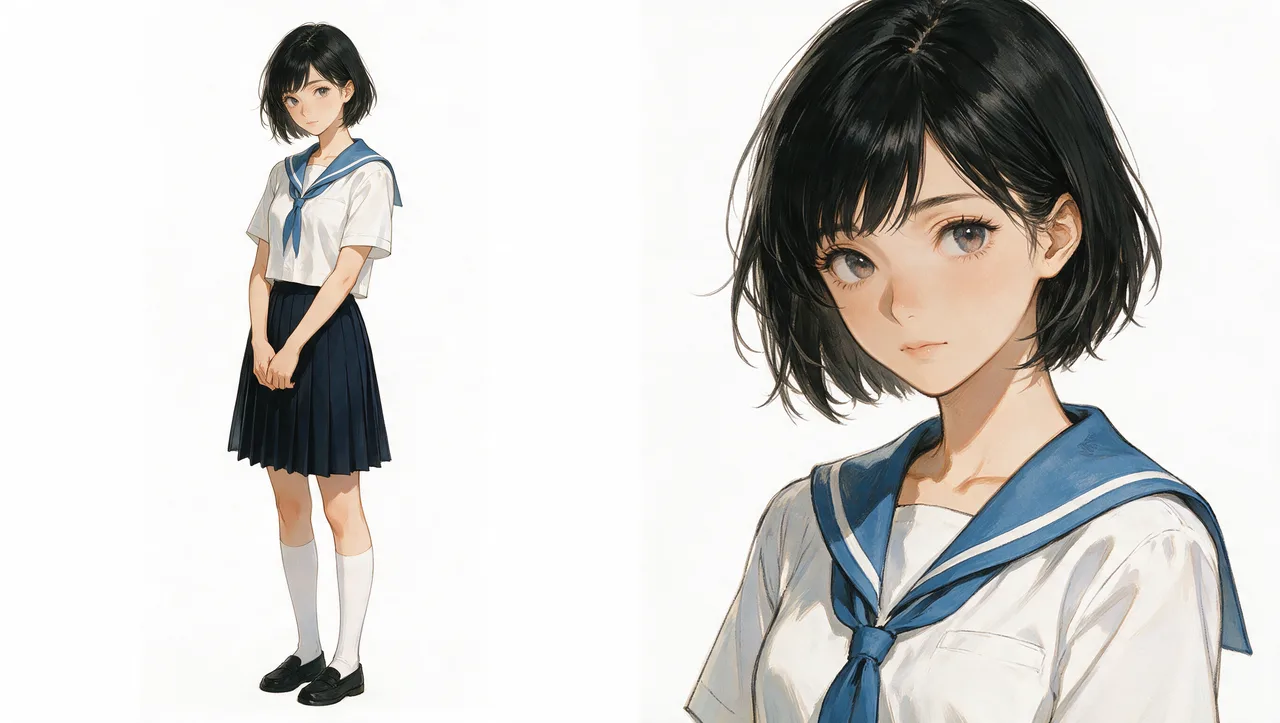
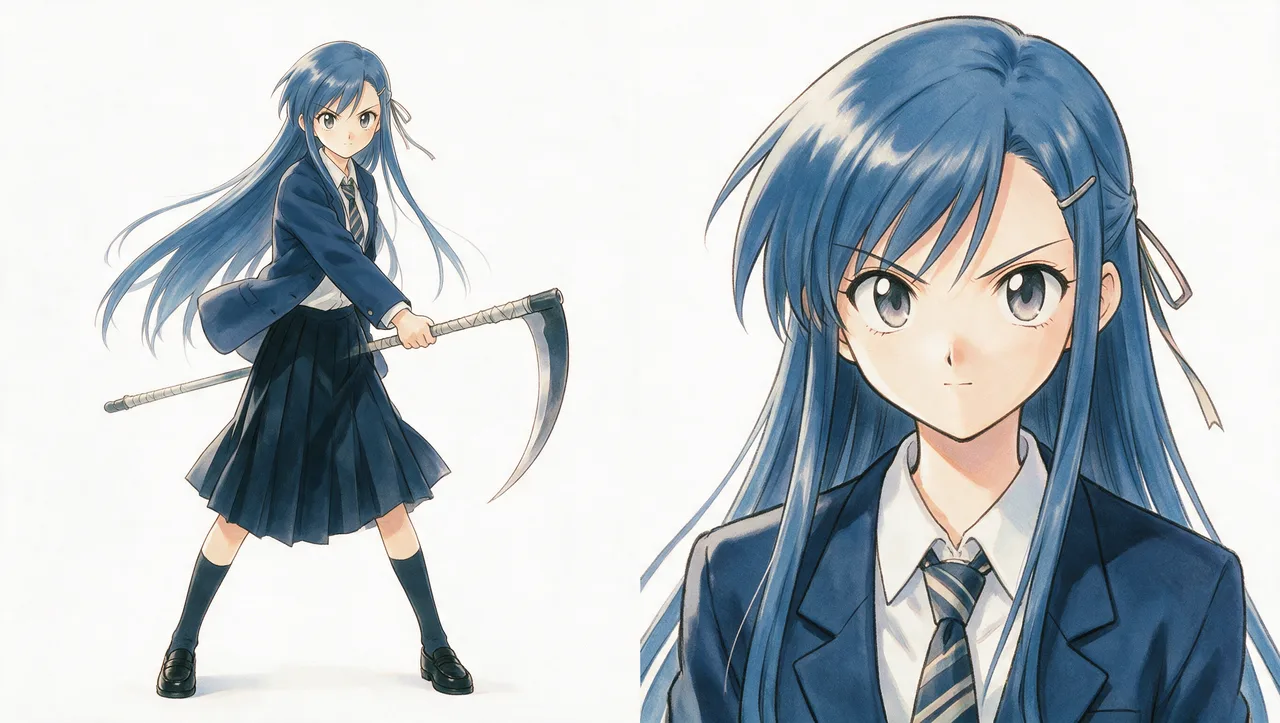
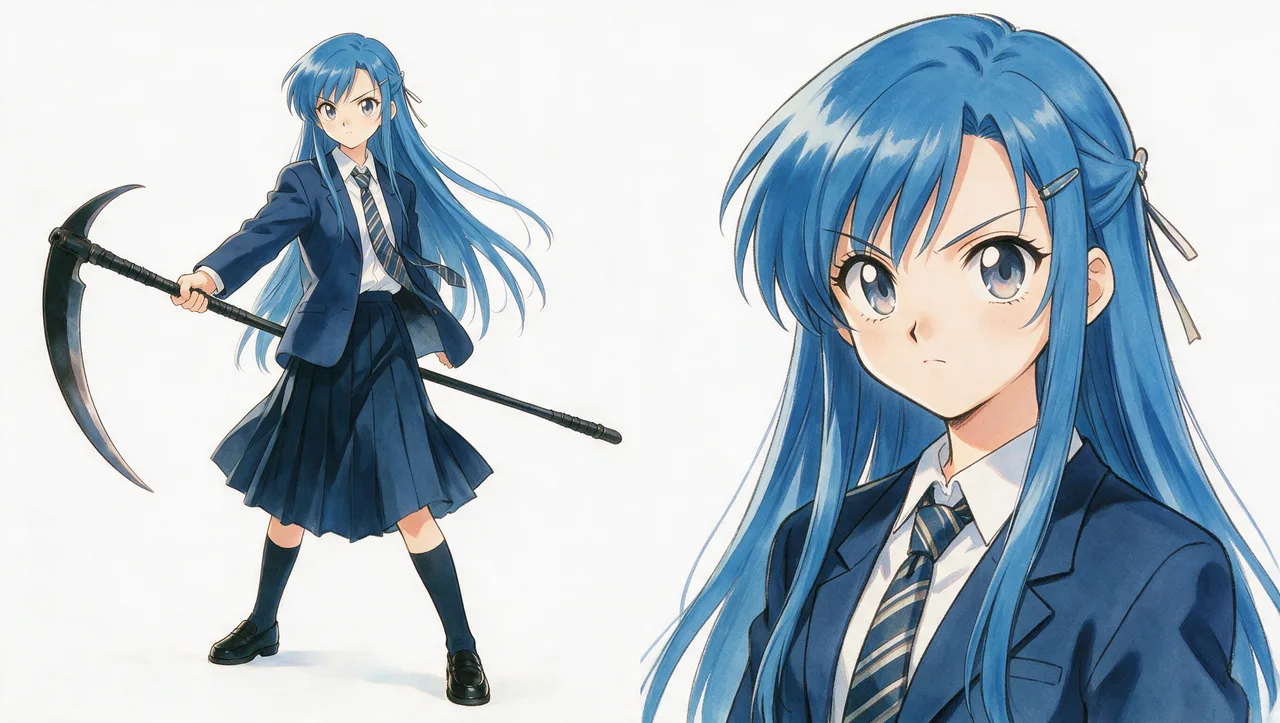
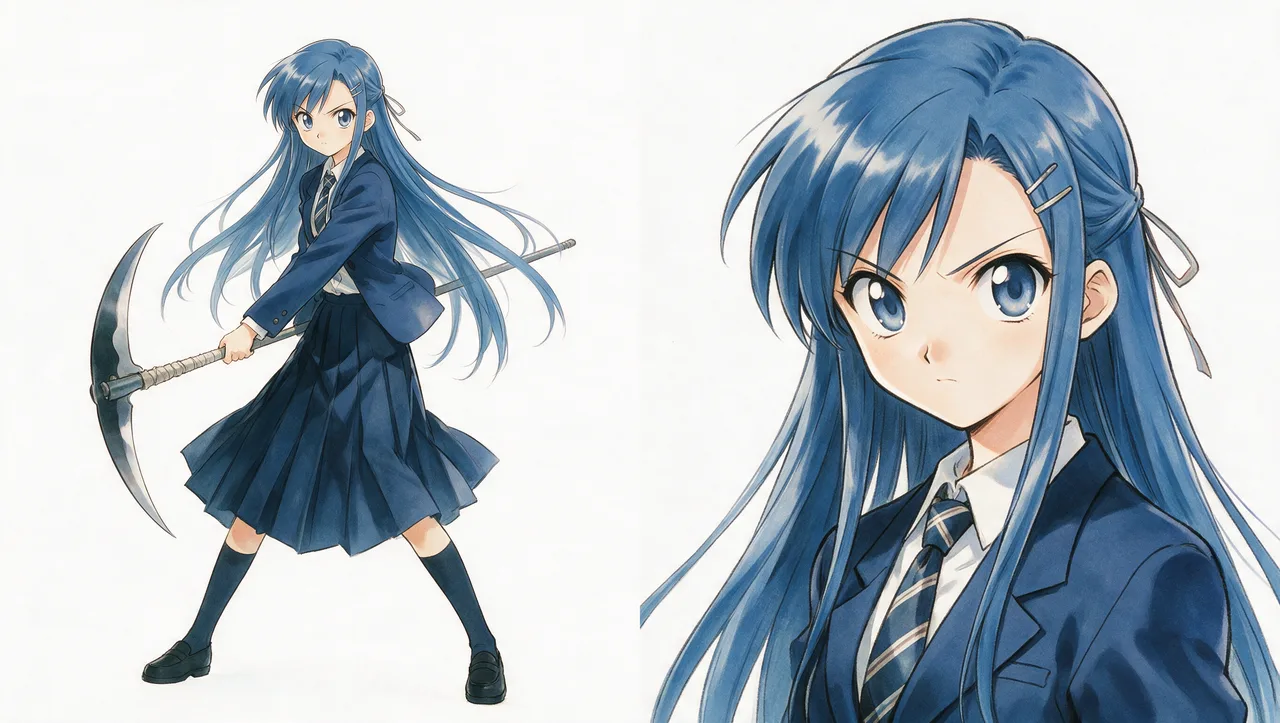
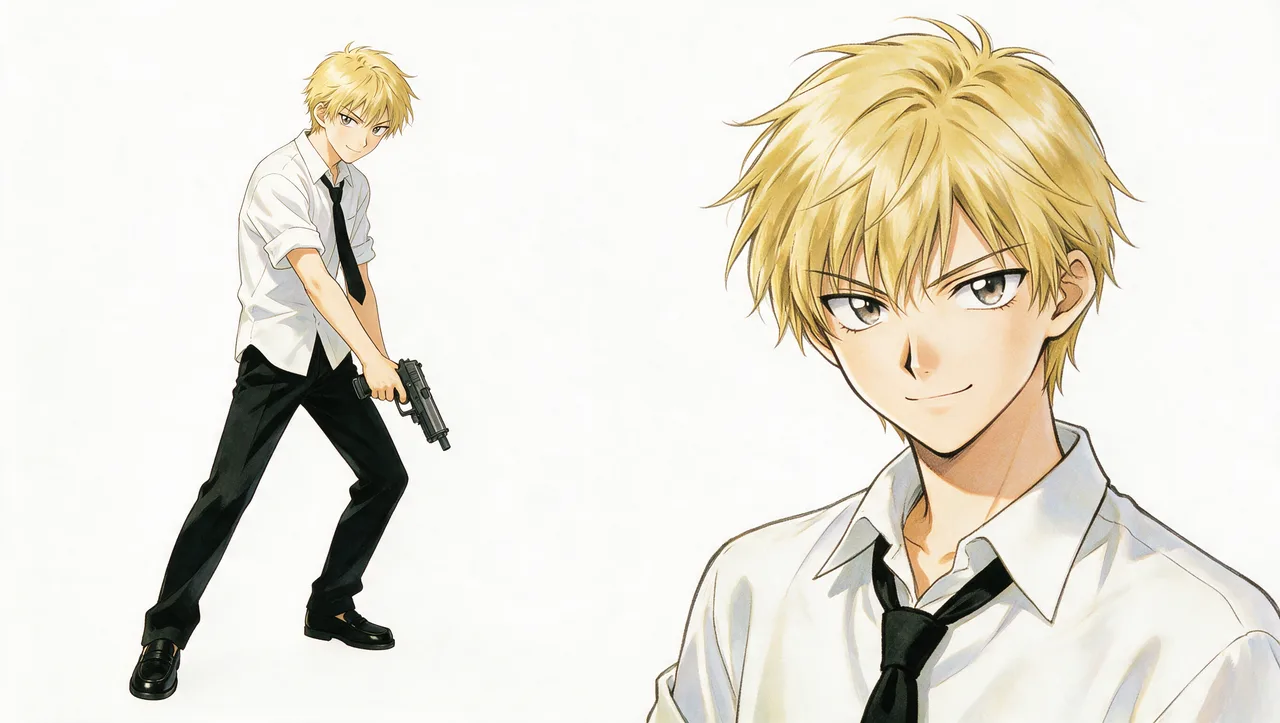
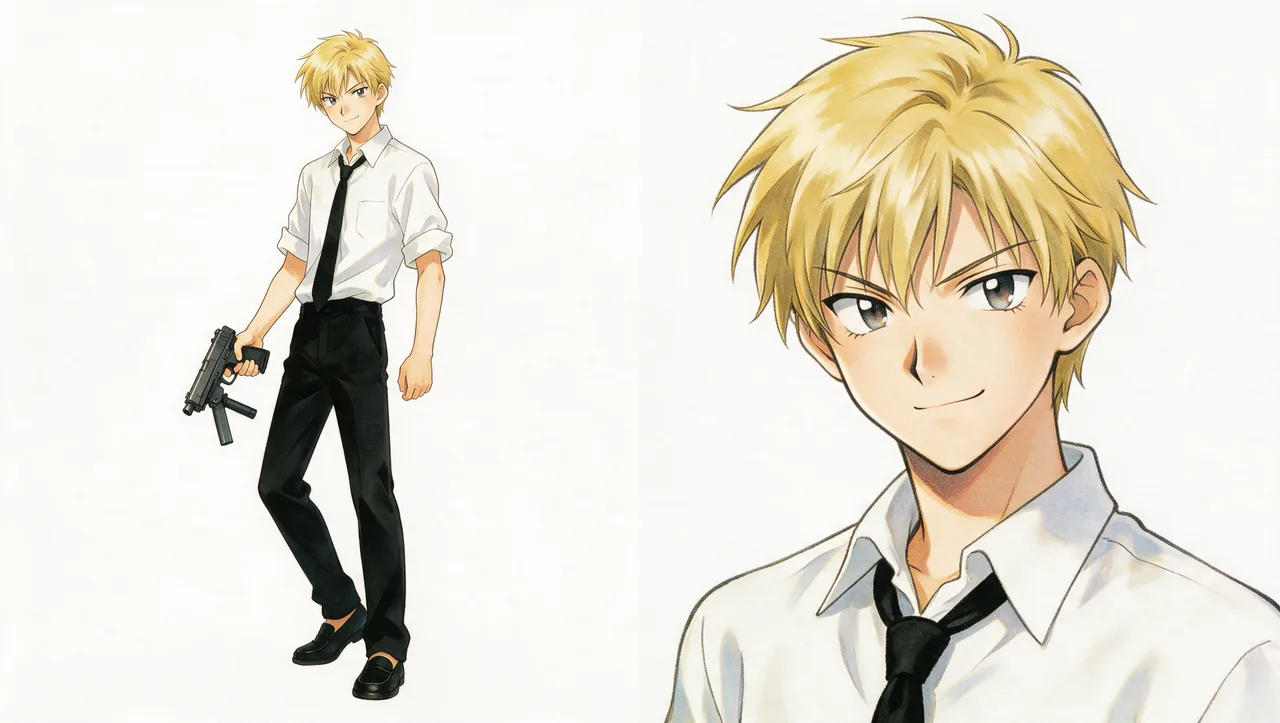
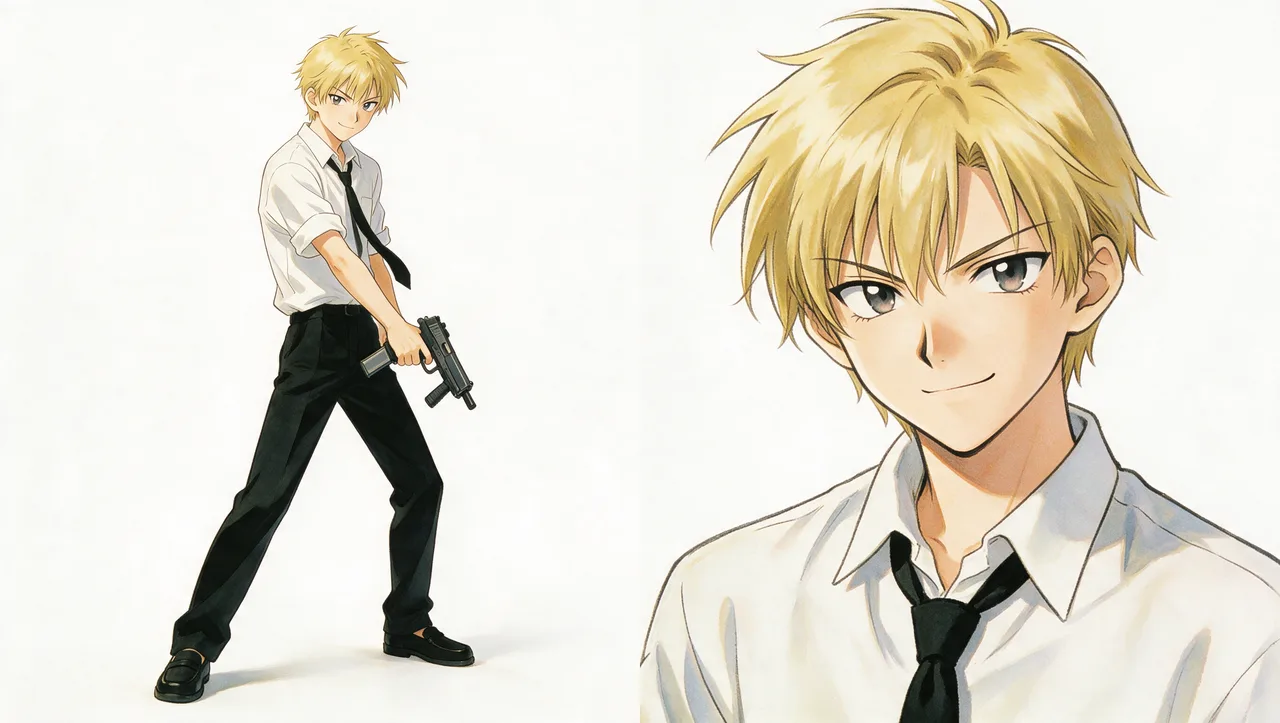
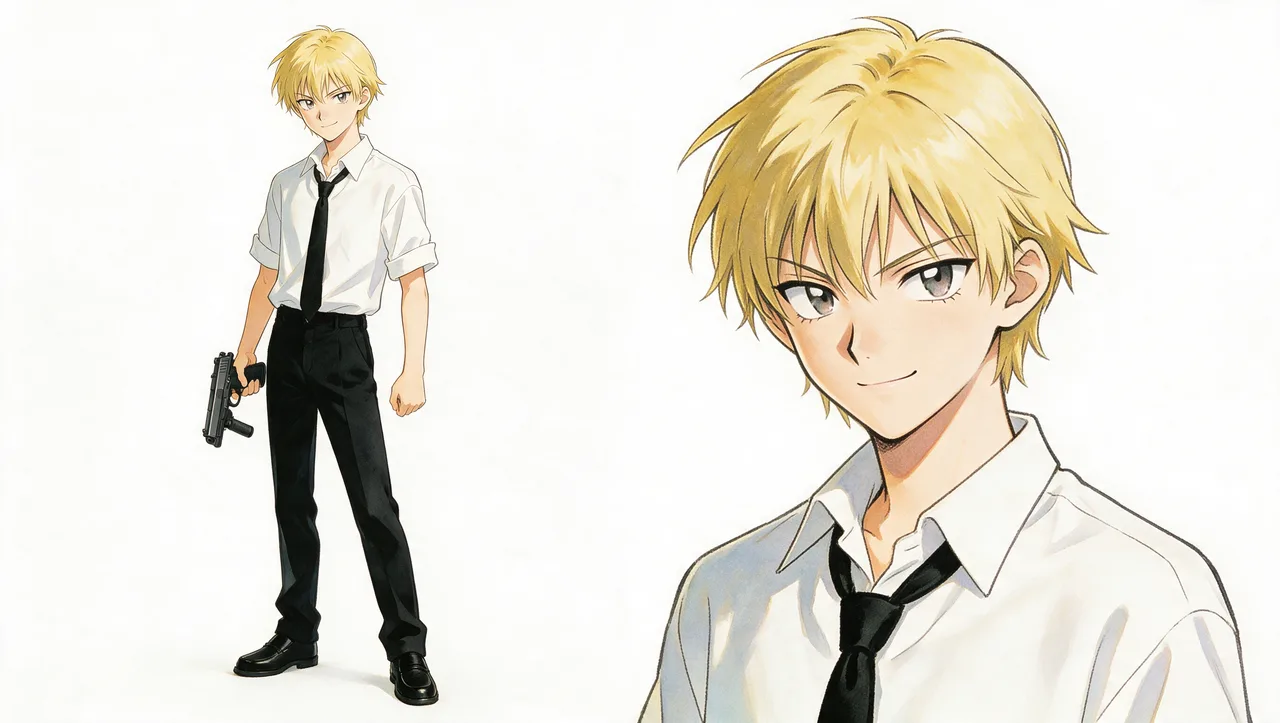
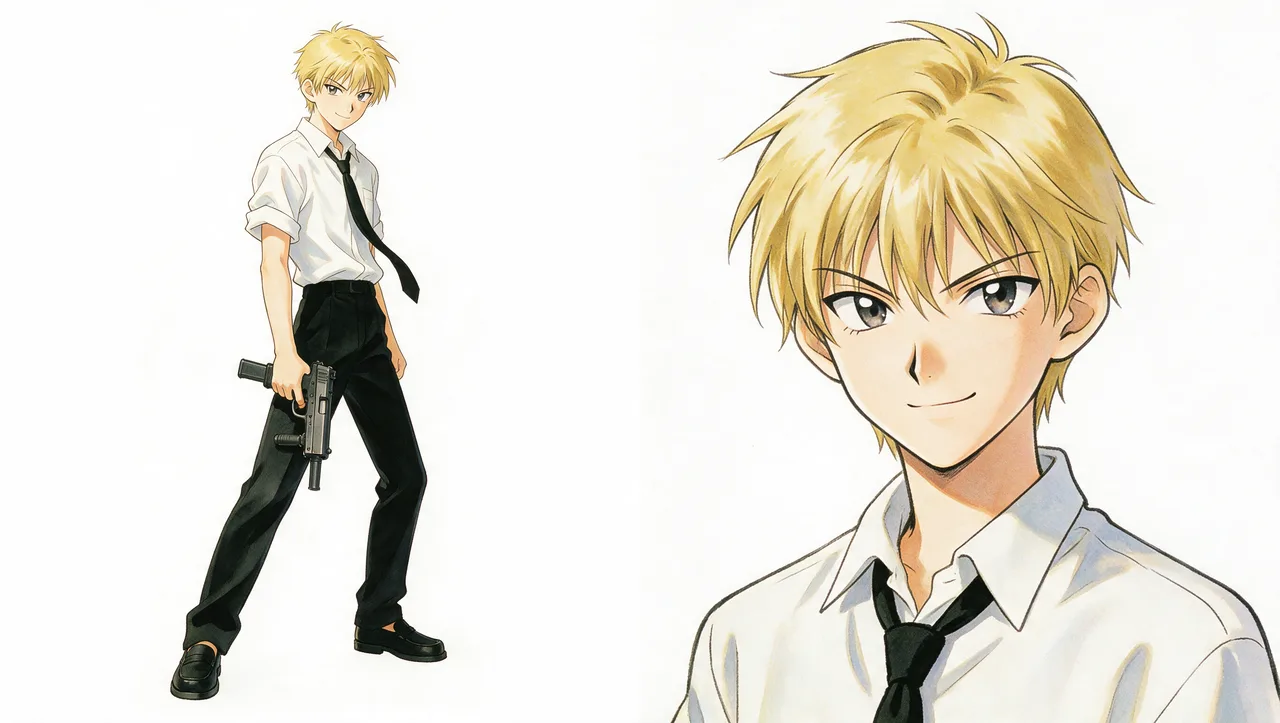
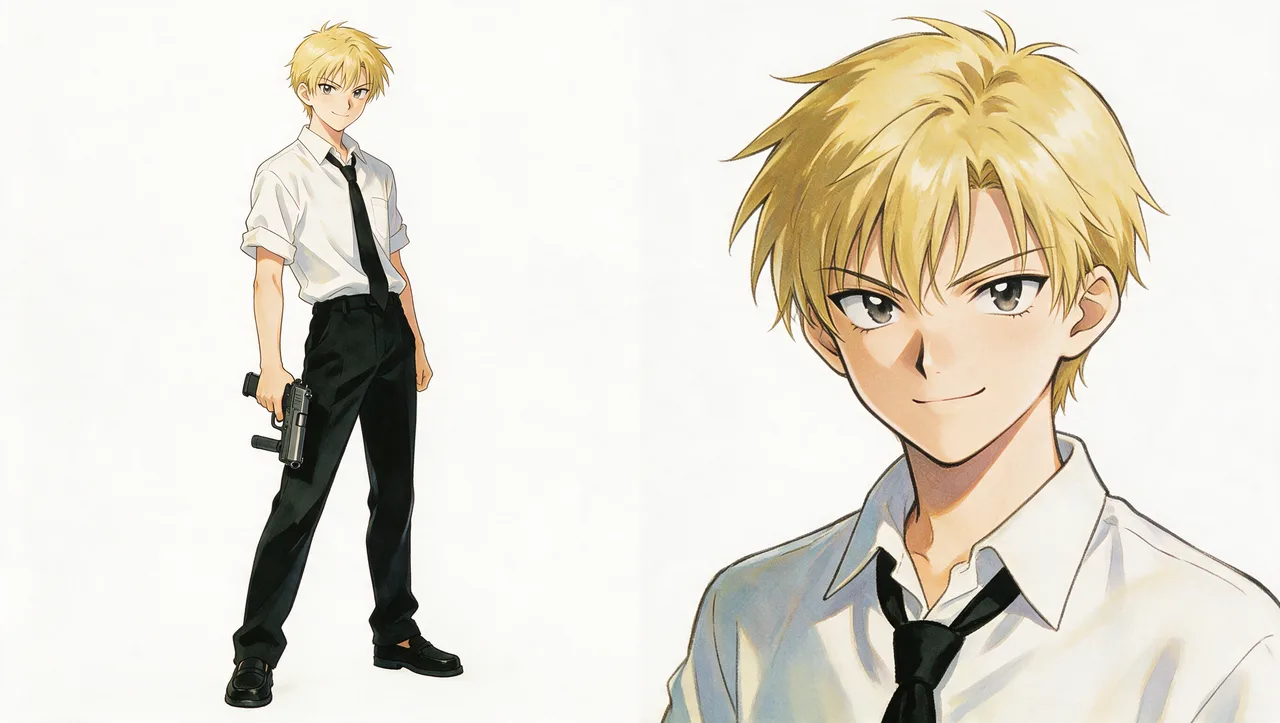
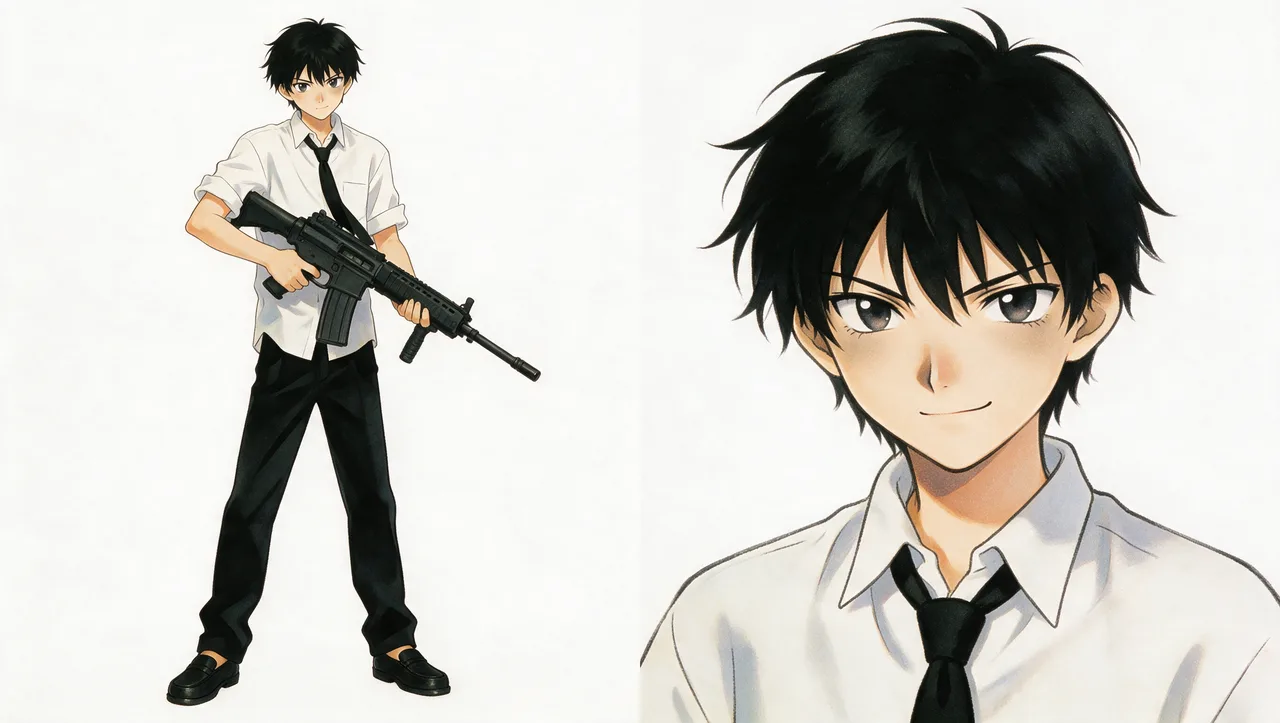
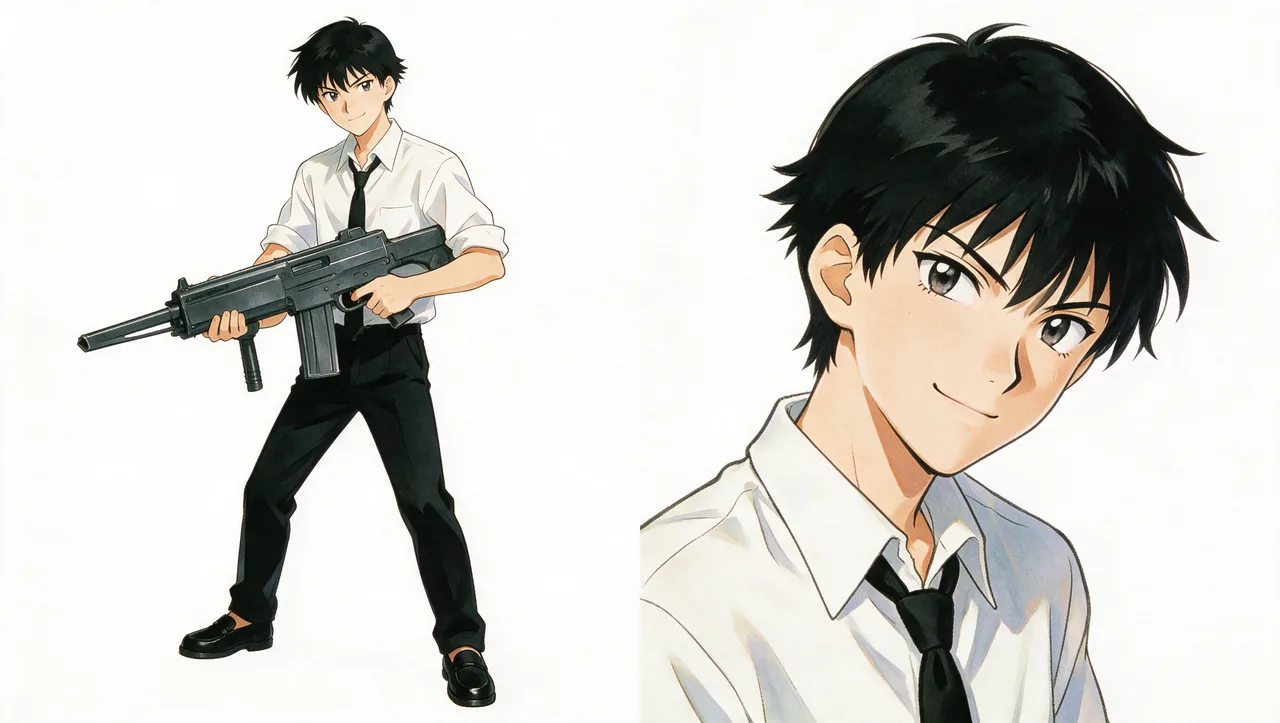
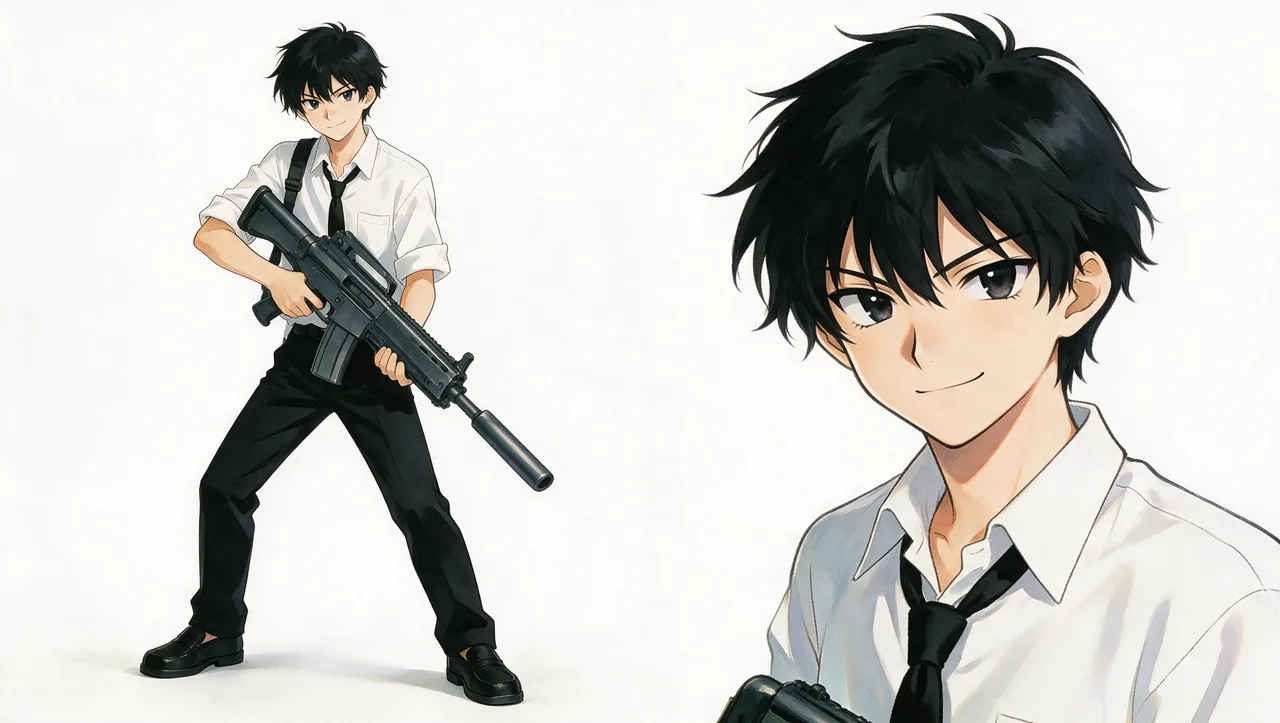
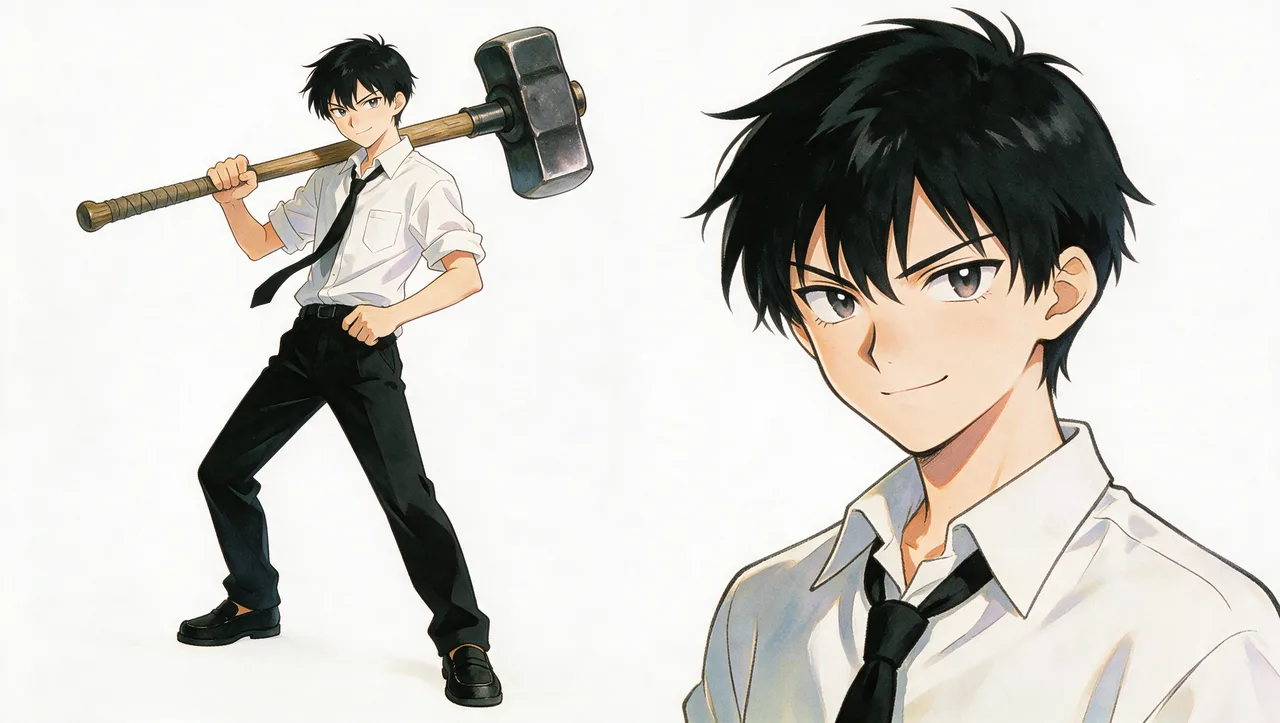
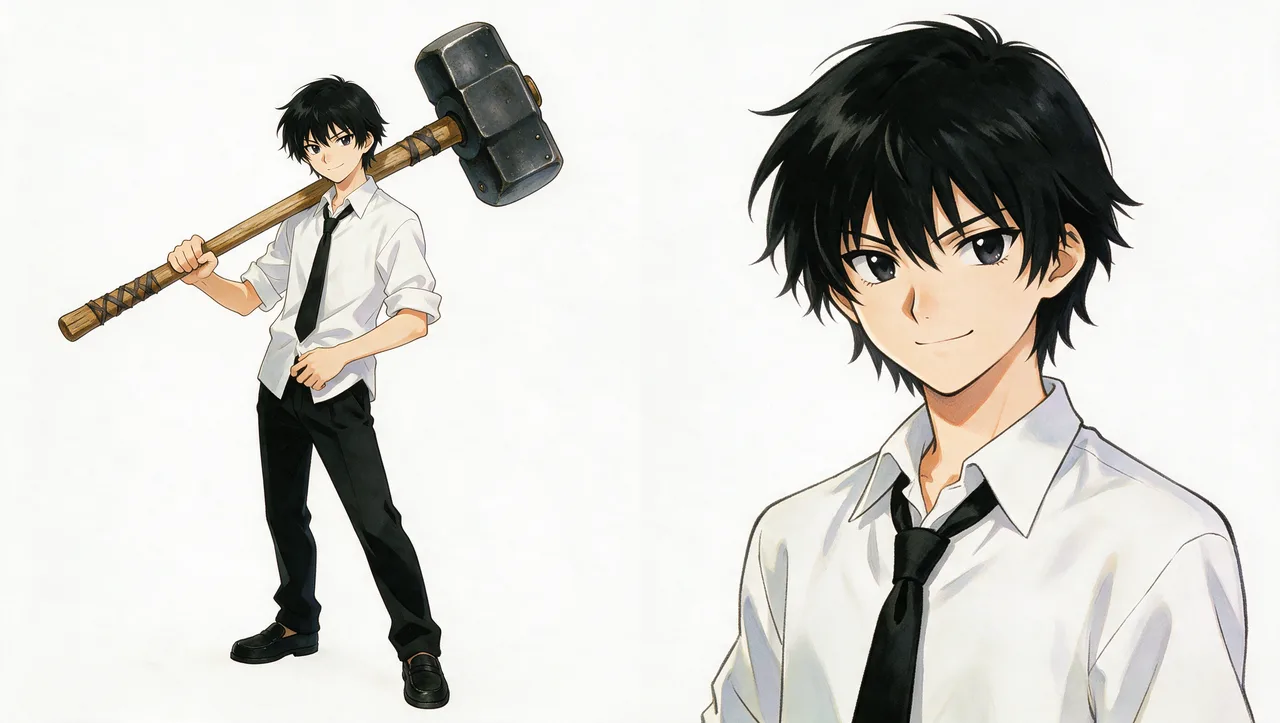
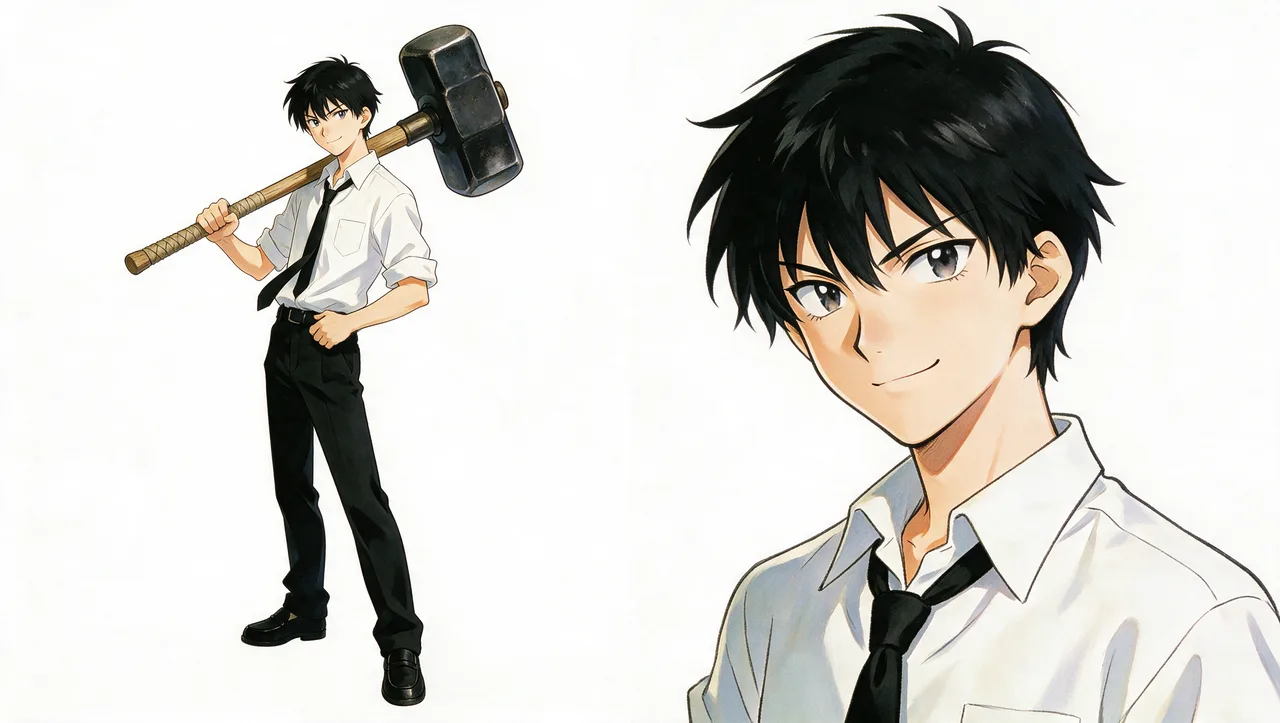
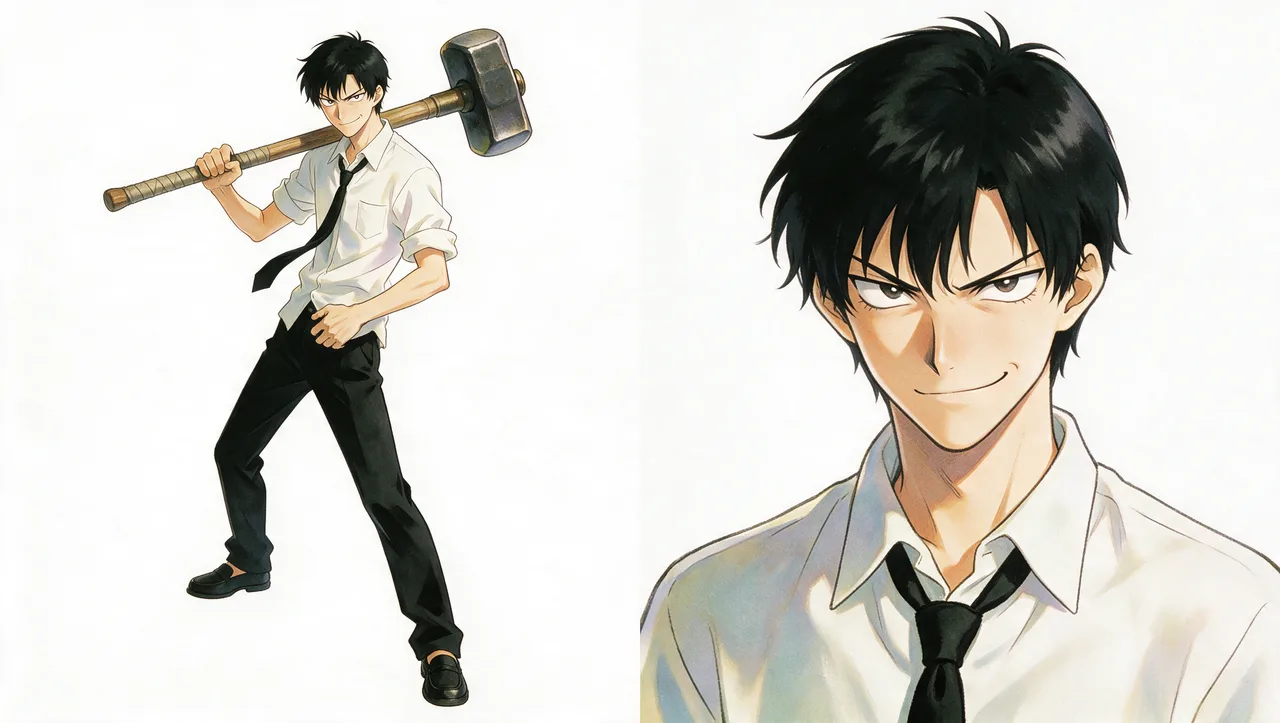
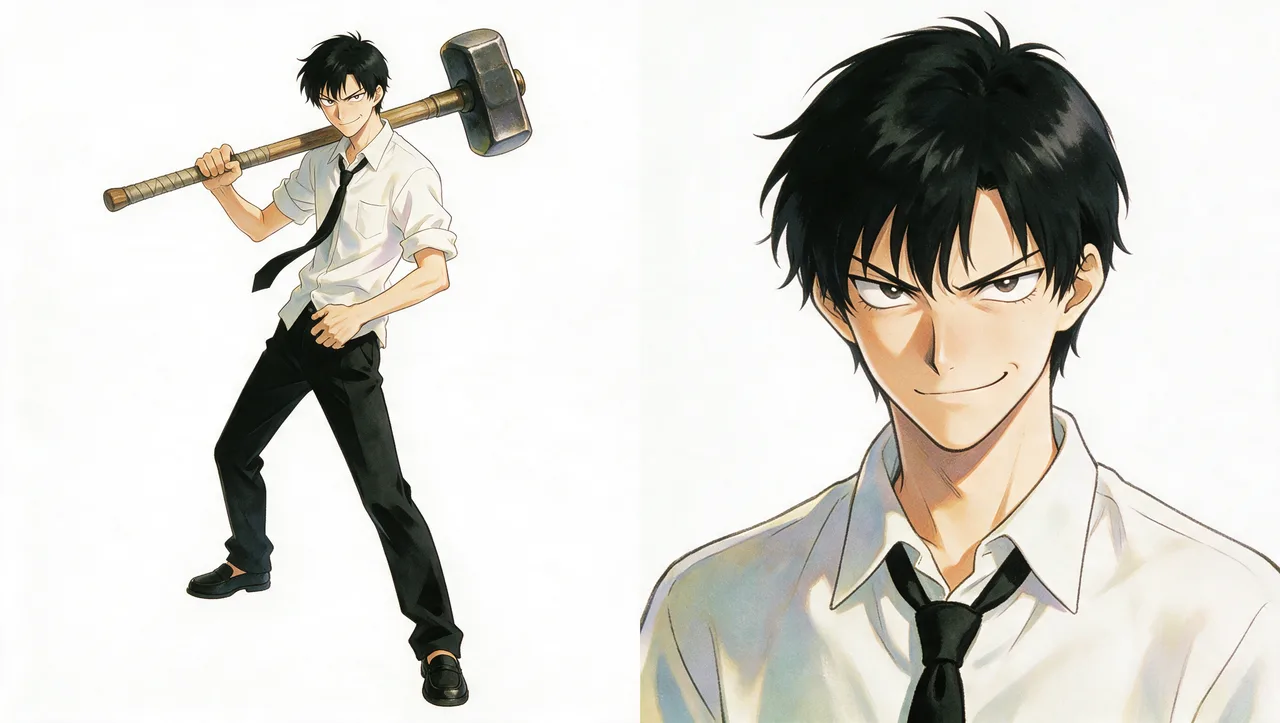
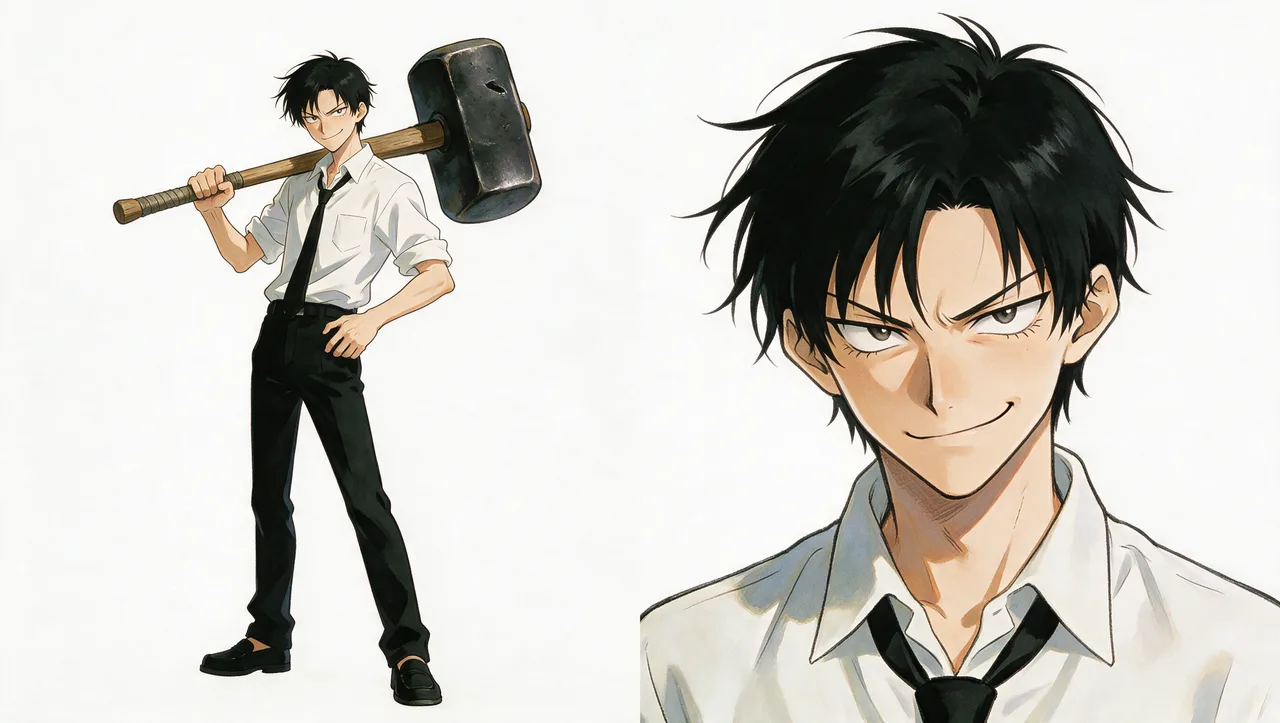
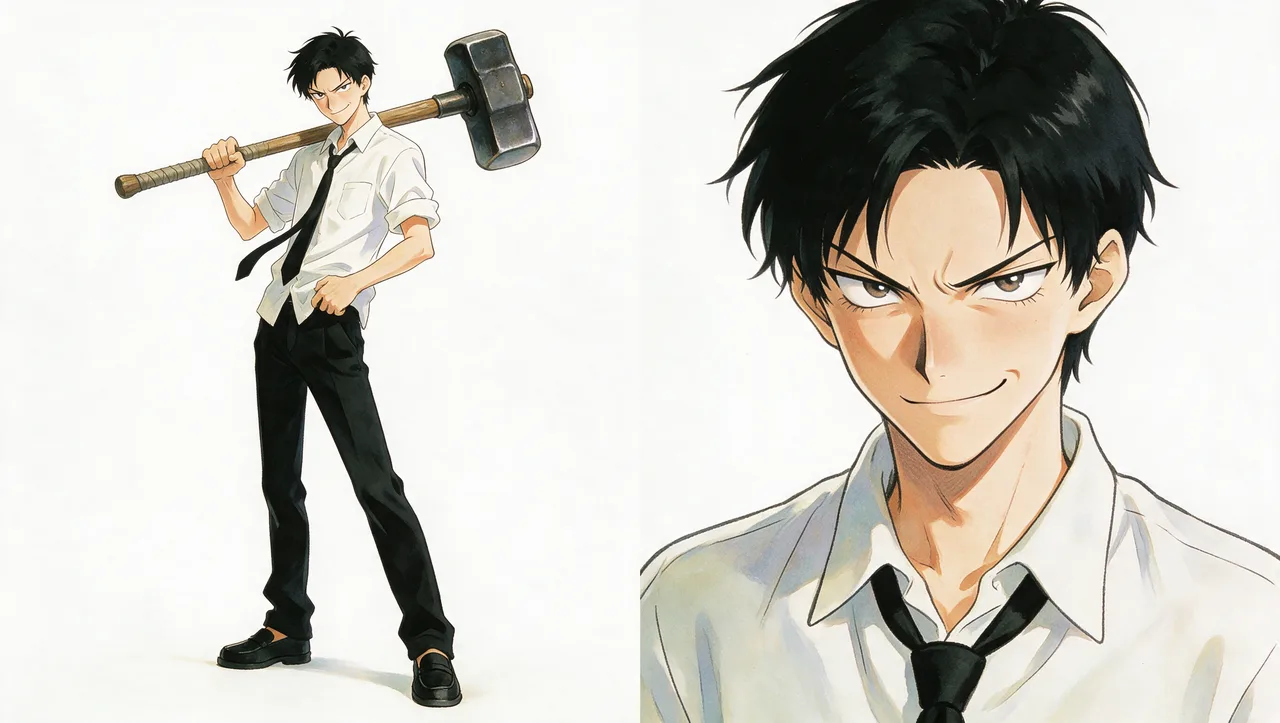
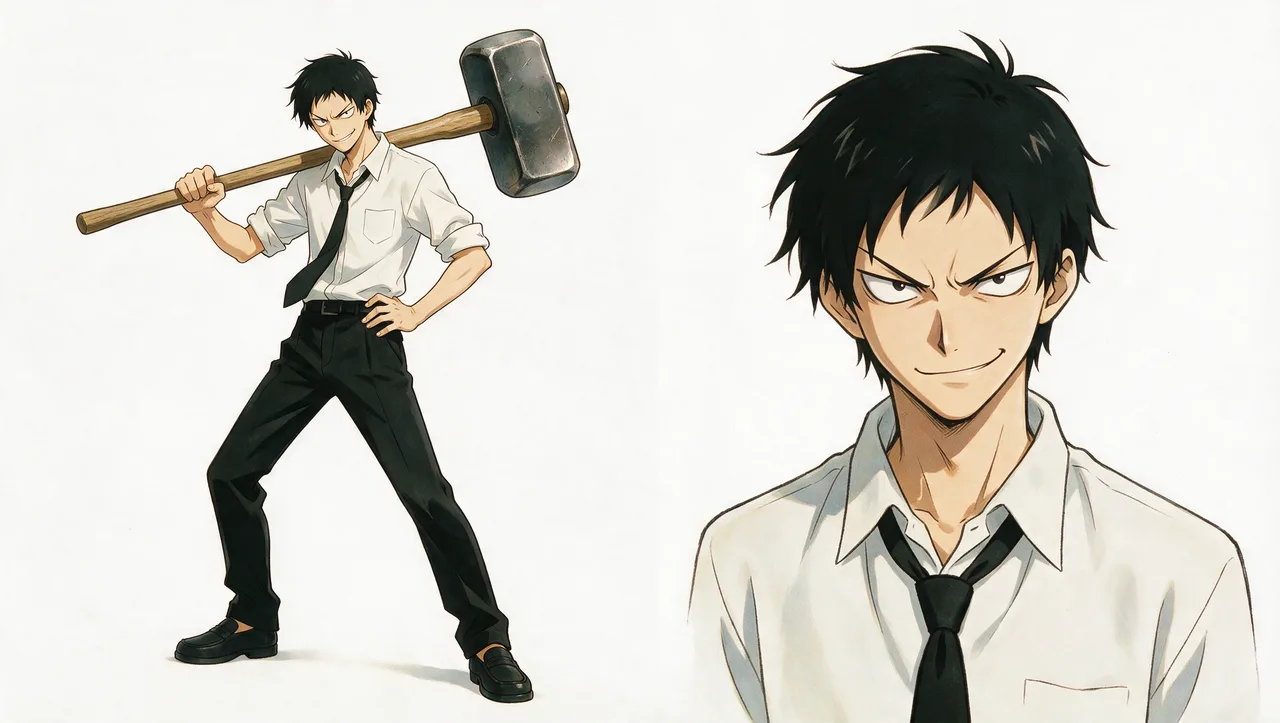
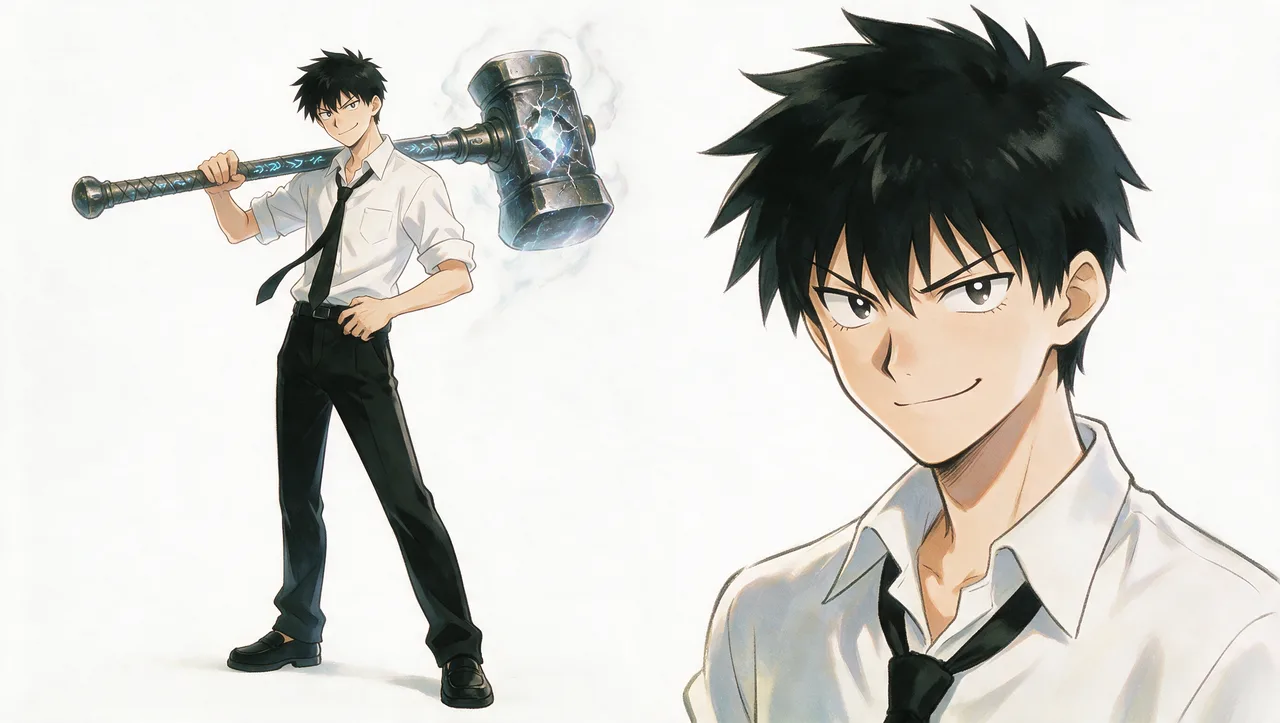
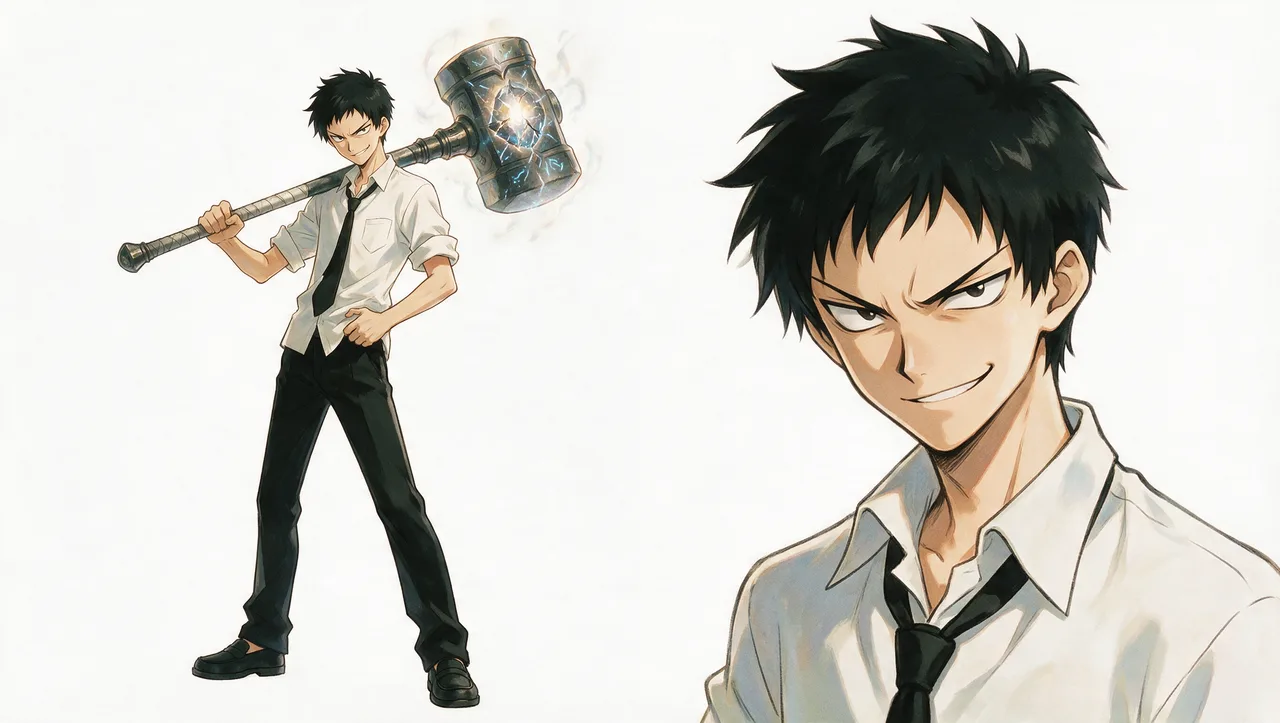
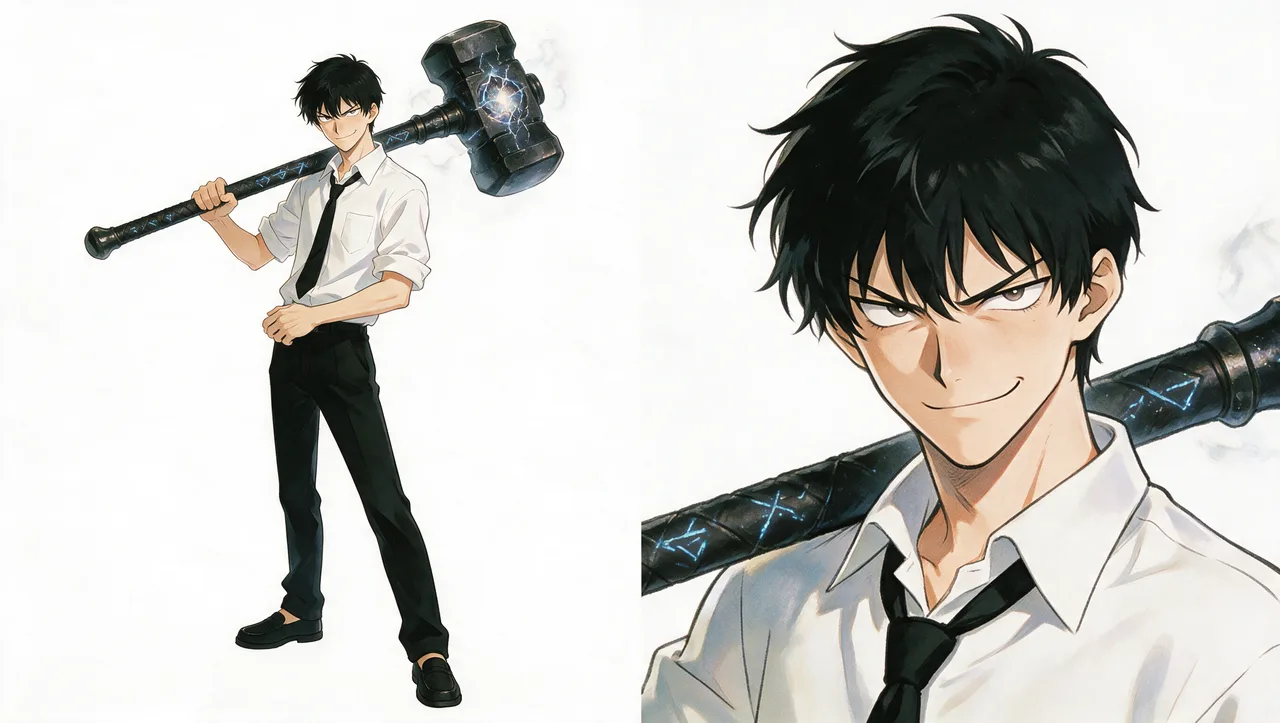
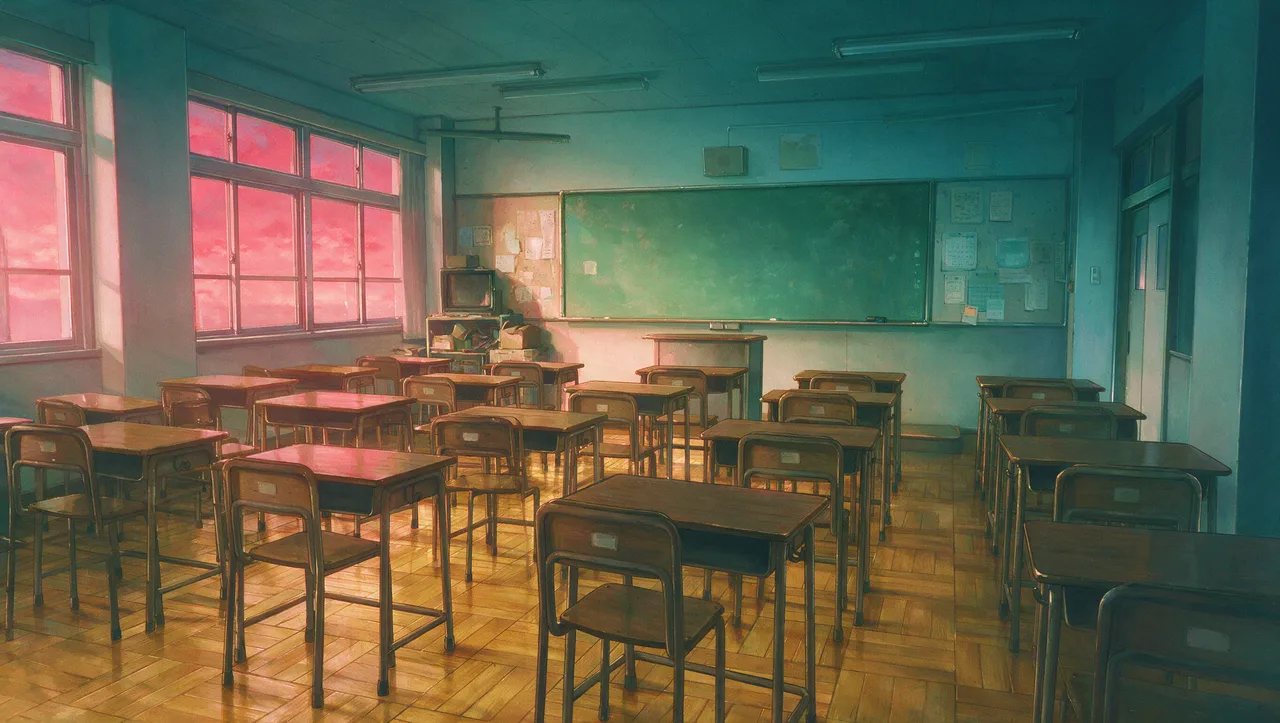
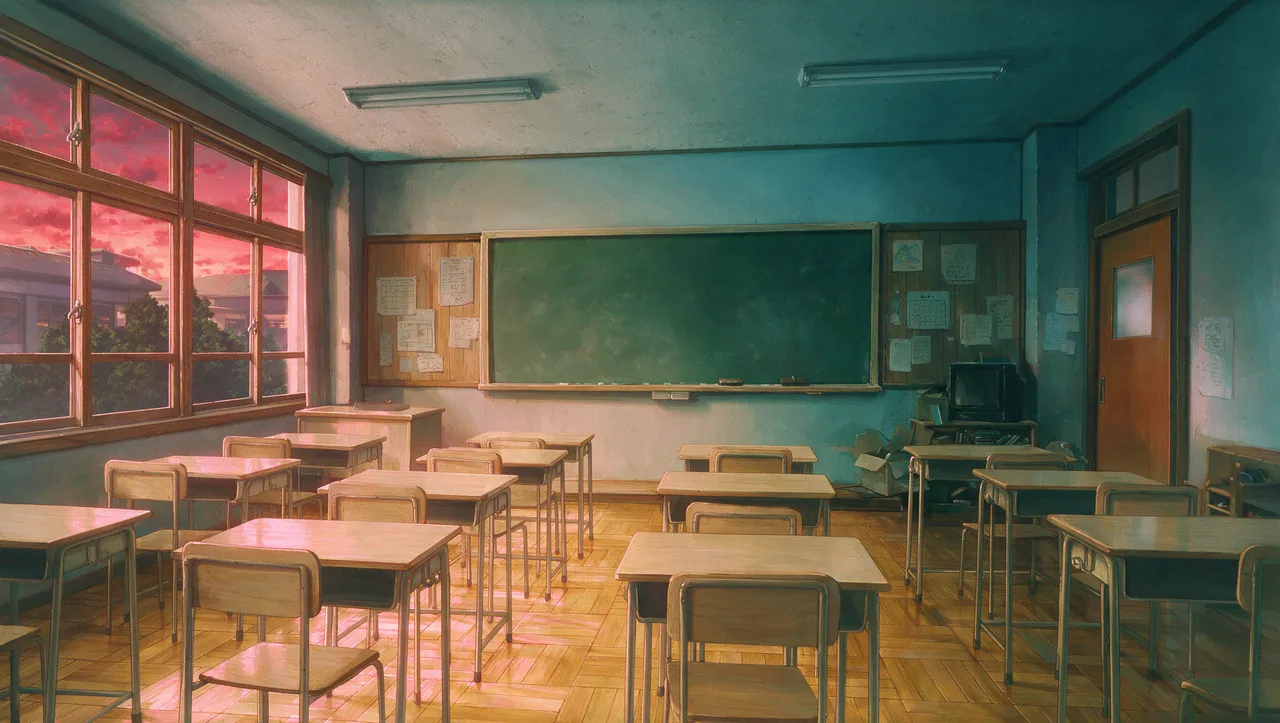
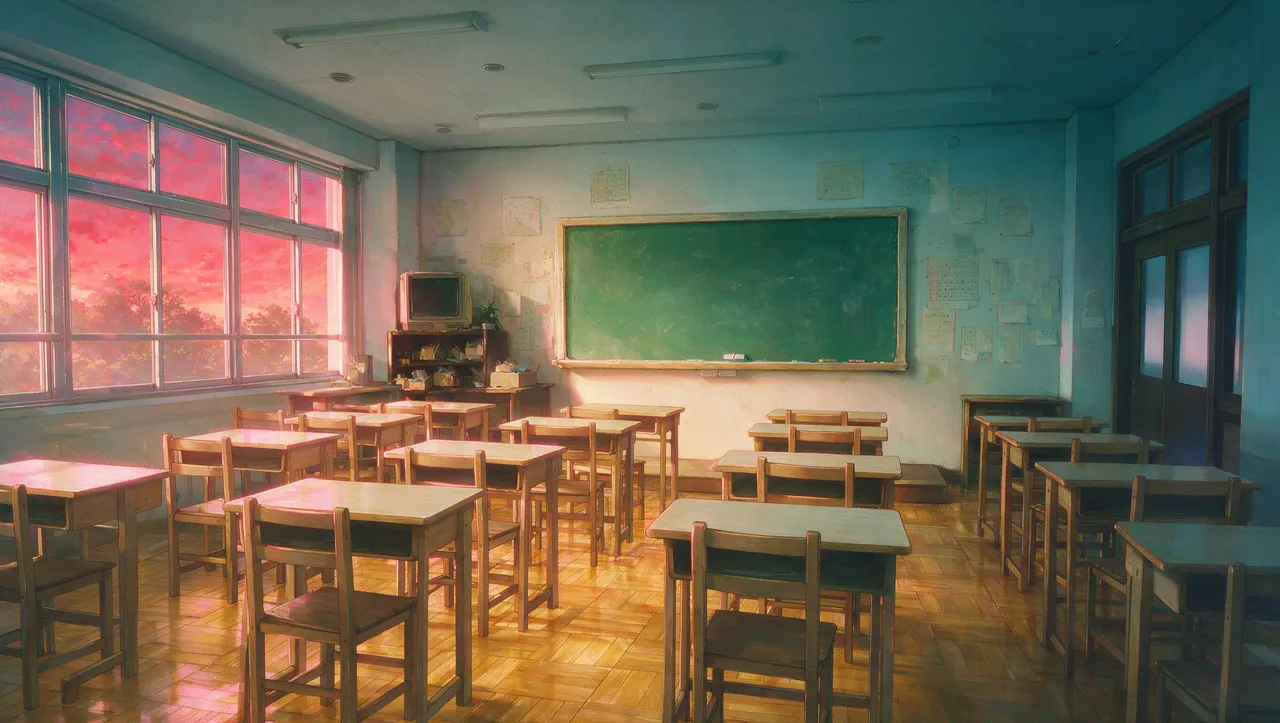
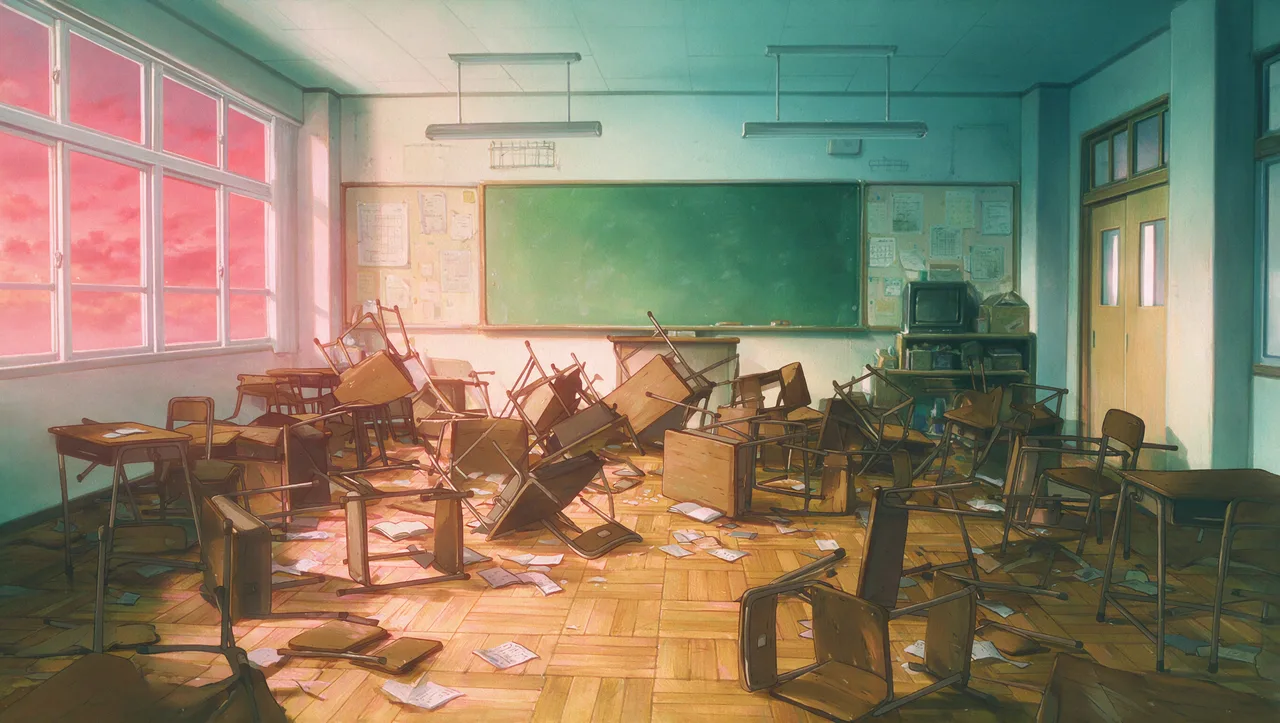
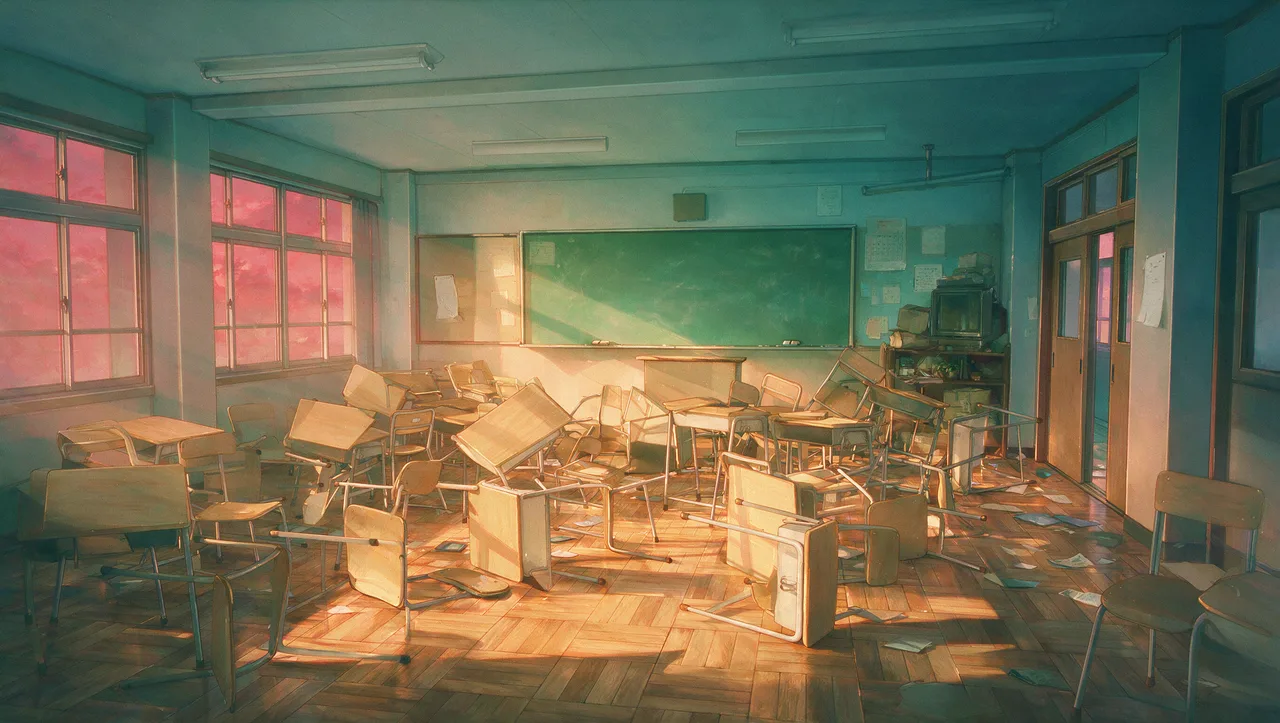
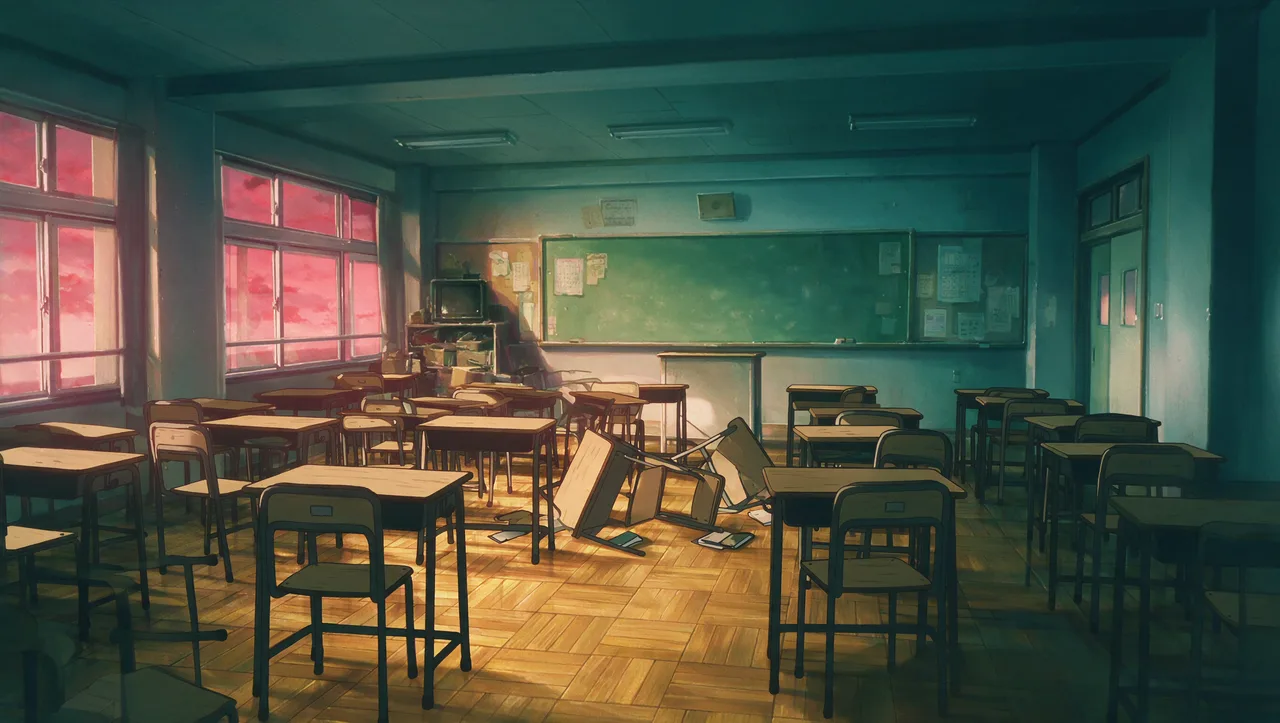
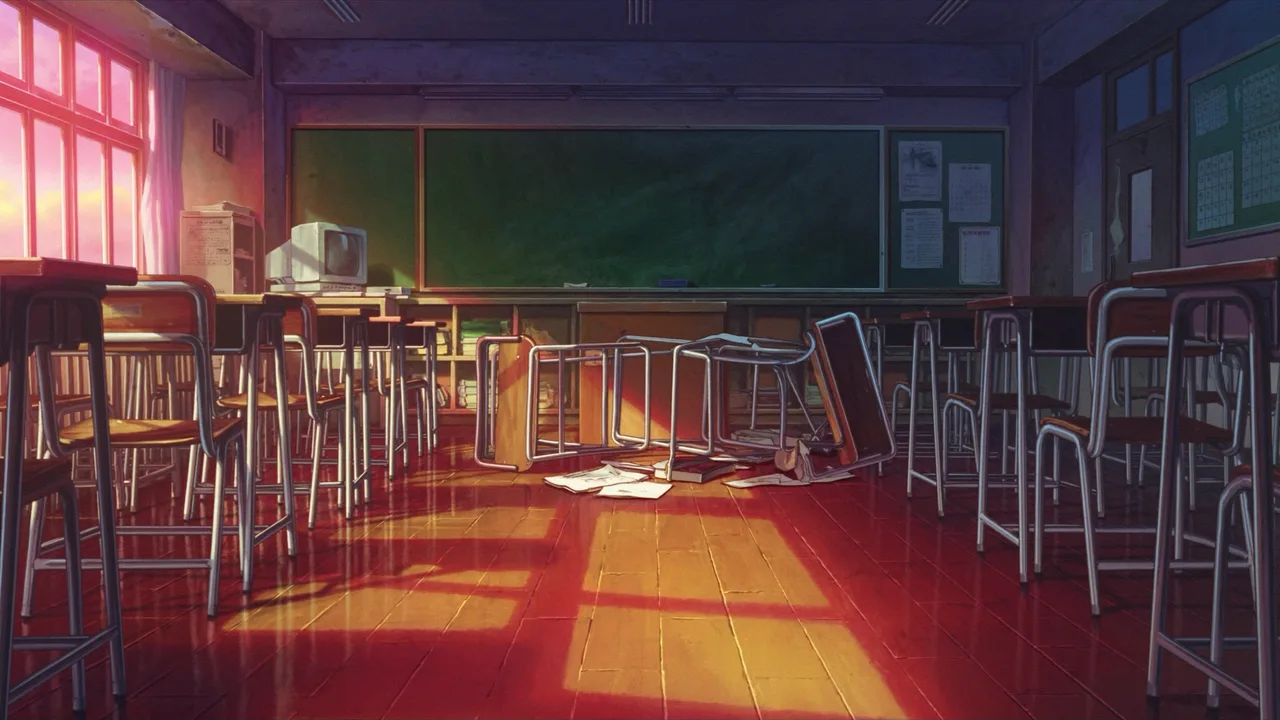
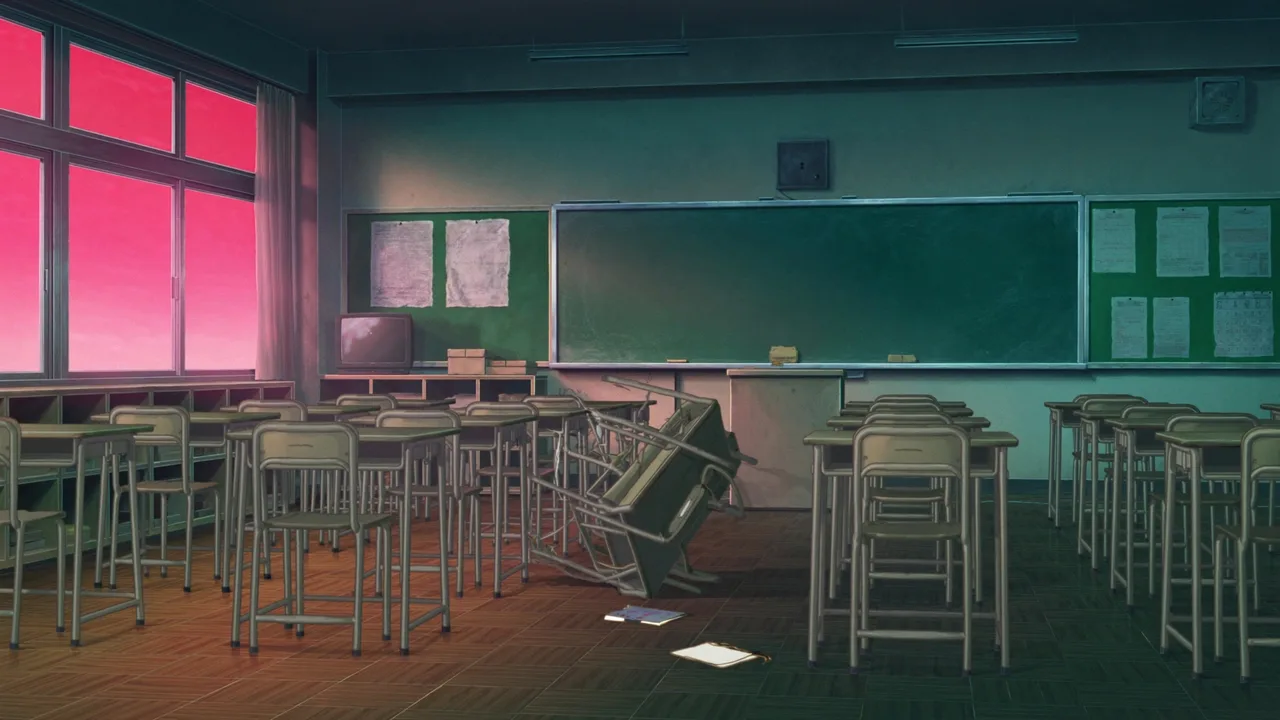
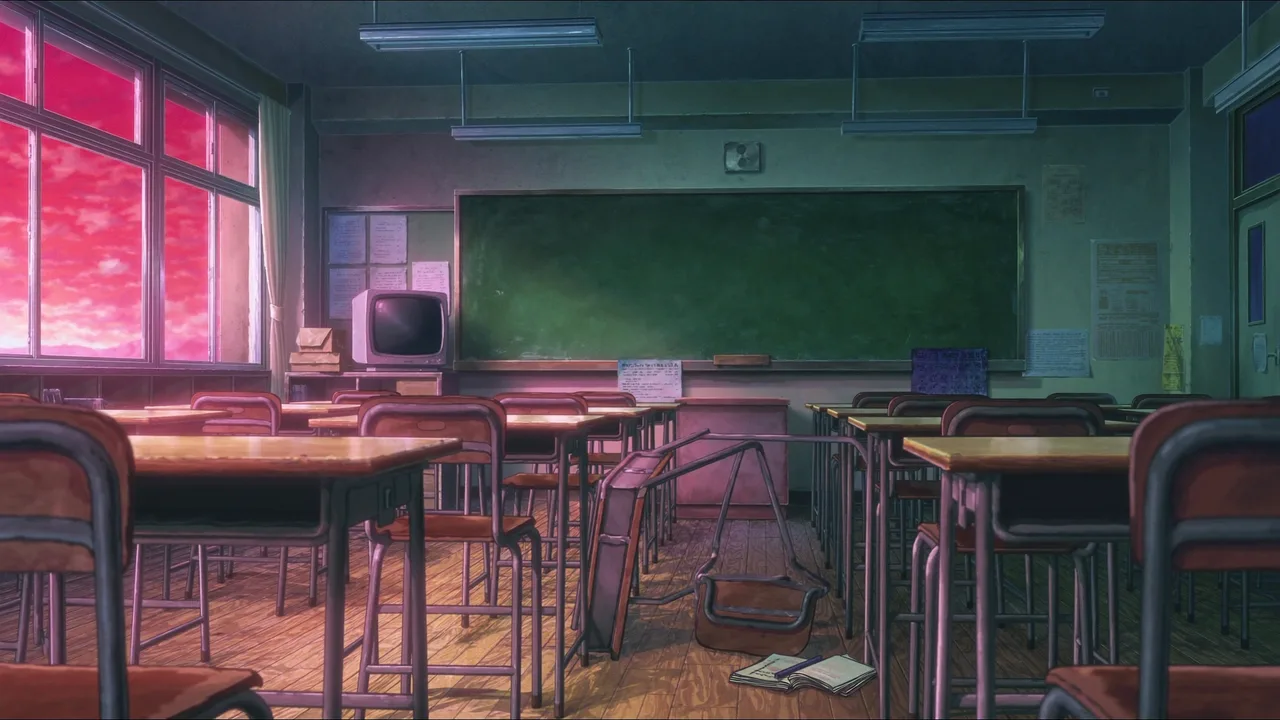
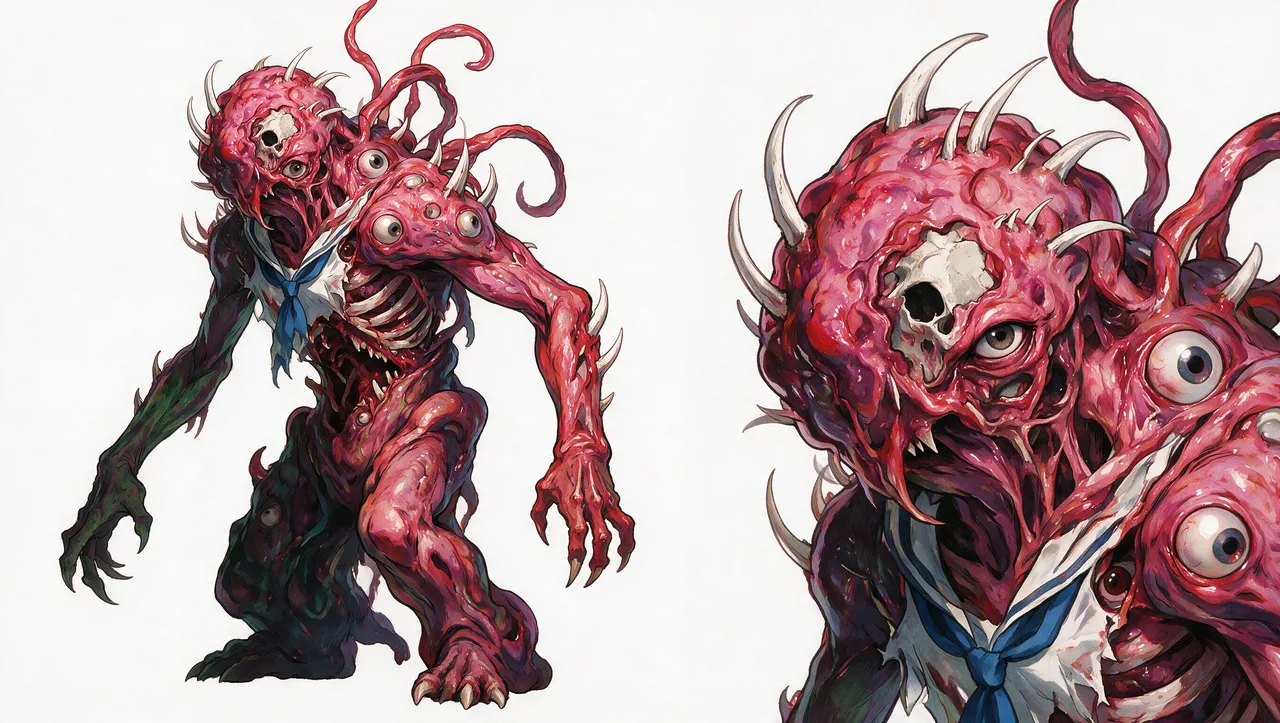
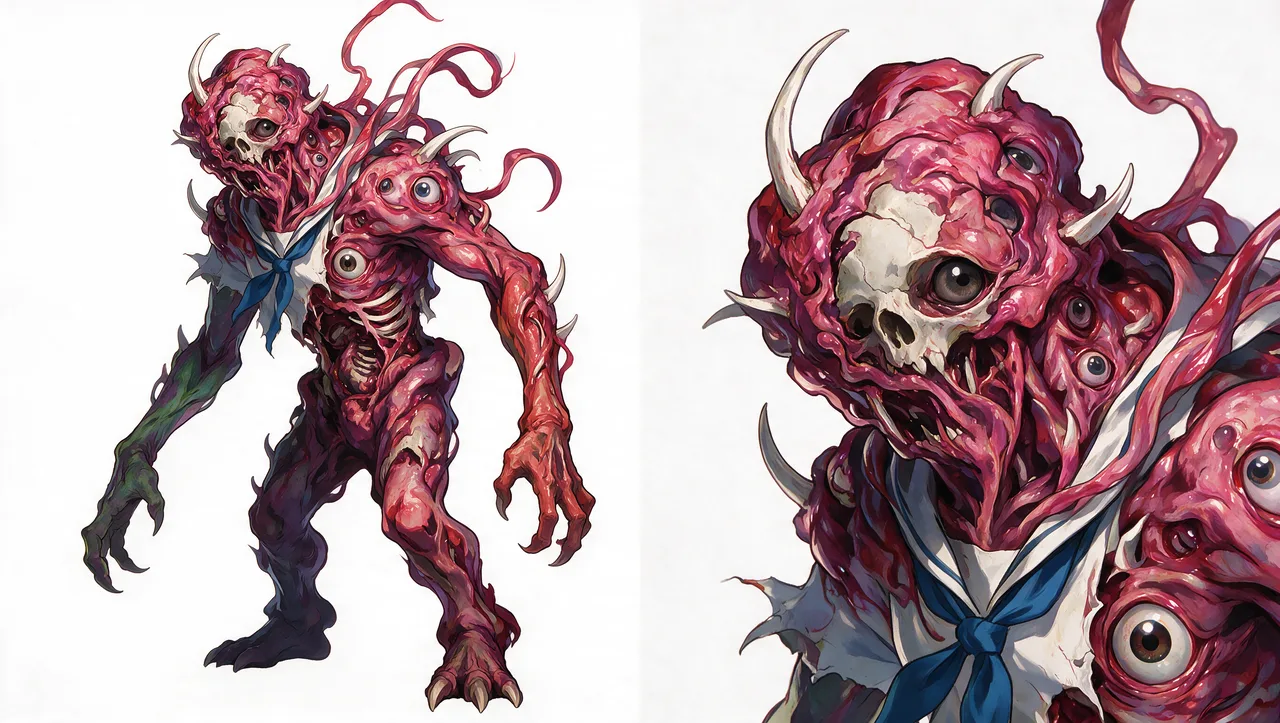
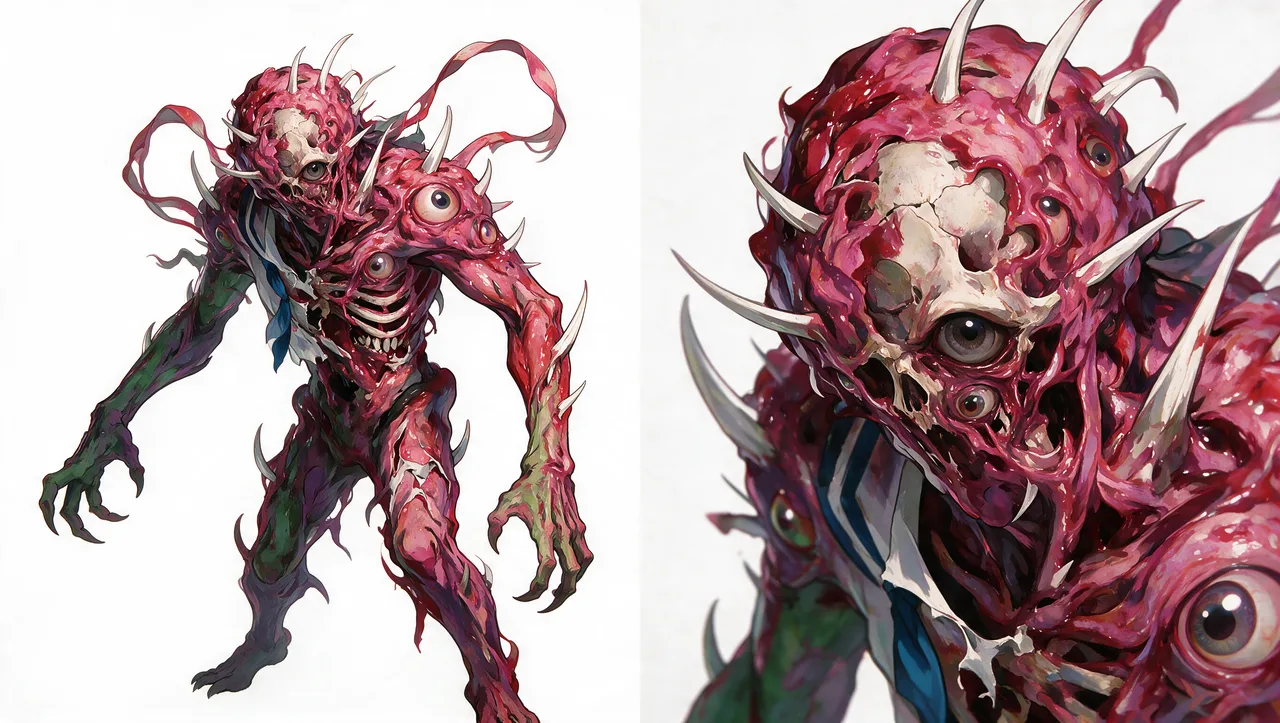
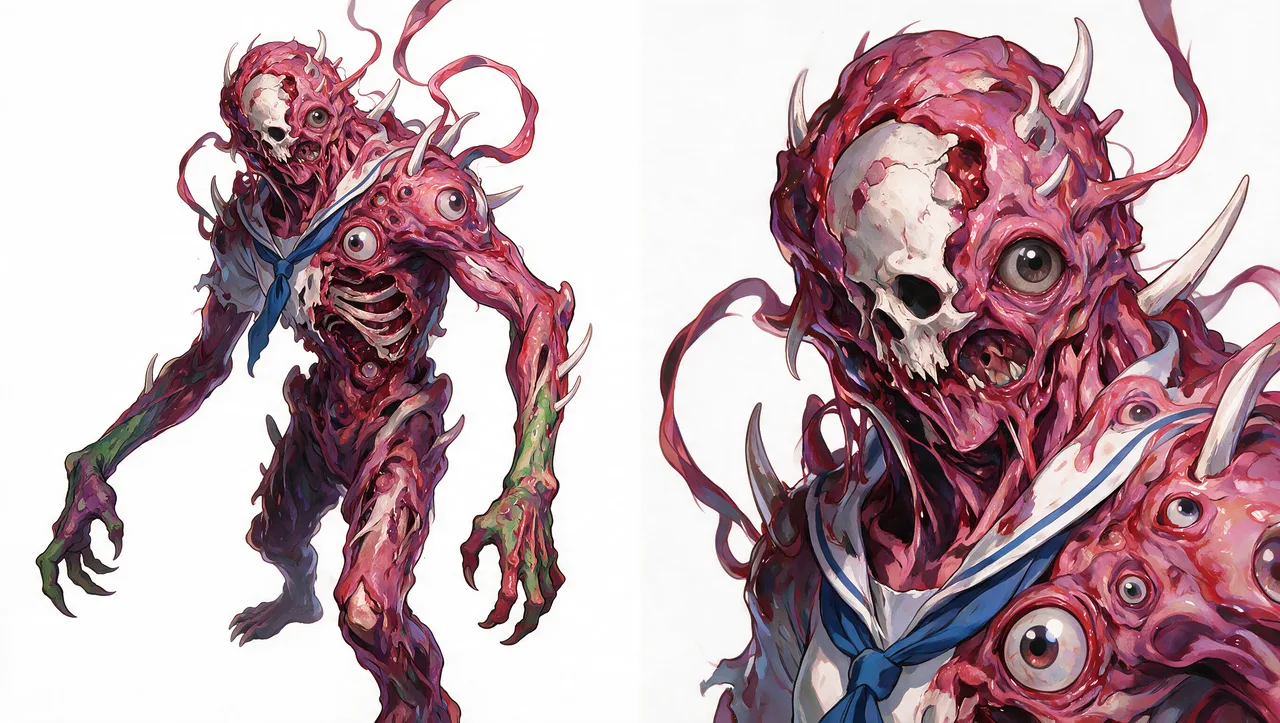
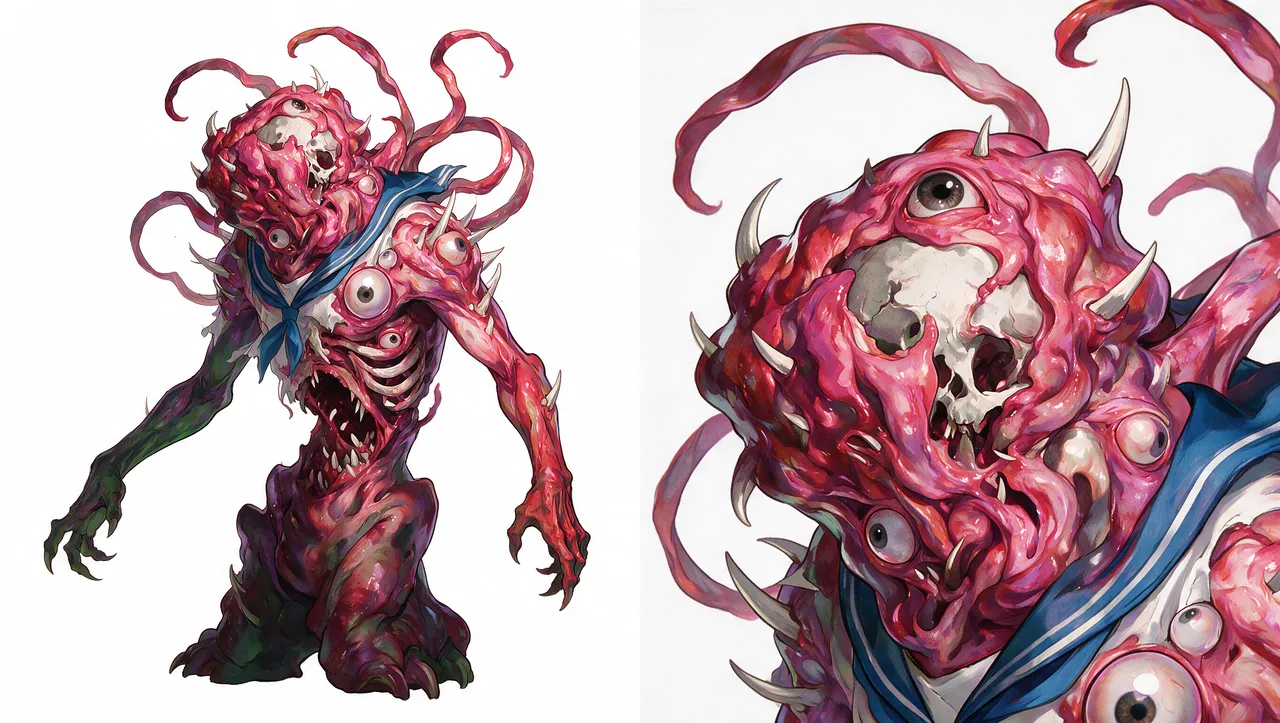
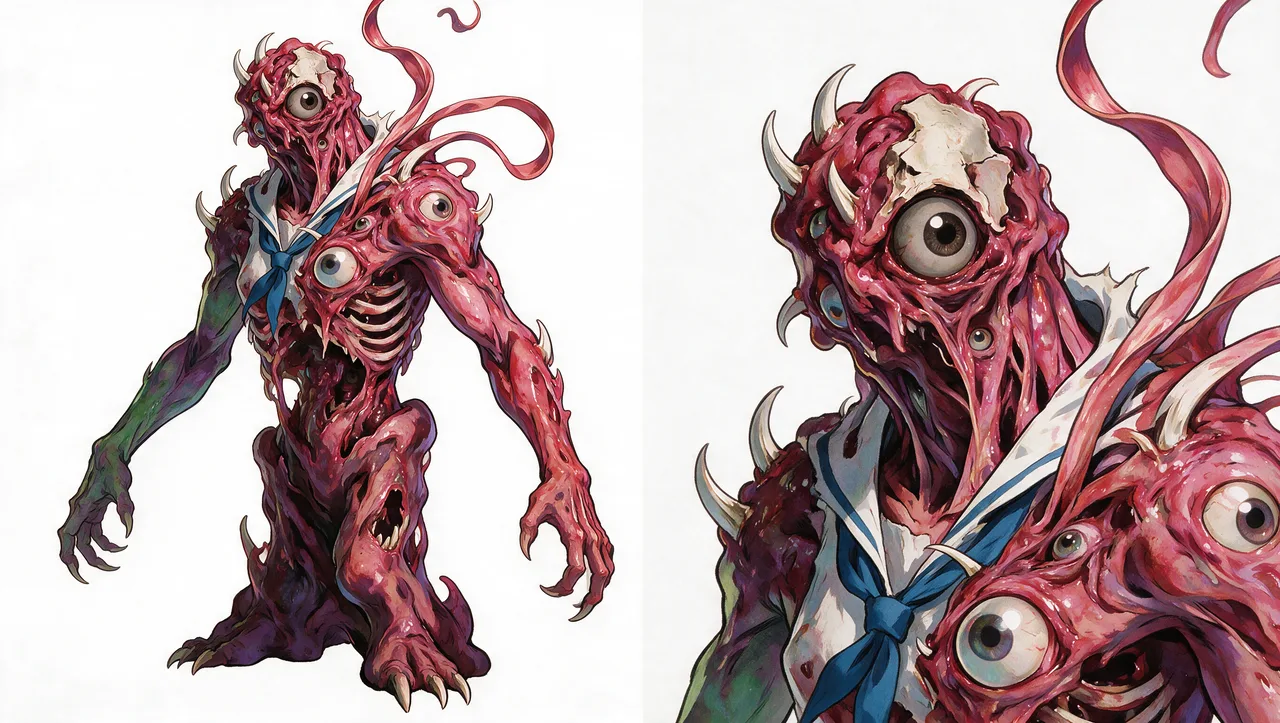
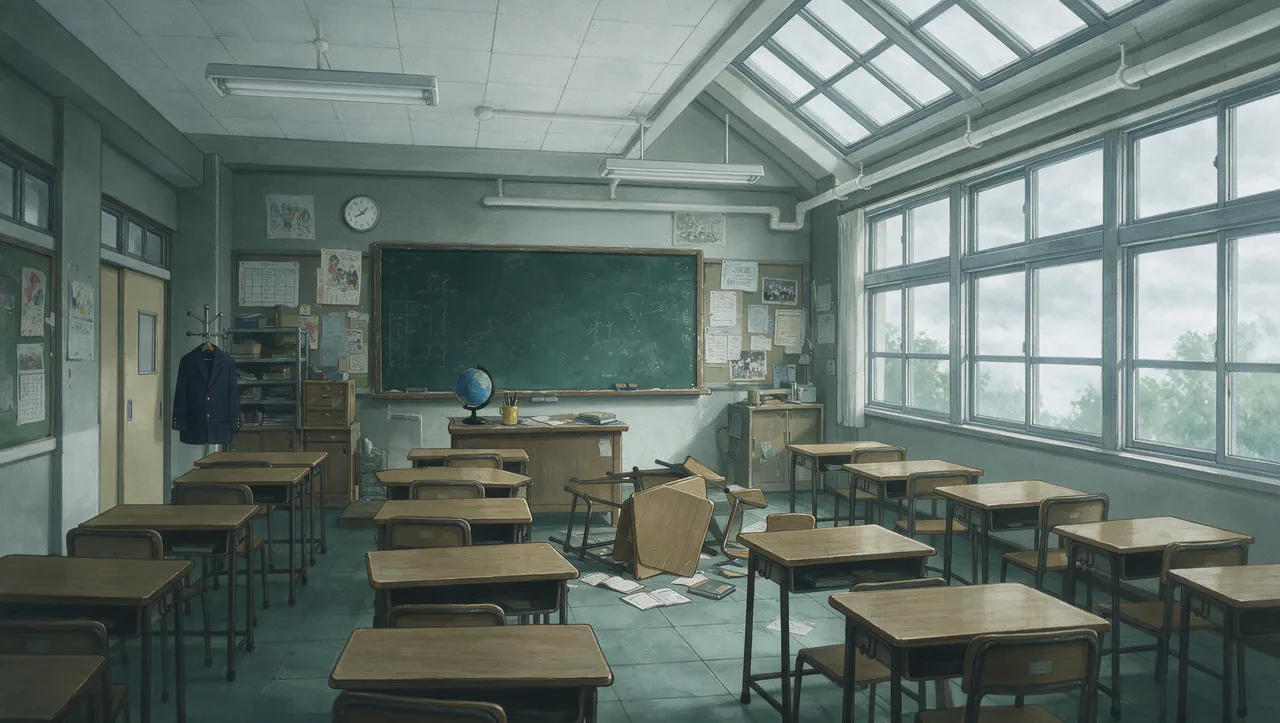
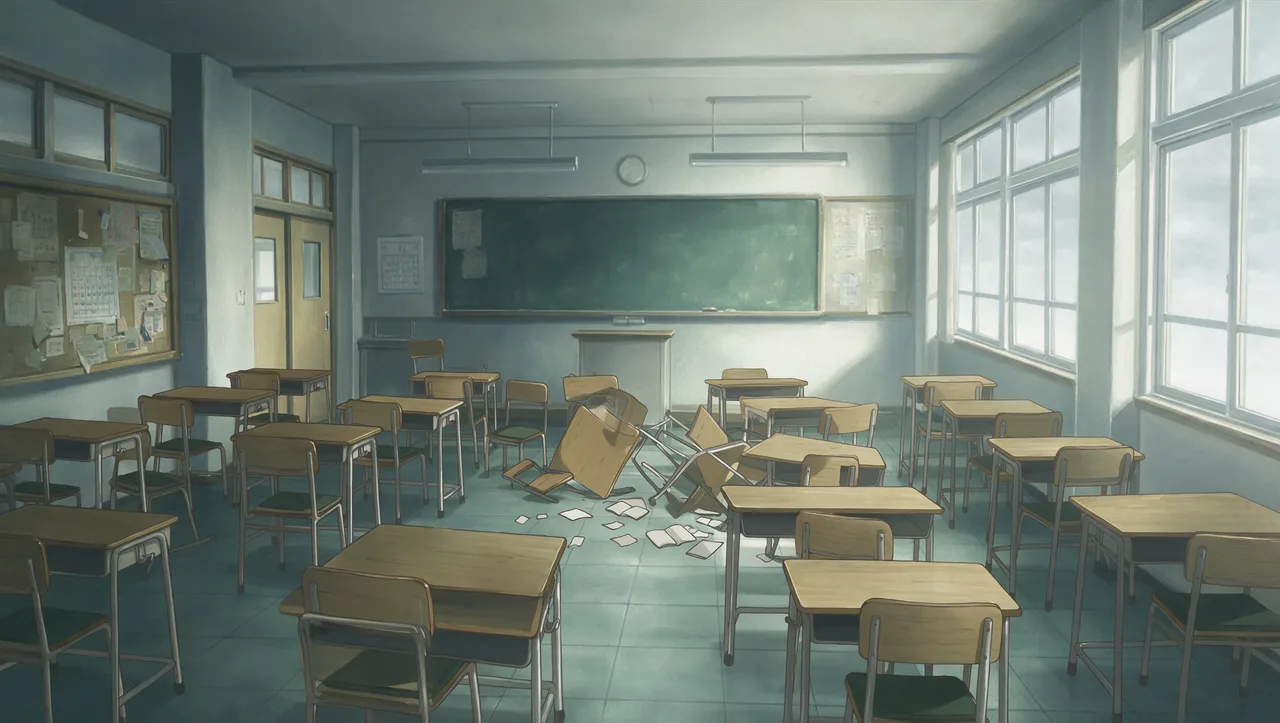
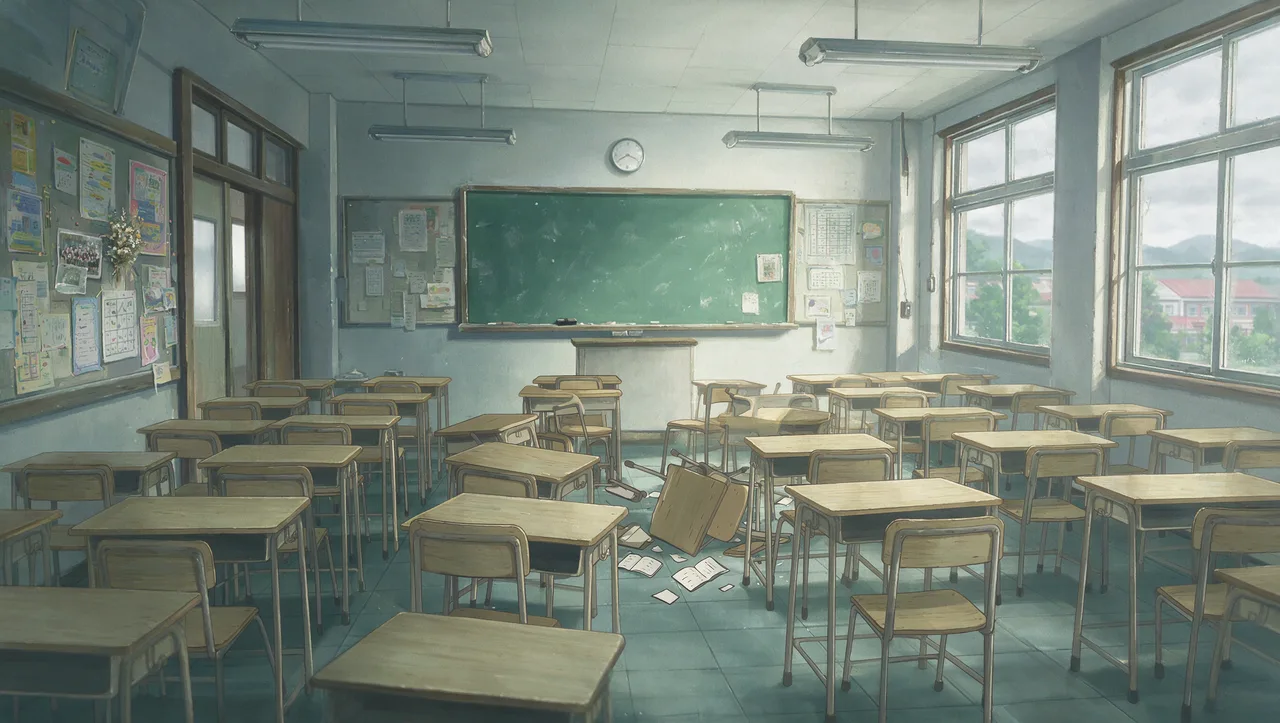
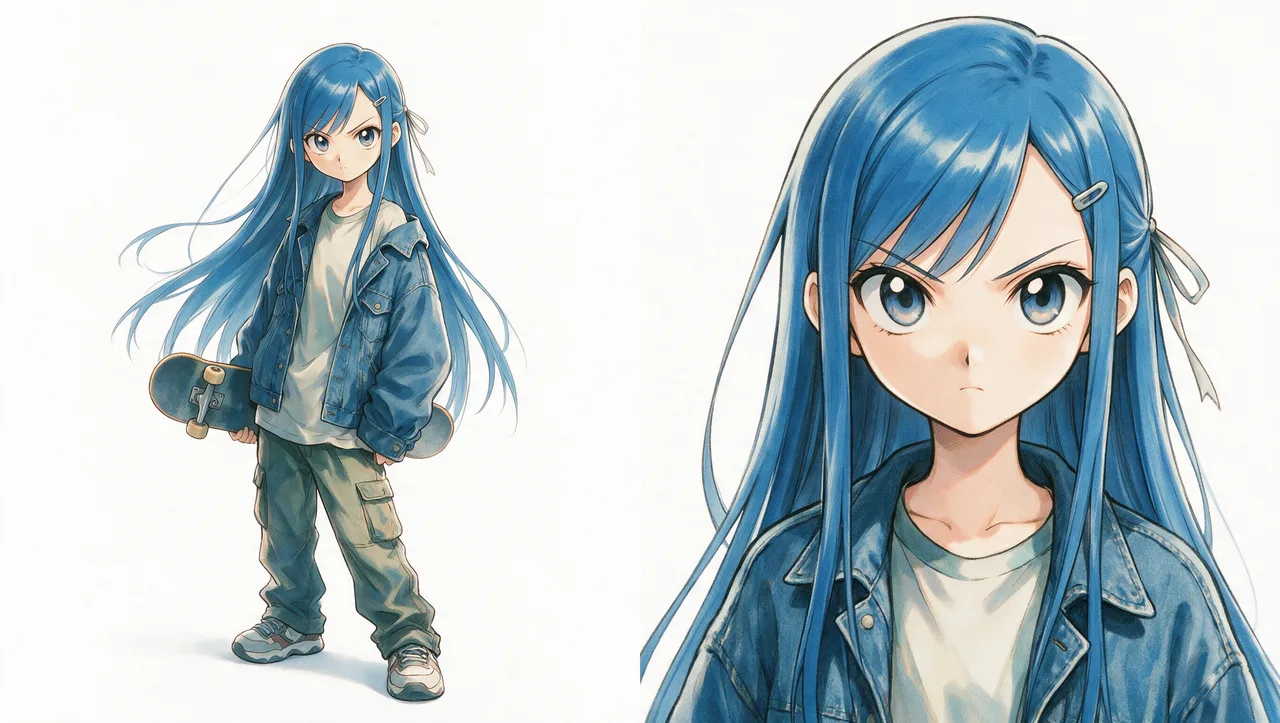
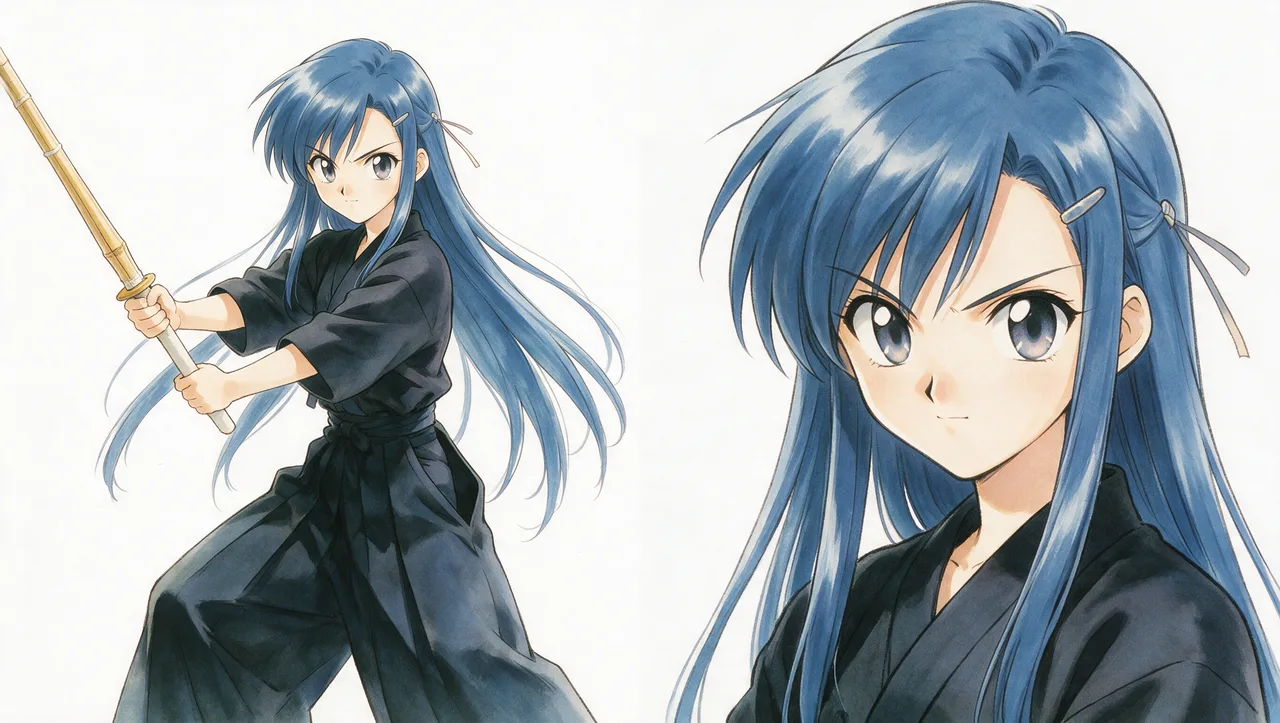
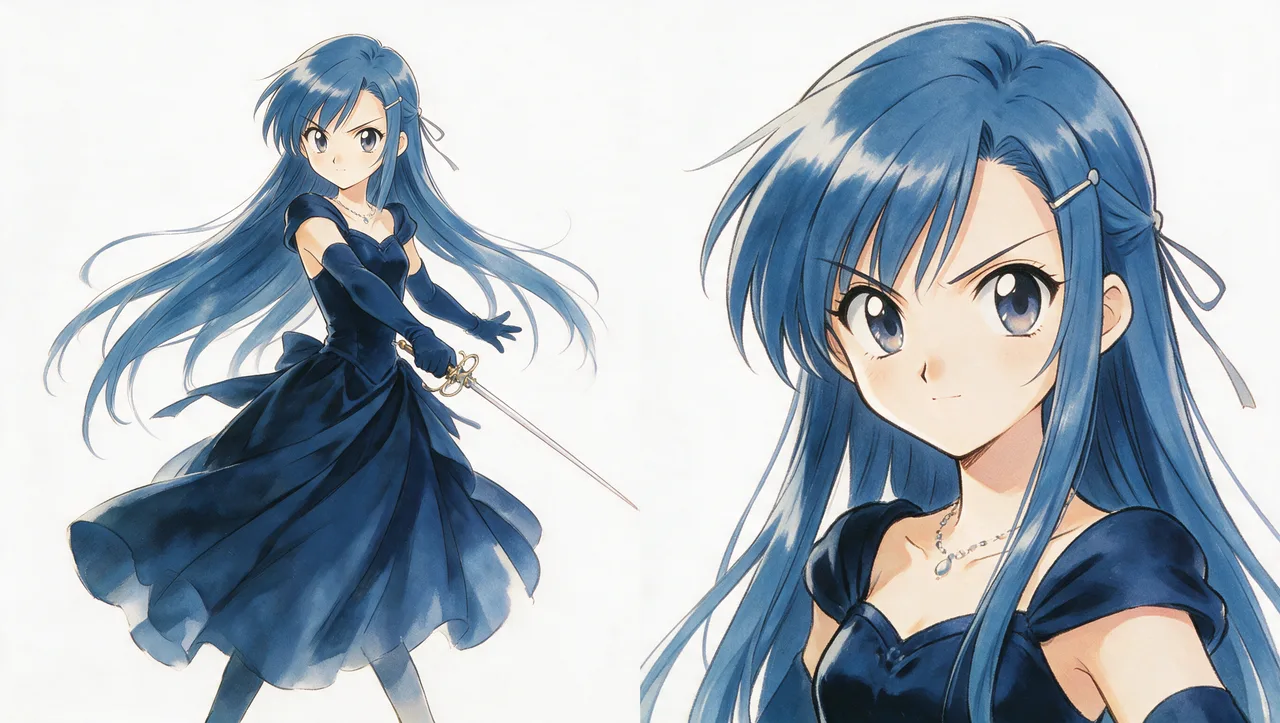
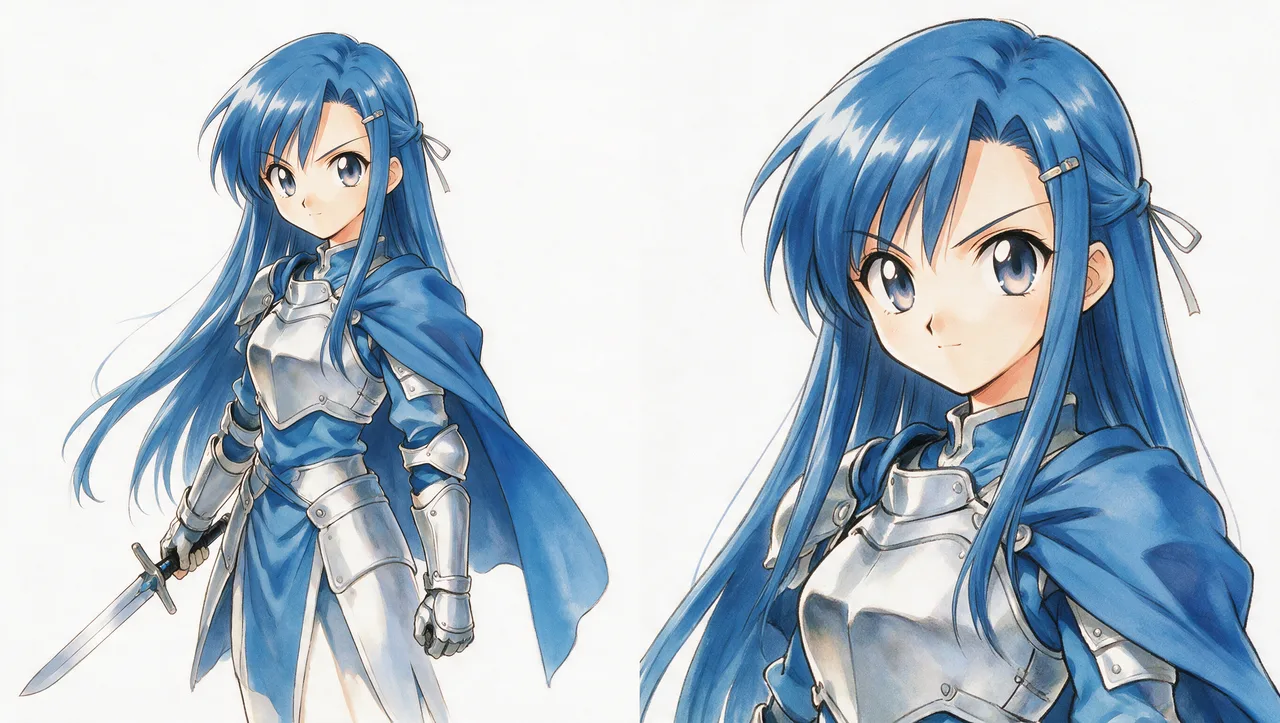
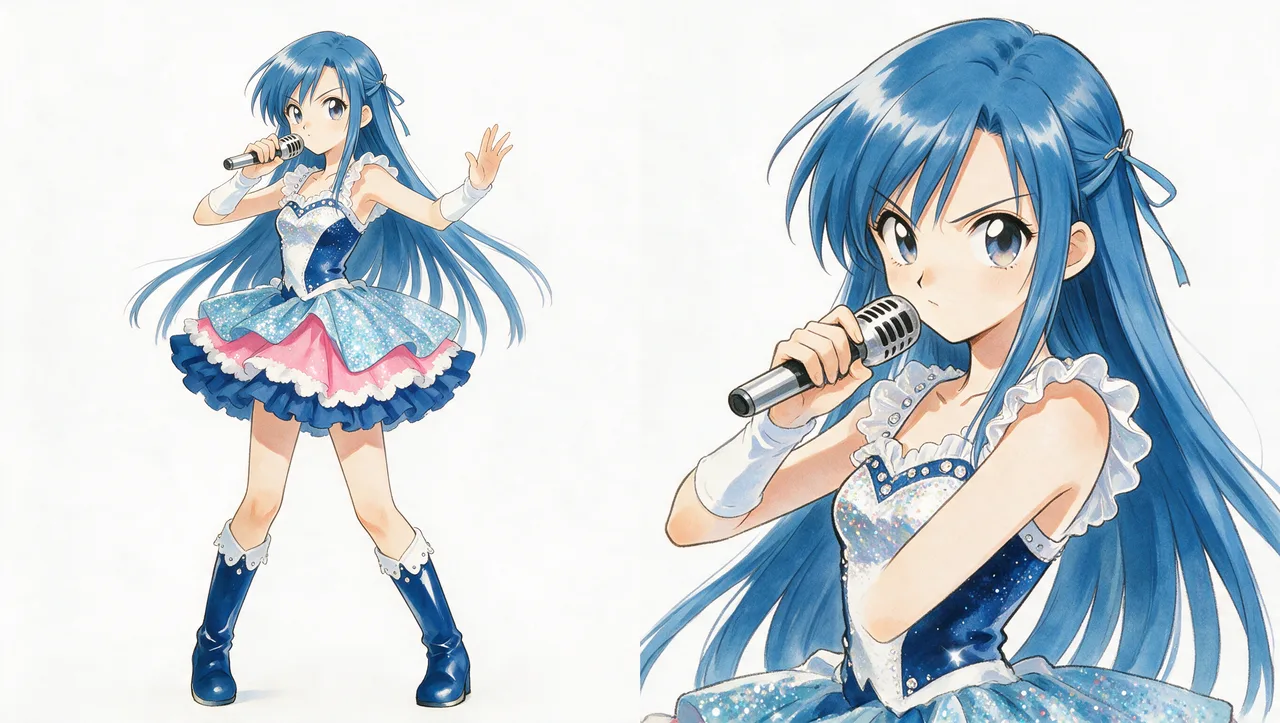
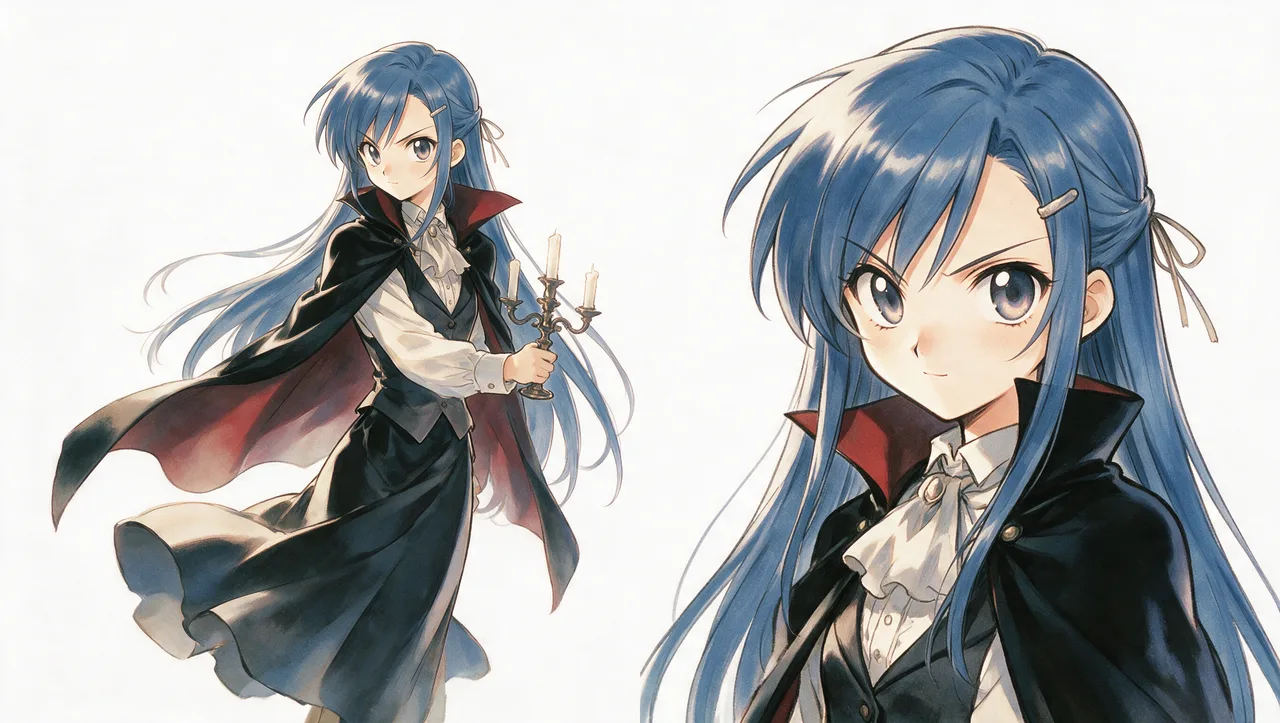
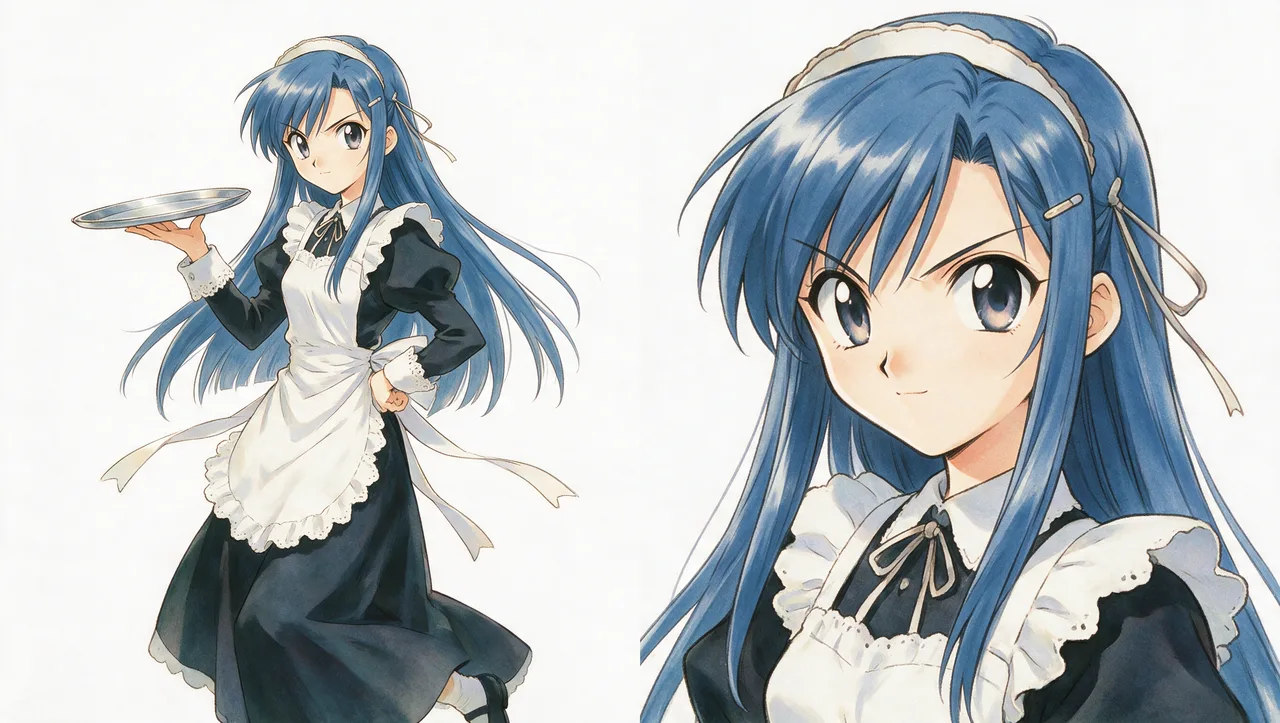
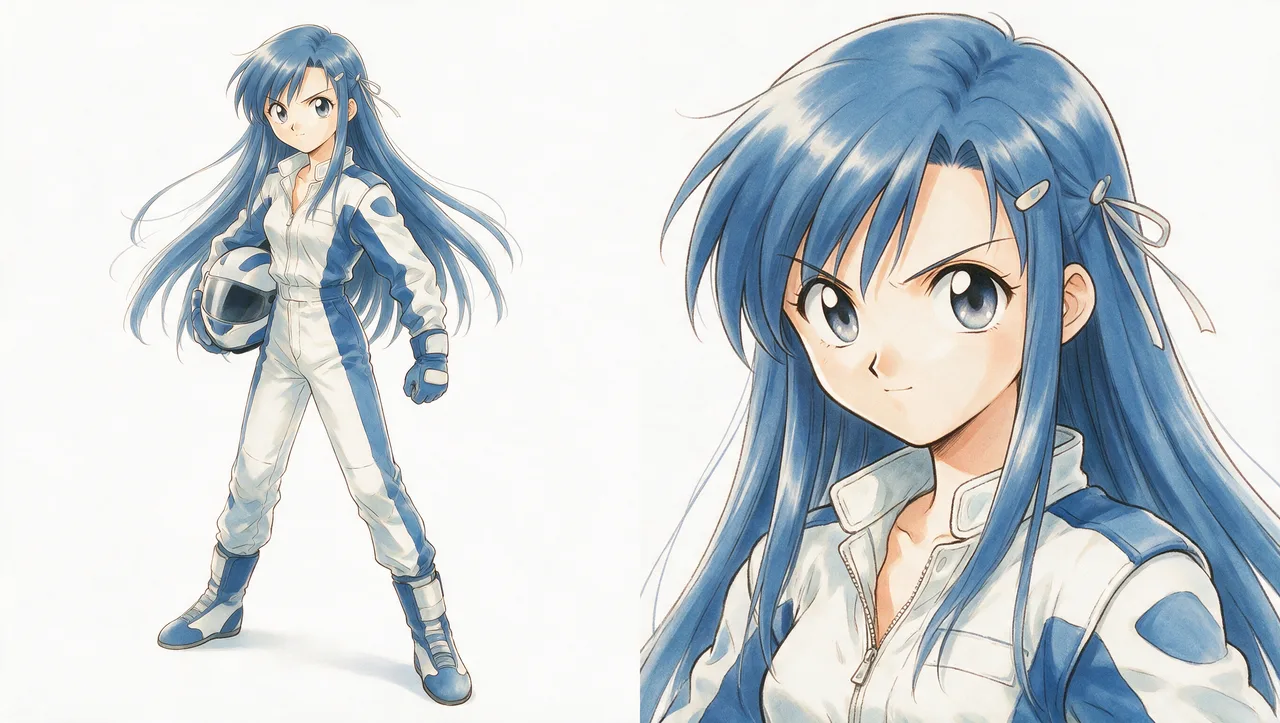
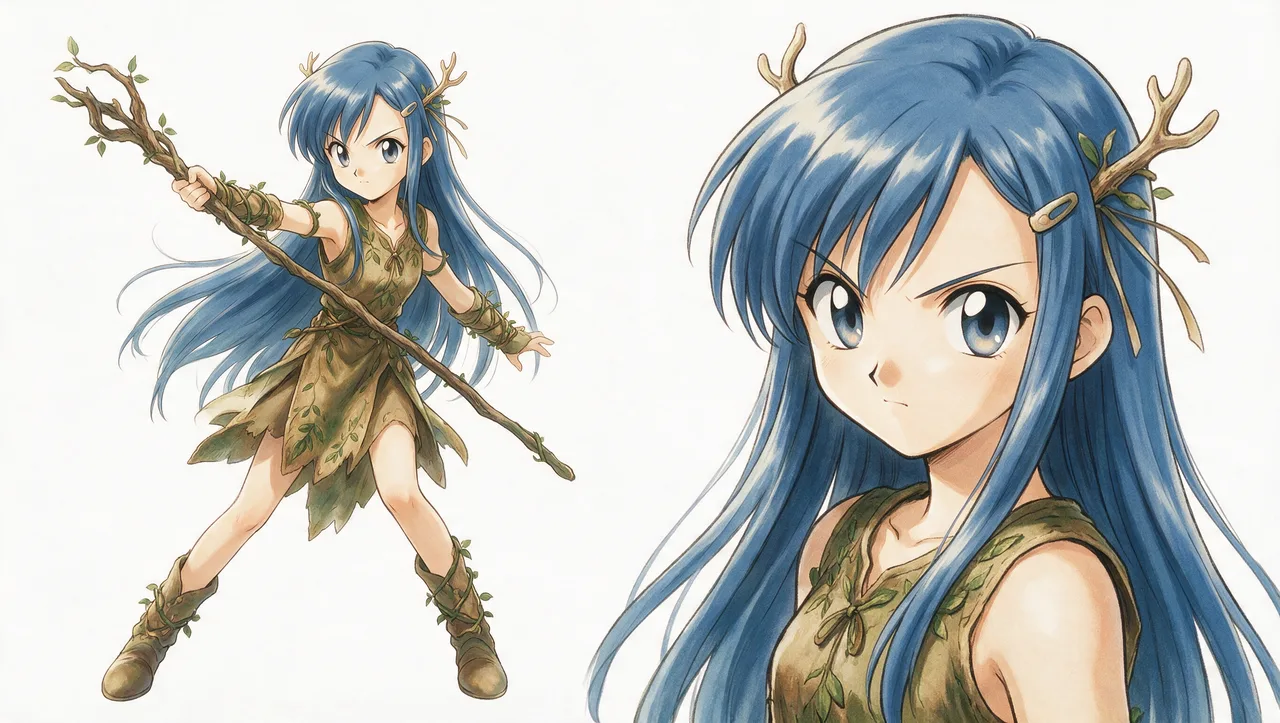
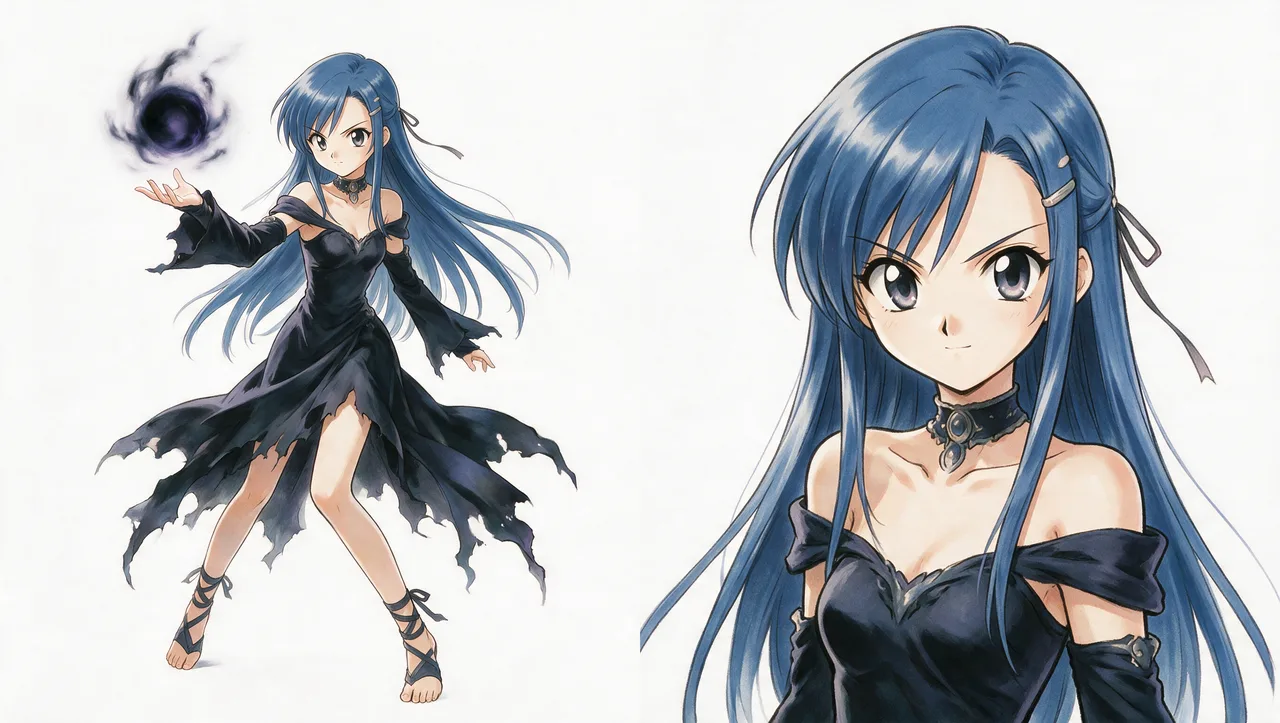
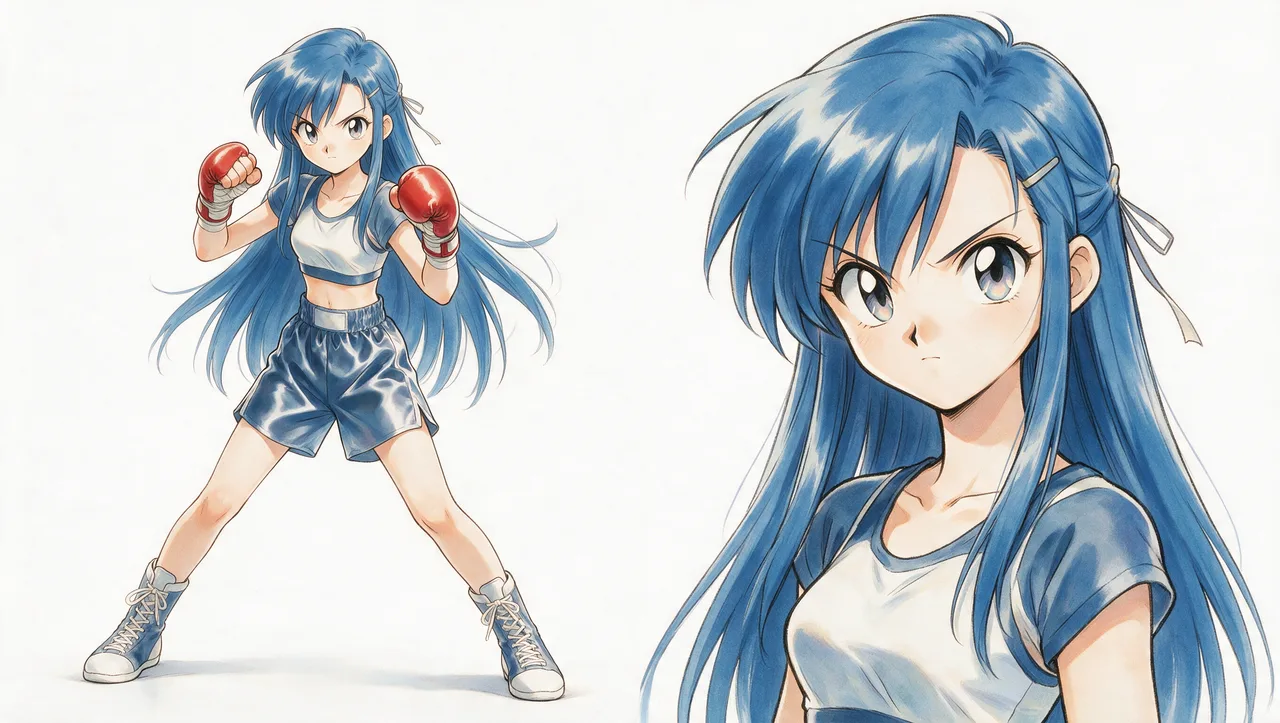
One prompt, a full anime character — then turn their story into scenes, from cozy slice-of-life to horror-action.
Context
A tutorial showing how Wandura Cinema Studio builds an anime project from scratch: generate a consistent character sheet from a single prompt, then write a story and turn it into scenes. The demo starts with a cozy slice-of-life setup and escalates into an action/horror battle with a grotesque creature — showing the range from character design to full scene generation while the cast stays recognizable.
Narrative
Story: A blue-haired schoolgirl is designed as a consistent character, then dropped into a slice-of-life classroom that suddenly turns into a horror/action scene — she and a classmate fight off a tentacled creature with improvised weapons.
Message: Character consistency holds across wildly different genres and tones — from calm character art to intense horror-action — all from the same generated character sheet.
Audience: AI creators, anime/manga artists and content creators interested in AI-assisted character design and storytelling workflows.
Visuals
Clean, modern anime art with cel-shaded linework and a polished, studio-quality finish. The palette shifts with tone: soft muted teals and warm neutrals for the calm classroom, giving way to visceral reds and pinks in the horror-action sequence. Creative direction leans into strong character consistency (the blue-haired lead stays recognizable across poses, outfits and genres) and cinematic framing — low angles, dramatic lighting, dynamic action poses.
Prompt Architecture
STYLE LOCK    ← immutable — the medium (cel-shaded 2D anime)
CONTINUITY    ← immutable — character design, palette, world rules
DIRECTION     ← immutable — camera language, pacing, sound cues
SHOT          ← the ONLY variable block — one unique beat per shot
Prompt Template
STYLE_LOCK = """
Modern cel-shaded 2D anime, studio-quality linework, clean flat
colour fills with two-to-three value cel shading. Cool grey-teal
classroom palette for calm beats, shifting to saturated hot-pink
and deep crimson for horror beats. Not painterly, not 3D,
no photobash — traditional anime cel look throughout.
"""

CONTINUITY = """
Blue-haired girl (scythe) and black-haired boy (hammer) stay
visually identical across every shot — same hair colour, uniform,
weapon and proportions as established in the character sheet.
Creature stays horned, white-boned, single central eye, hot-pink
ichor only. Classroom geography (desks, chalkboard, windows,
door) stays fixed across cuts.
"""

DIRECTION = """
Camera moves are explicit per shot: static, tilt, whip-pan, dutch
angle, tracking or slow-mo — never left ambiguous. Dialogue is
anchored to a clear physical beat so it does not read as a cut.
Sound/impact cues (cracking, roar, splintering) called out per
shot to reinforce timing.
"""

SHOT = """
[the one variable per image — e.g. "Shot 13: slow-mo descent,
scythe driving through shoulder and eye, hot-pink ichor bursting
upward"]
"""
Comments 59
Sign in to join the conversation.
The character sheet trick is the whole game — my cast finally stops changing faces between shots.
Question: do you regenerate the sheet when you change the outfit, or keep one sheet and describe the outfit in the shot block?
Locking the classroom geography is such an underrated tip. My cuts stopped feeling like different rooms.
Ran this preset on my own reference and got usable shots on the second try. The Remix button saved me a lot of prompt fiddling.
Would love a version of this for a 2-character dialogue scene — holding the 180° line is where I keep failing.