GPT Image 2 — every word, pixel-perfect
Posters, packaging, product shots — GPT Image 2 renders real, legible type where other models scramble it. One prompt in, studio-grade artwork out.
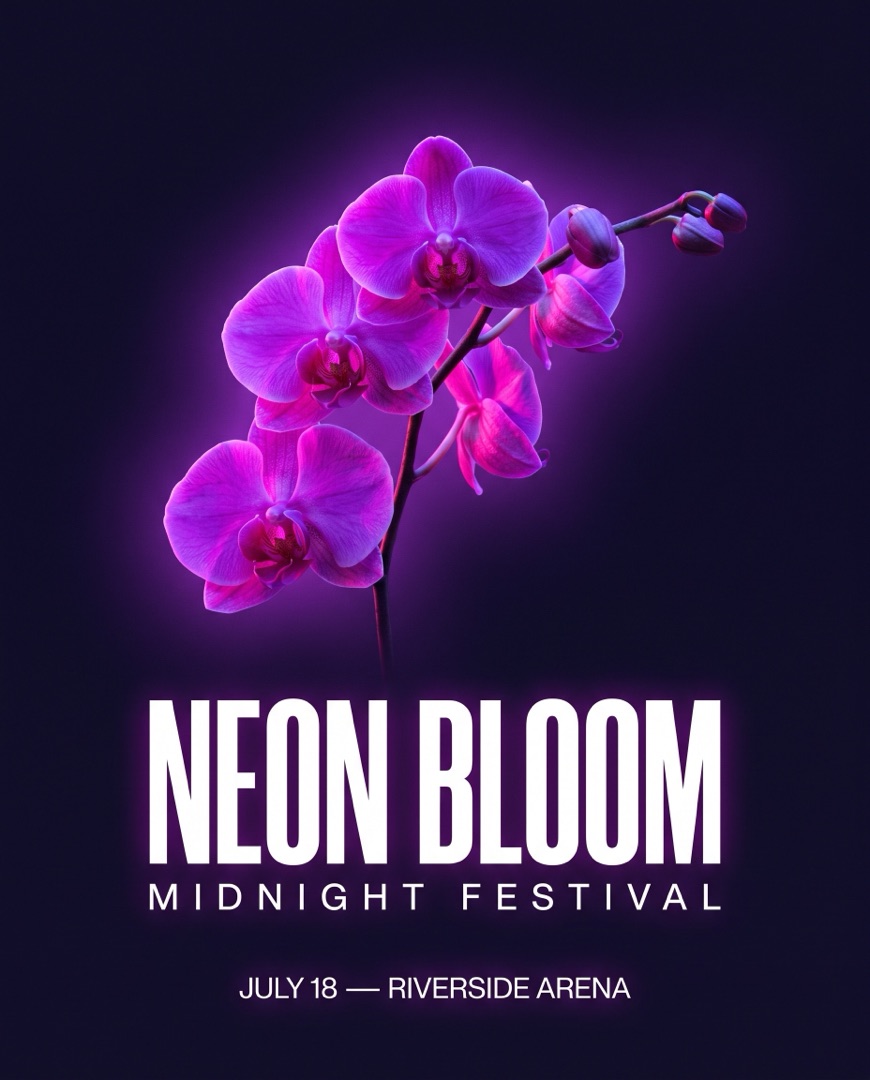 GPT Image 2
 GPT Image 2
How to use GPT Image 2
1Describe your image
Write your prompt — spell out the subject, style and any text you want on the image.
2Pick your settings
Choose the resolution and aspect ratio to match where the image is going.
3Generate & download
Hit Generate and get your results in seconds, ready to download in high resolution.
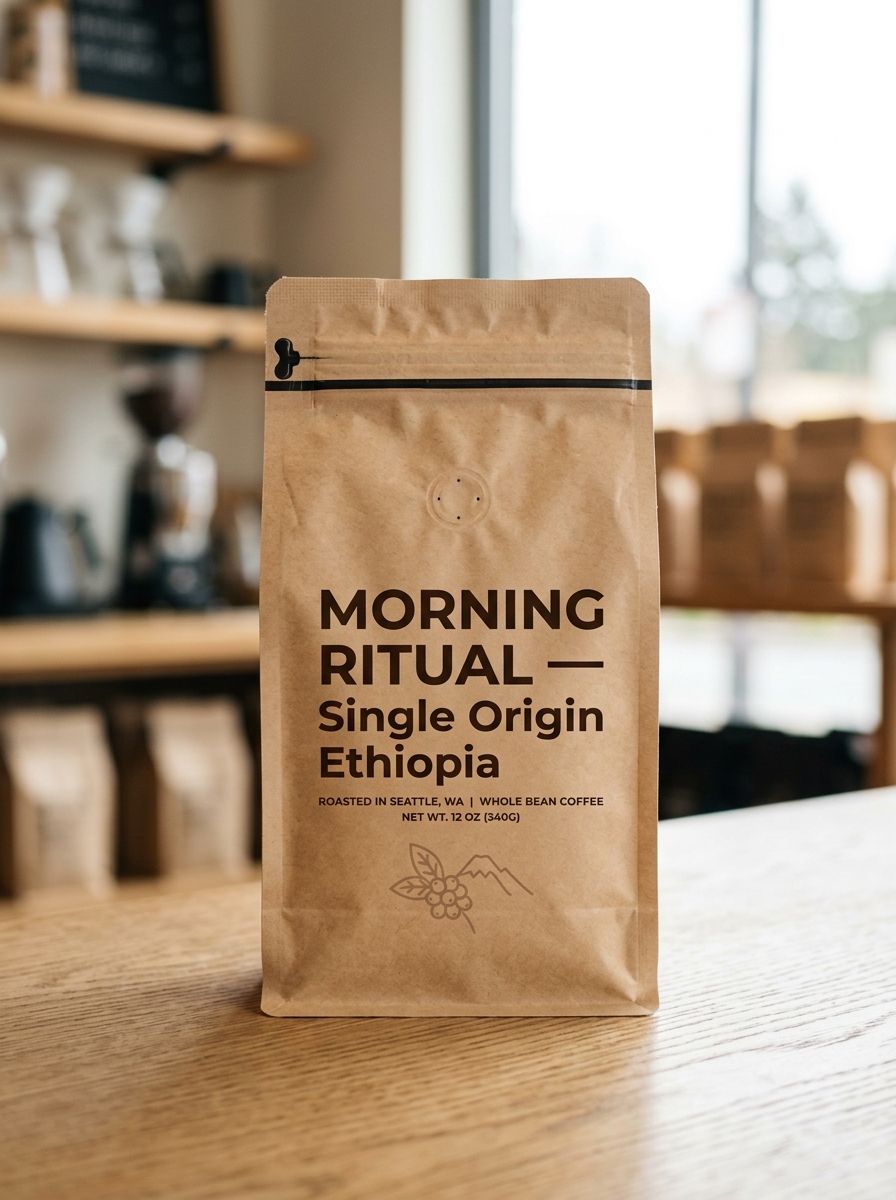
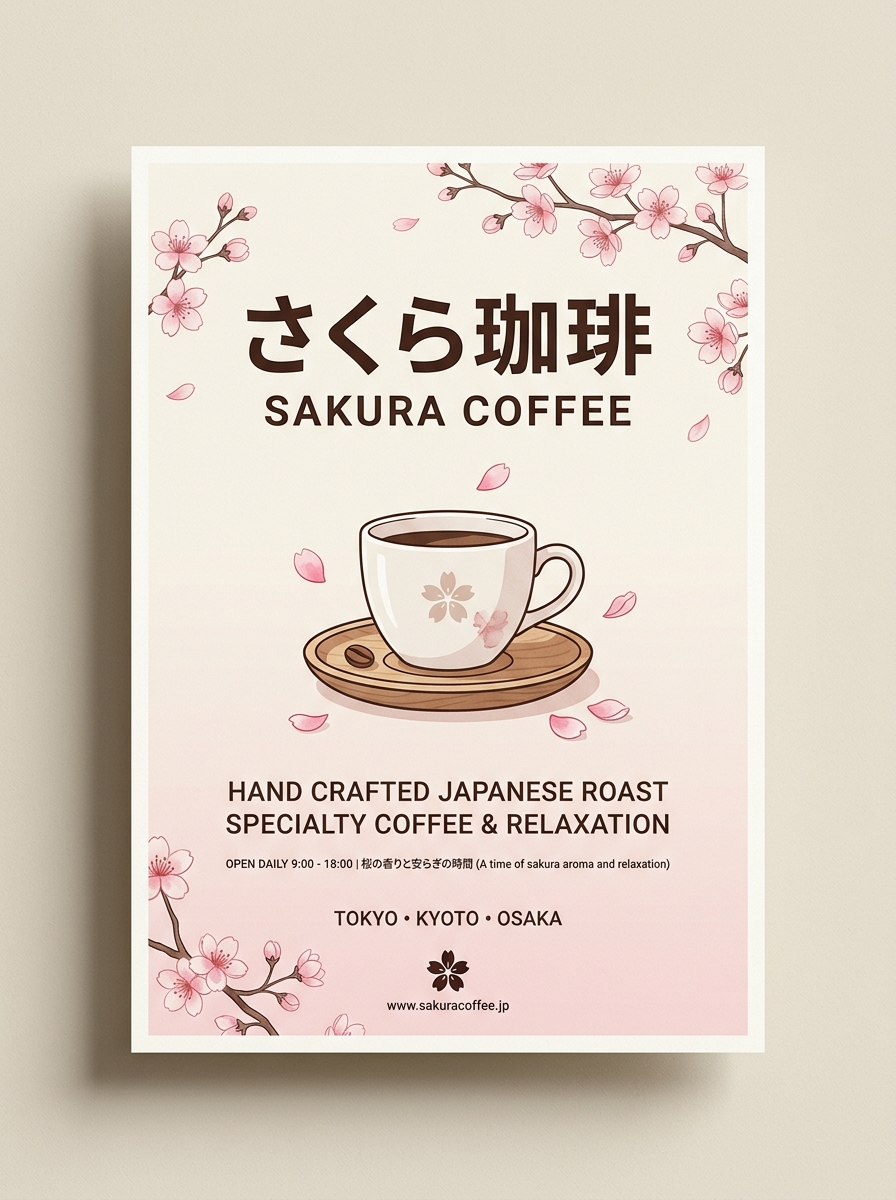
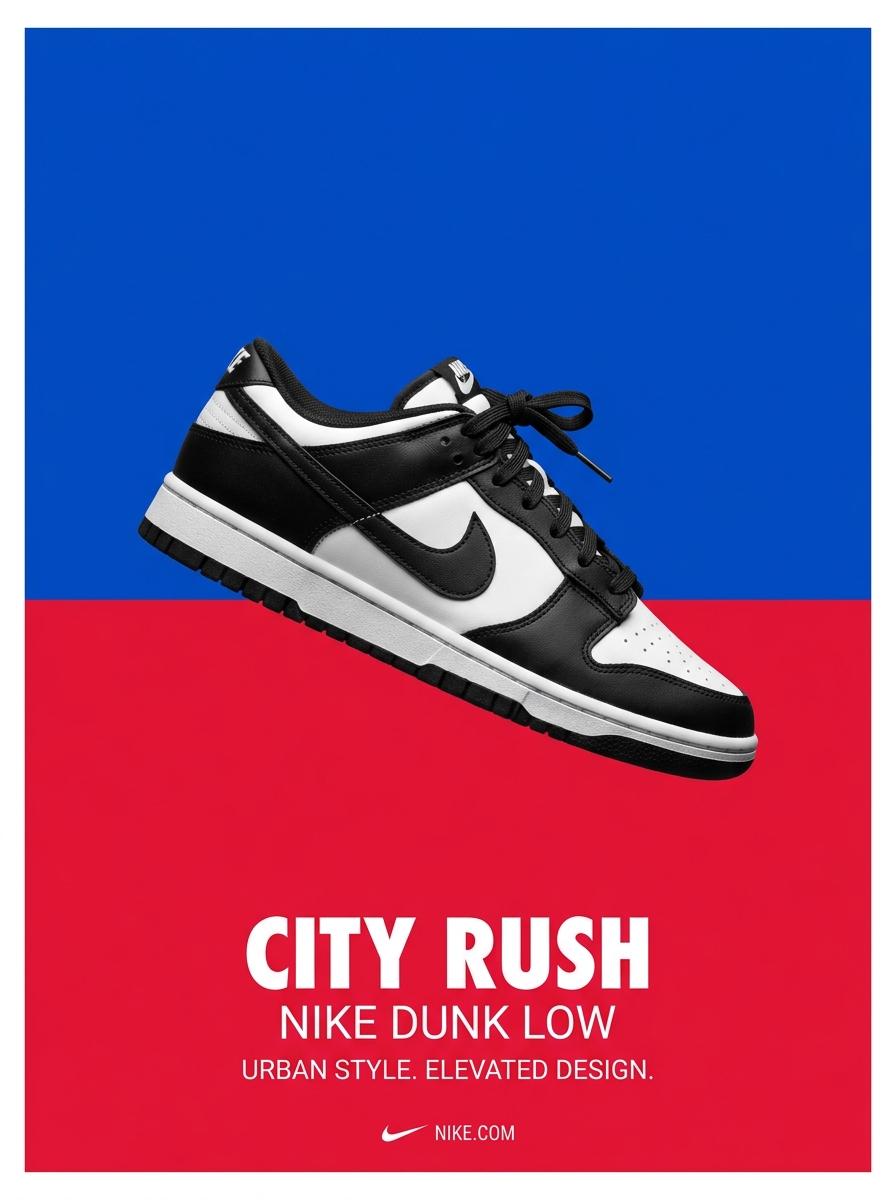
Flawless text in every image
GPT Image 2 renders near-perfect, legible text across Latin, CJK and more — headlines, labels, packaging and UI copy come out correctly spelled and cleanly typeset, where diffusion models usually garble letters.
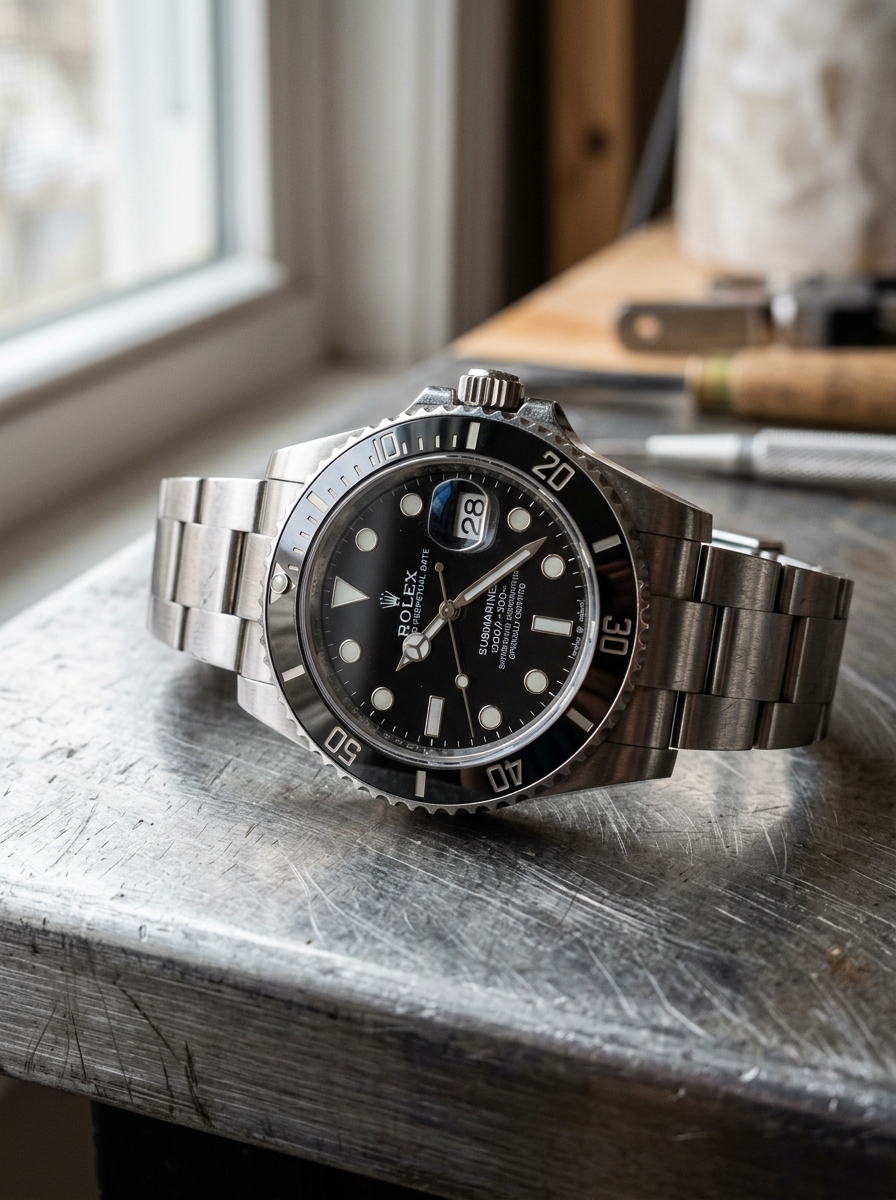
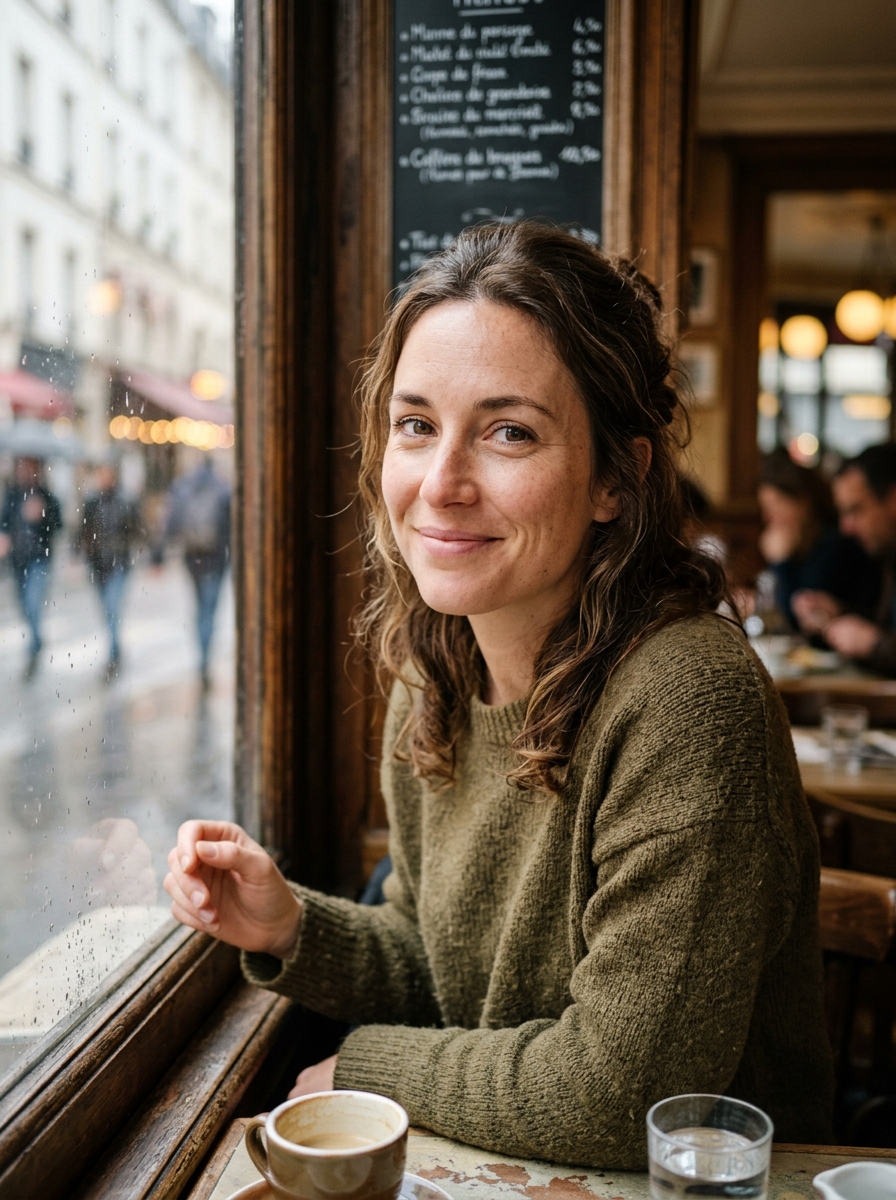
Photorealism without the AI look
Natural skin texture, real materials and believable lighting — GPT Image 2 avoids the plastic, over-smoothed "AI feeling" for product shots and portraits that look genuinely photographed.
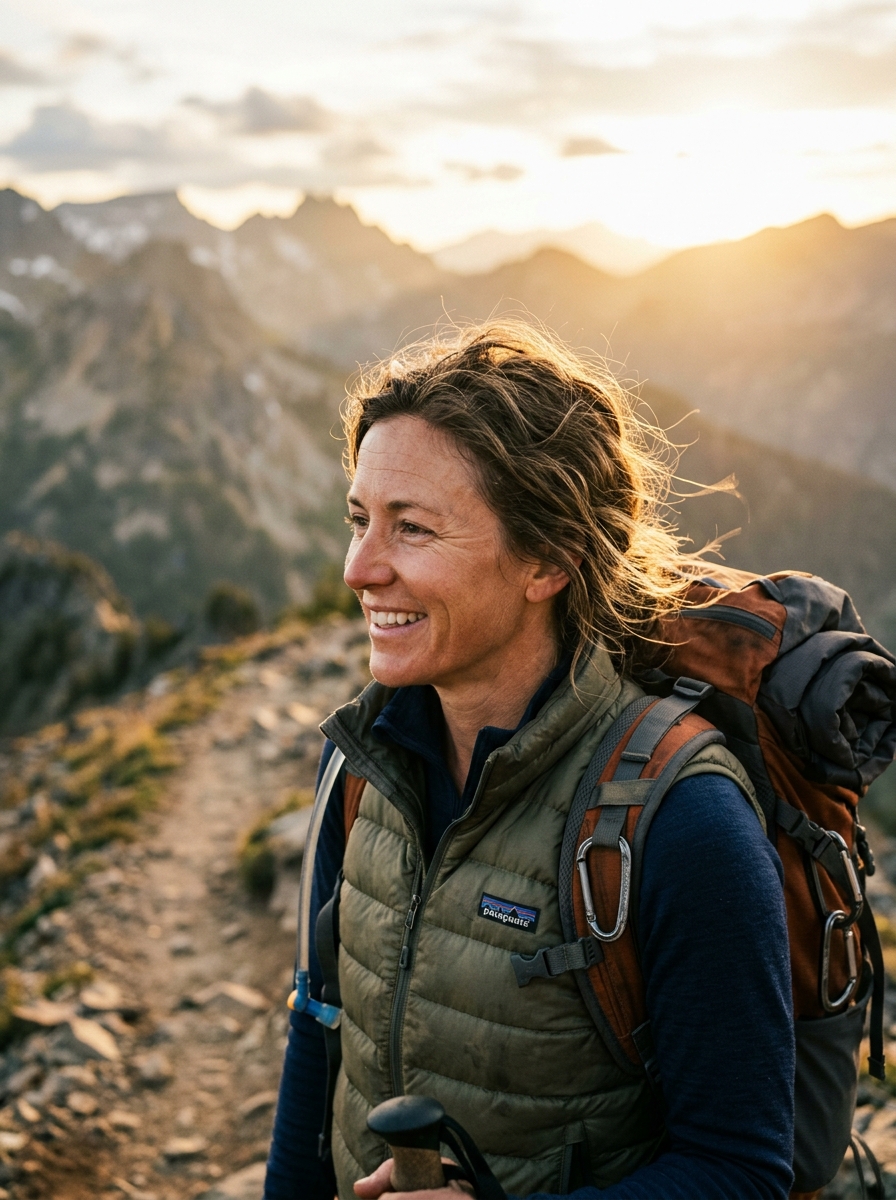
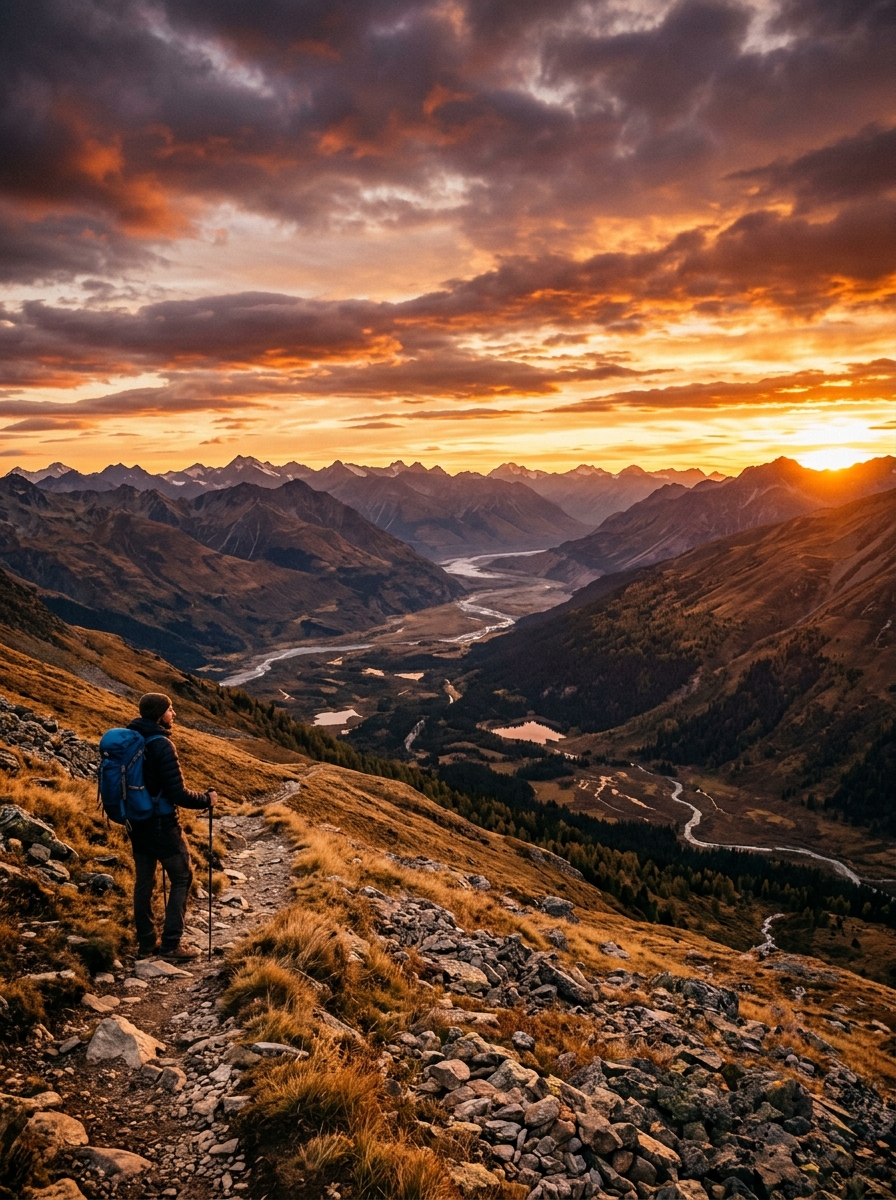
Edit and extend your canvas
Paint a mask to regenerate just part of an image, or outpaint to expand the frame — reframe to a new aspect ratio and fill in coherent surroundings while keeping the parts you love.
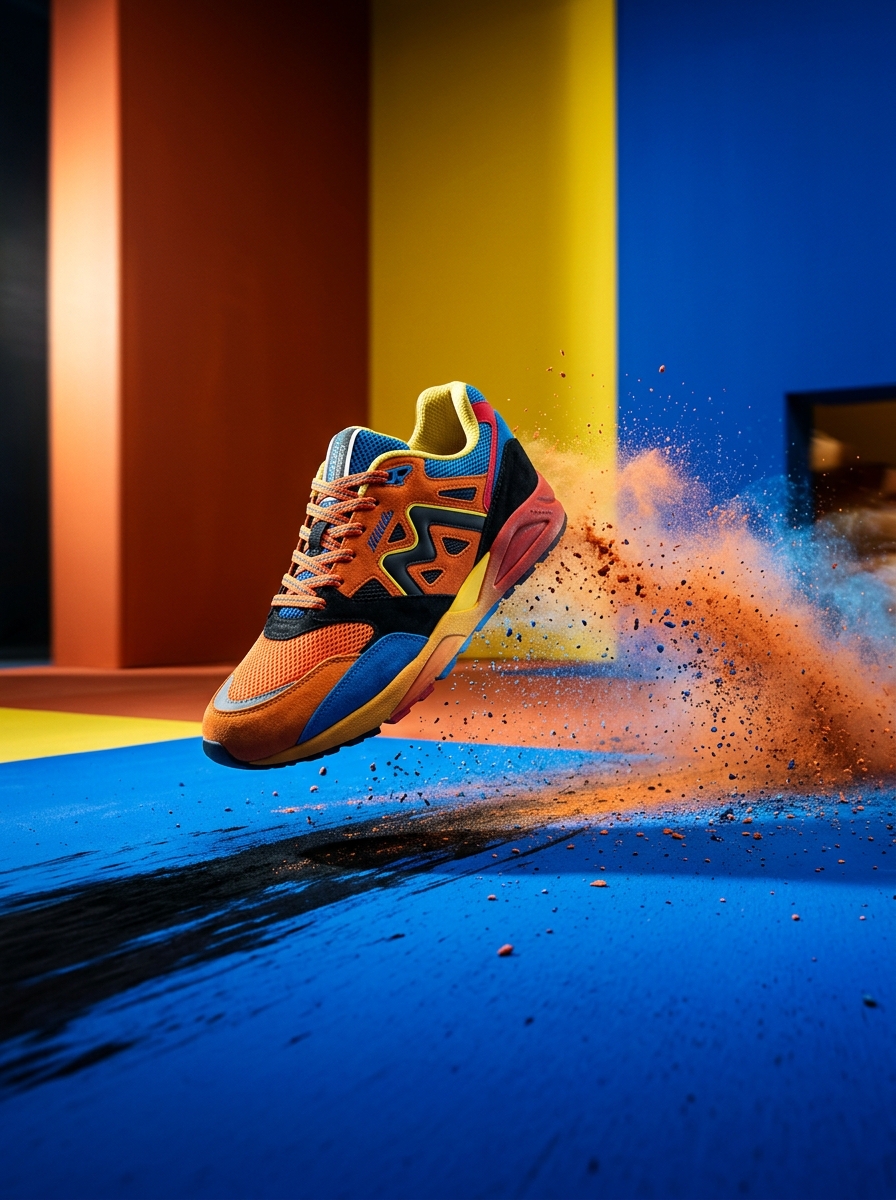
Any aspect ratio, up to 4K
Generate square, portrait, landscape or panoramic frames up to native 2K (experimental 4K). Three quality tiers let you dial speed against fidelity — fast drafts or gallery-ready finals from one model.
FAQs
How accurate is the text rendering?
GPT Image 2 achieves roughly 99% character-level accuracy across Latin, Chinese, Japanese, Korean and more — legible for posters, labels, packaging and UI mockups. Put the exact words in quotes for the most reliable results.
What resolutions and aspect ratios are supported?
Native output up to 2K (experimental 4K up to 3840px edge), in square, landscape (3:2), portrait (2:3) or custom ratios within a 3:1 limit — set the frame before you generate.
Can I edit or extend an image after generating?
Yes. Mask-based inpainting regenerates specific regions while preserving the rest, and outpainting extends the canvas for reframing or panoramas. Quality is best within one or two edit passes.
Can I use the images commercially?
Yes. On paid Wandura plans you keep full ownership and commercial rights — ads, packaging, social and client work — and outputs carry C2PA content credentials for provenance.
How fast is generation?
GPT Image 2 is 3–5× faster than the previous generation, producing several variations in seconds. Speed also depends on the quality tier you pick.
How many credits does one image cost?
It depends on the quality tier and resolution — the exact price in credits is always shown on the Generate button before you commit.