Sora 2 - AI Video Generator for Ad Creators
OpenAI's Sora 2 Pro on Wandura turns a text prompt into a 4, 8 or 12-second video with natural motion and synchronized audio, in 720p or 1080p, landscape or portrait.
 ModelSora 2
Key Benefits of Sora 2
Cinematic Renders in Minutes
A typical Sora 2 Pro clip finishes in about 6 minutes with live progress — no queue guesswork.
Audio Baked In
Every render includes synchronized sound automatically — dialogue, footsteps and ambience, no separate toggle.
Flexible Resolution & Aspect
720p or 1080p, landscape (16:9) or portrait (9:16) — pick what matches where the ad is going.
4, 8 or 12-Second Clips
Choose the duration that fits your placement before you generate; longer clips use more credits.
Chain Into Your Next Edit
Send any result straight into Video Upscale, Extend or Lipsync — no downloading and re-uploading.
Key Features of Sora 2
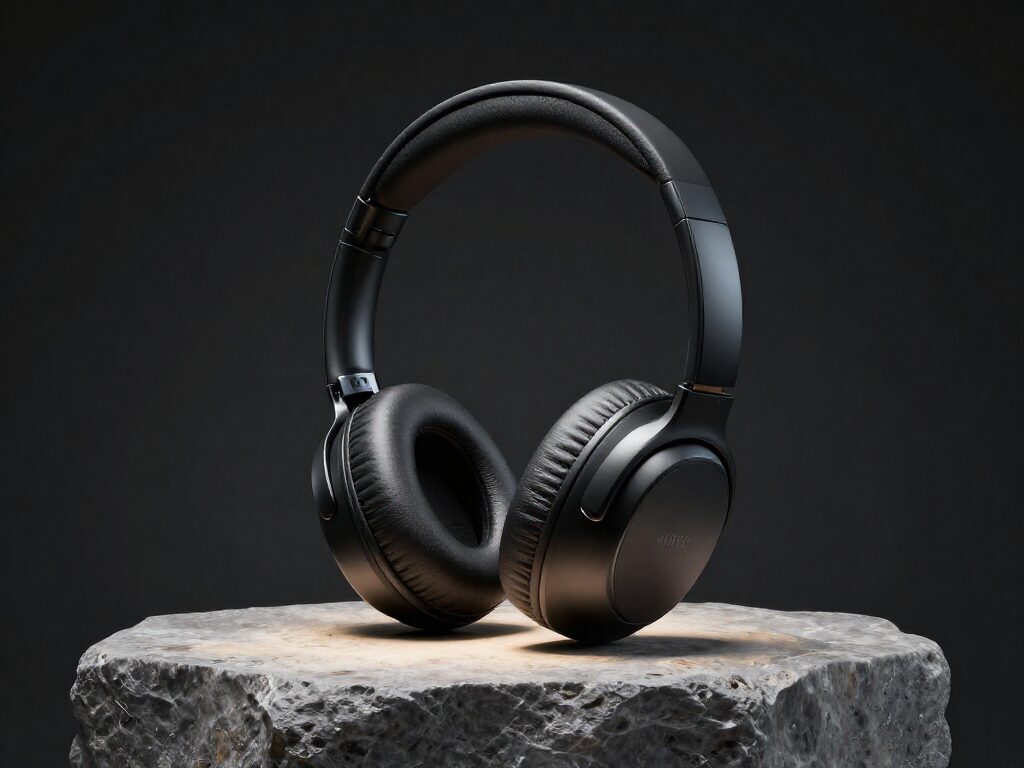
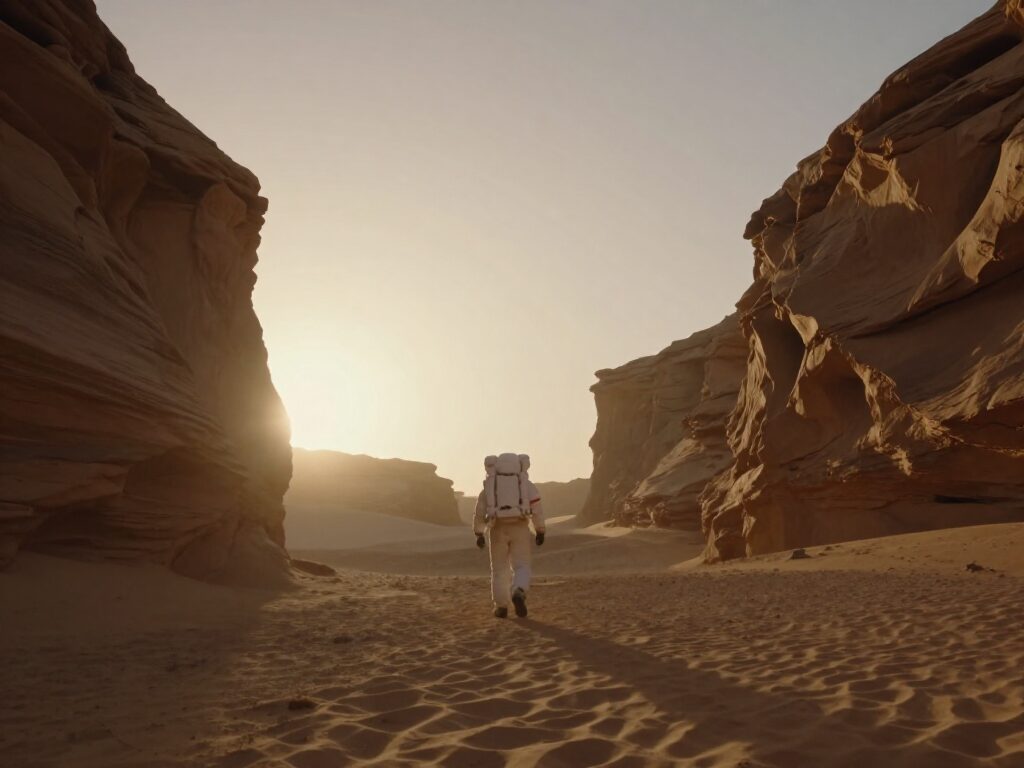
Natural motion and realistic physics
Sora 2 understands gravity, momentum and object permanence — it simulates real-world motion instead of morphing pixels, holding consistency across the whole clip.
Try it NowAudio generated with every clip
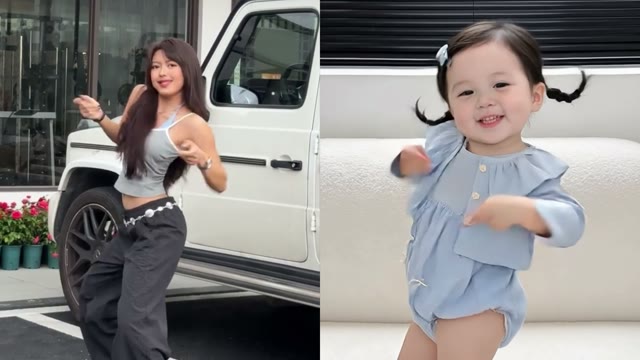
Every Sora 2 render includes synchronized sound automatically — dialogue, footsteps and ambience generated together with the picture, no separate audio pass to remember.
Try it NowLandscape or portrait, up to 1080p
Render 16:9 landscape for cinematic pre-roll or 9:16 portrait for TikTok and Reels, at 720p or 1080p — pick the combination that matches your ad placement.
Try it NowSend it straight into your next edit
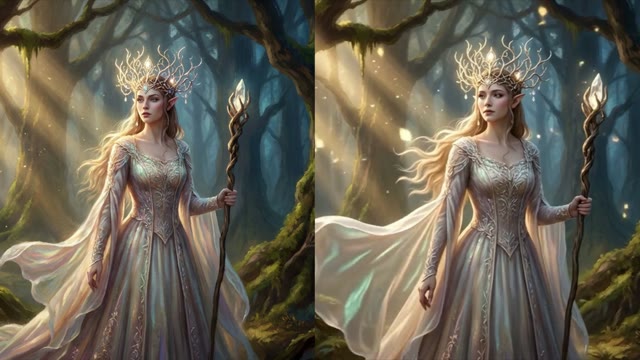
Every result lands with chain actions underneath it — send the clip straight into Video Upscale, Video Extend or Lipsync without downloading and re-uploading.
Try it NowHow To Use Sora 2
Pick the Model
Open the model picker in the composer and choose Sora 2 Pro — or draft on a cheaper model first.
Describe the Ad Scene
Write your prompt, then set duration, resolution and aspect ratio right below it.



Generate & Reuse
Hit Generate — results land in your Creations and can chain straight into 36+ other tools.
How to Get the Best Results With Sora 2
Write Like a Shot List
"Subject + action + camera + mood" beats a one-line wish. "A barista pours latte art, slow push-in, warm morning light" reads better than "nice coffee video."
Direct the Camera in Words
Sora 2 responds to camera language — pans, dolly-ins, tracking shots. Say what the camera does, not just what is in frame.
Draft Cheap, Then Go Premium
Nail the prompt on a fast, cheap model first, then re-run the winning prompt on Sora 2 Pro for the final take.
FAQ – Sora 2
Vertical (9:16) for Stories and short-form social, or landscape (16:9) for pre-roll and display — set your preferred format before you generate.
A typical Sora 2 Pro render takes about 6 minutes, with live progress in the composer — no external rendering queue.
Every render is 4, 8 or 12 seconds — pick the duration before you generate. Longer clips use more credits.
Yes, automatically. Sora 2 generates audio together with the video on every render — there is no toggle to turn it off.
Yes — you get full commercial rights on all paid plans, including paid advertising campaigns.