Nano Banana 2 — studio quality at flash speed
Google's Gemini 3.1 Flash Image turns one prompt into razor-sharp, richly lit visuals in seconds — cover-shot color and detail, at a fraction of the cost.
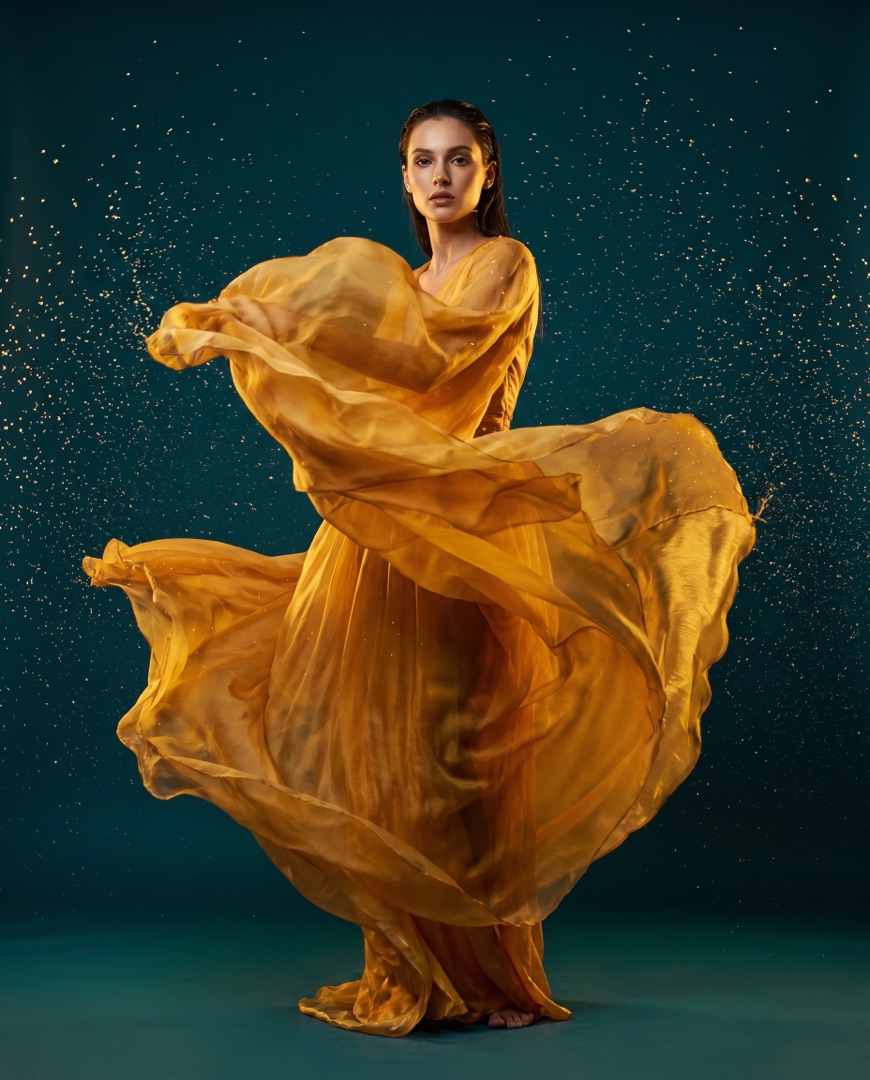 Nano Banana 2
 Nano Banana 2
How to use Nano Banana 2
1Describe your image
Write your prompt — spell out the subject, style and any text you want on the image.
2Pick your settings
Choose the resolution and aspect ratio to match where the image is going.
3Generate & download
Hit Generate and get your results in seconds, ready to download in high resolution.
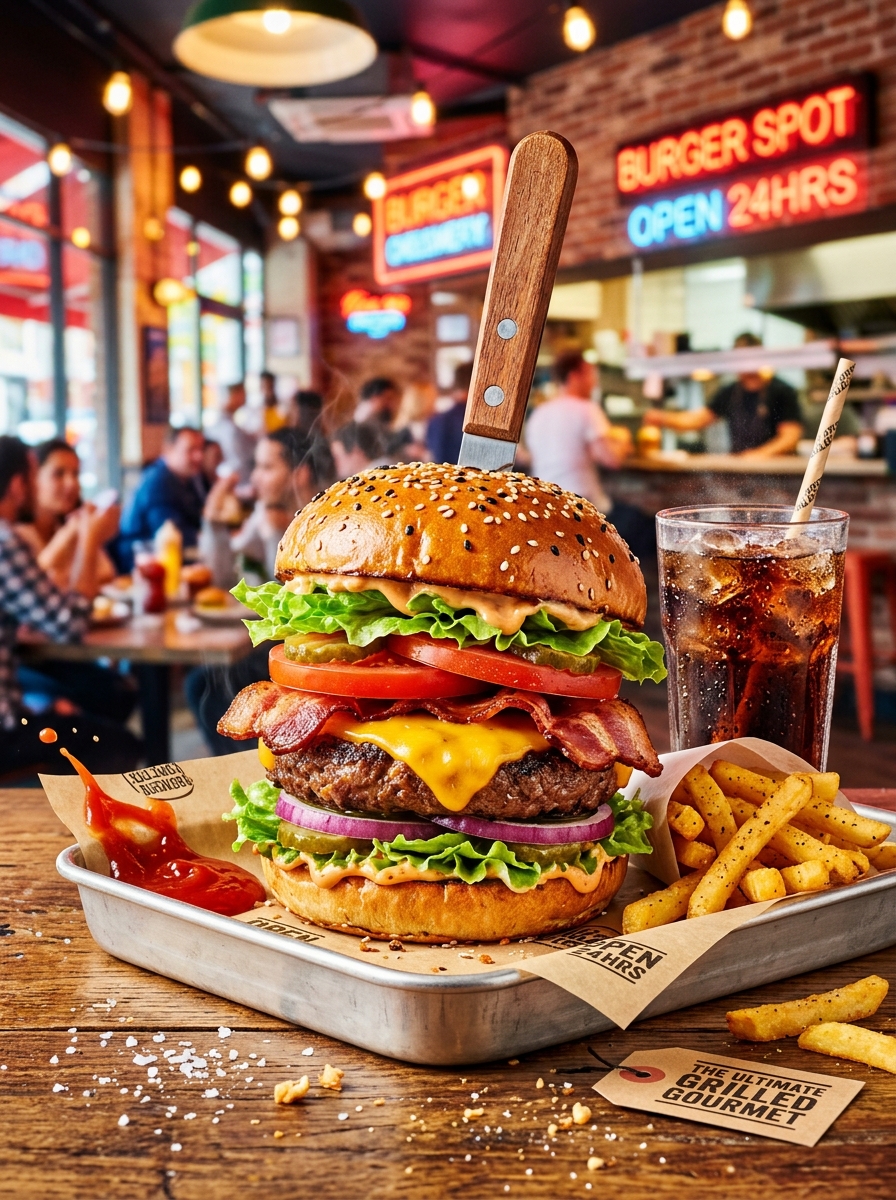
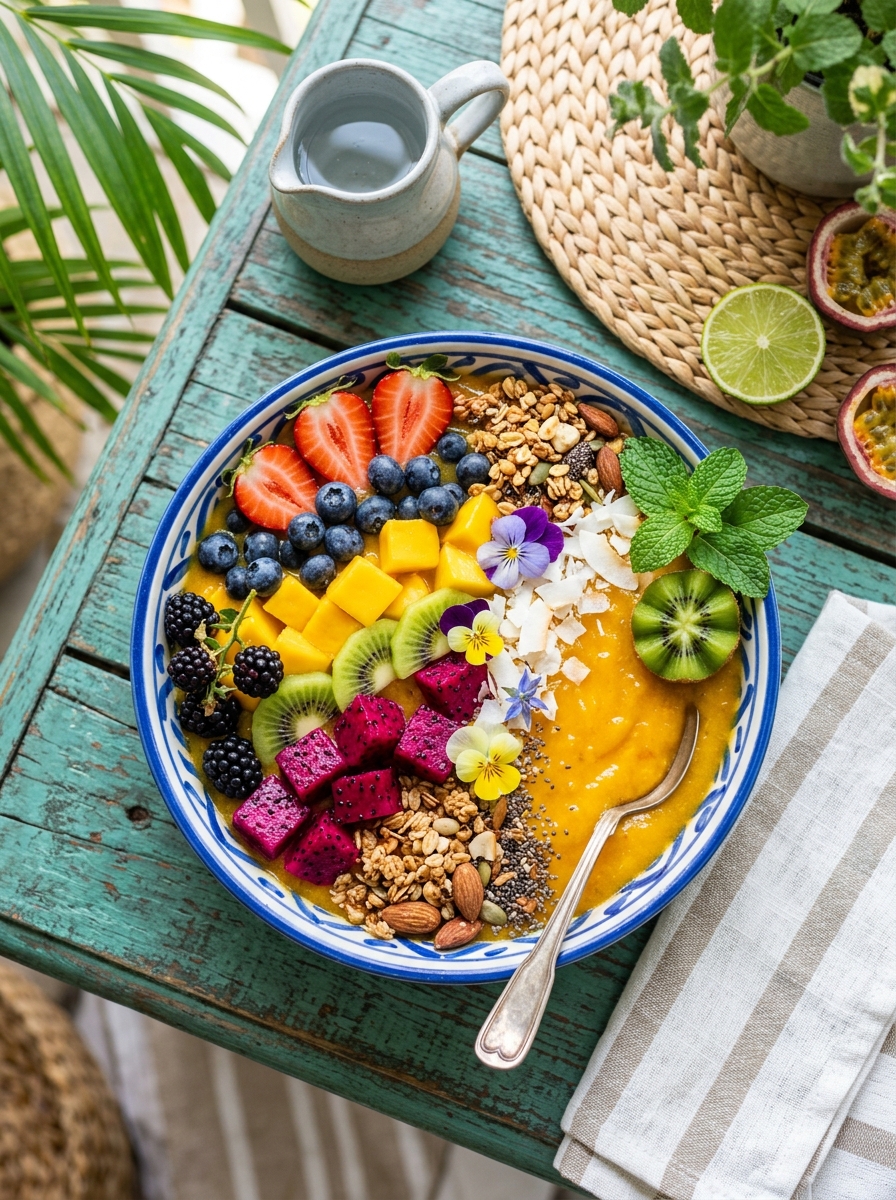
Generate in seconds, not minutes
Built on Google's Gemini Flash image engine, Nano Banana 2 renders full-fidelity images in about 4–8 seconds — 3 to 5× faster than earlier models, so you can iterate at the speed of thought.
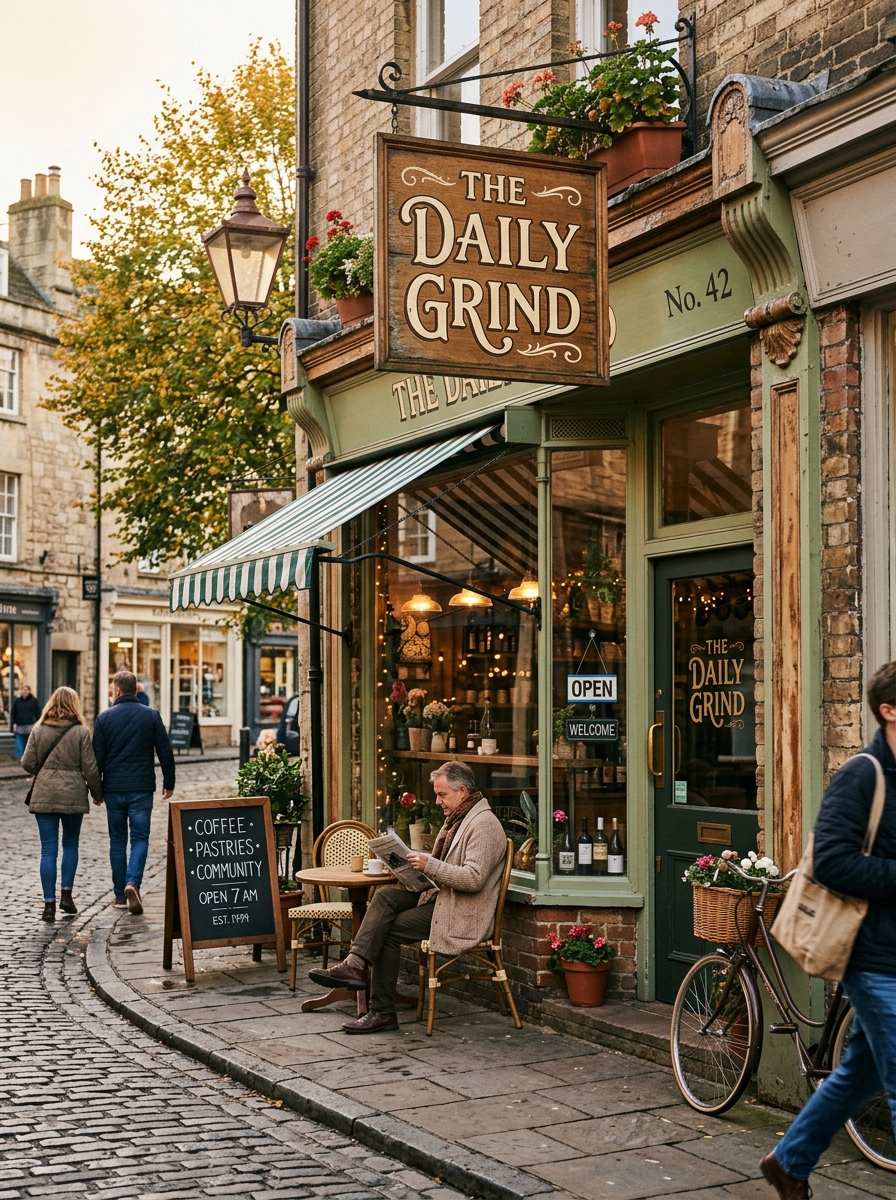
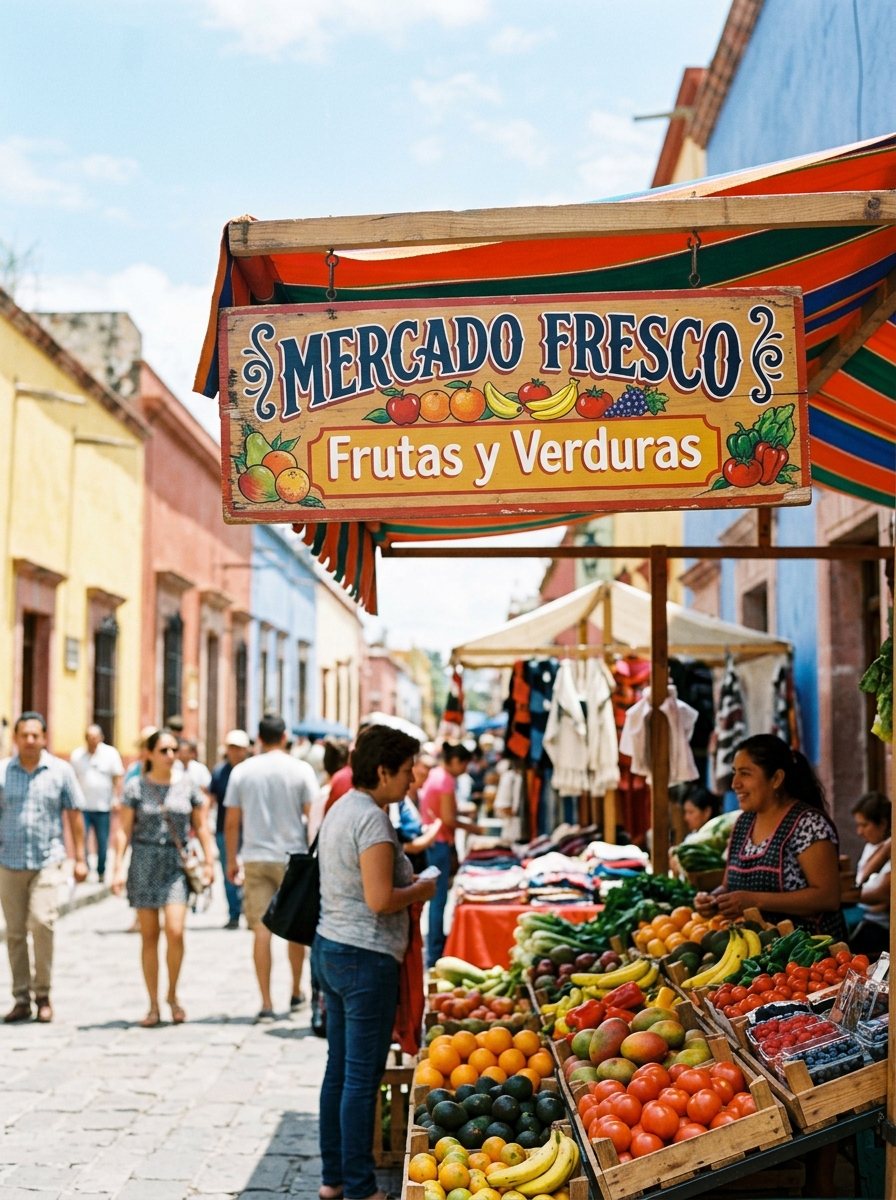
Legible text in 25+ languages
Nano Banana 2 spells it right — accurate, readable typography for signs, labels and captions across more than 25 languages, with character-by-character validation instead of garbled text.
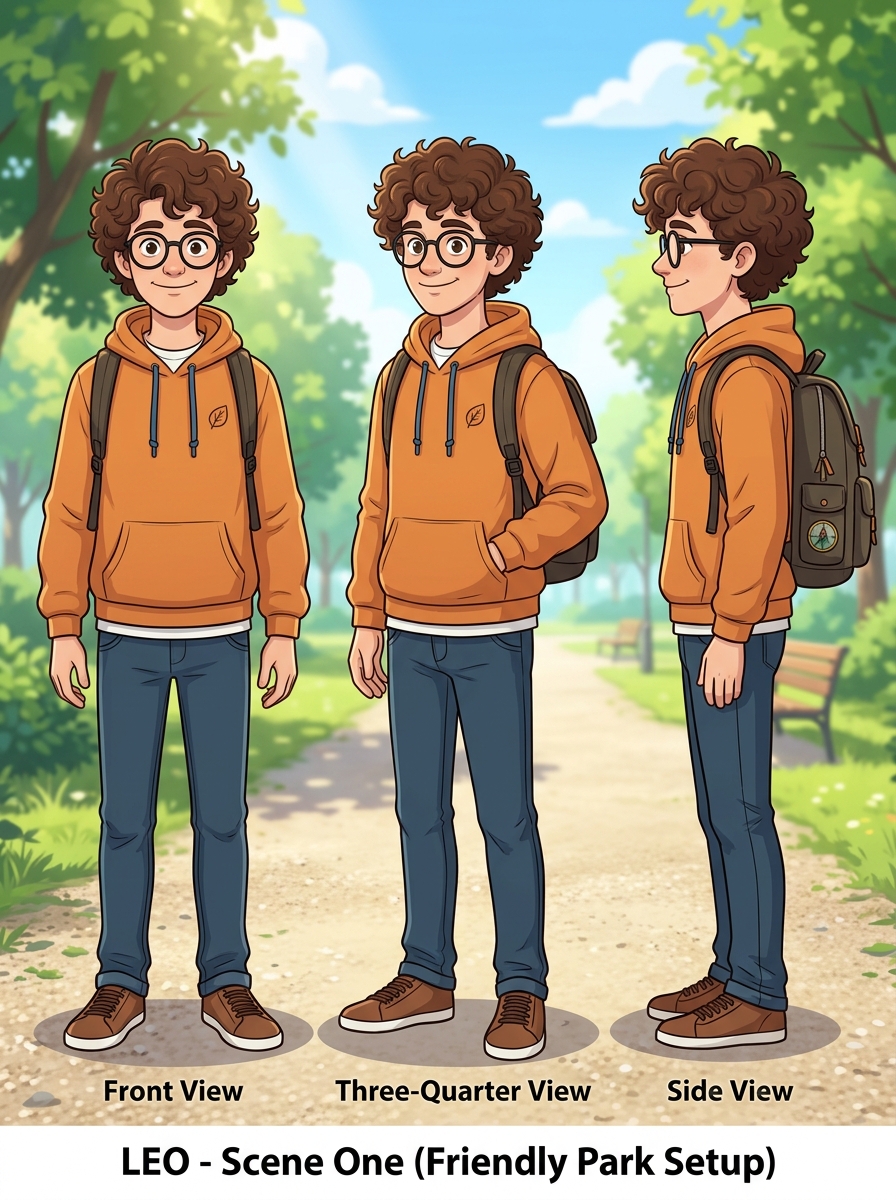

Same character, every frame
Keep characters true to their identity across a whole sequence. Nano Banana 2 holds consistency for up to 5 people with up to 14 reference images — perfect for storyboards, comics and product variations.

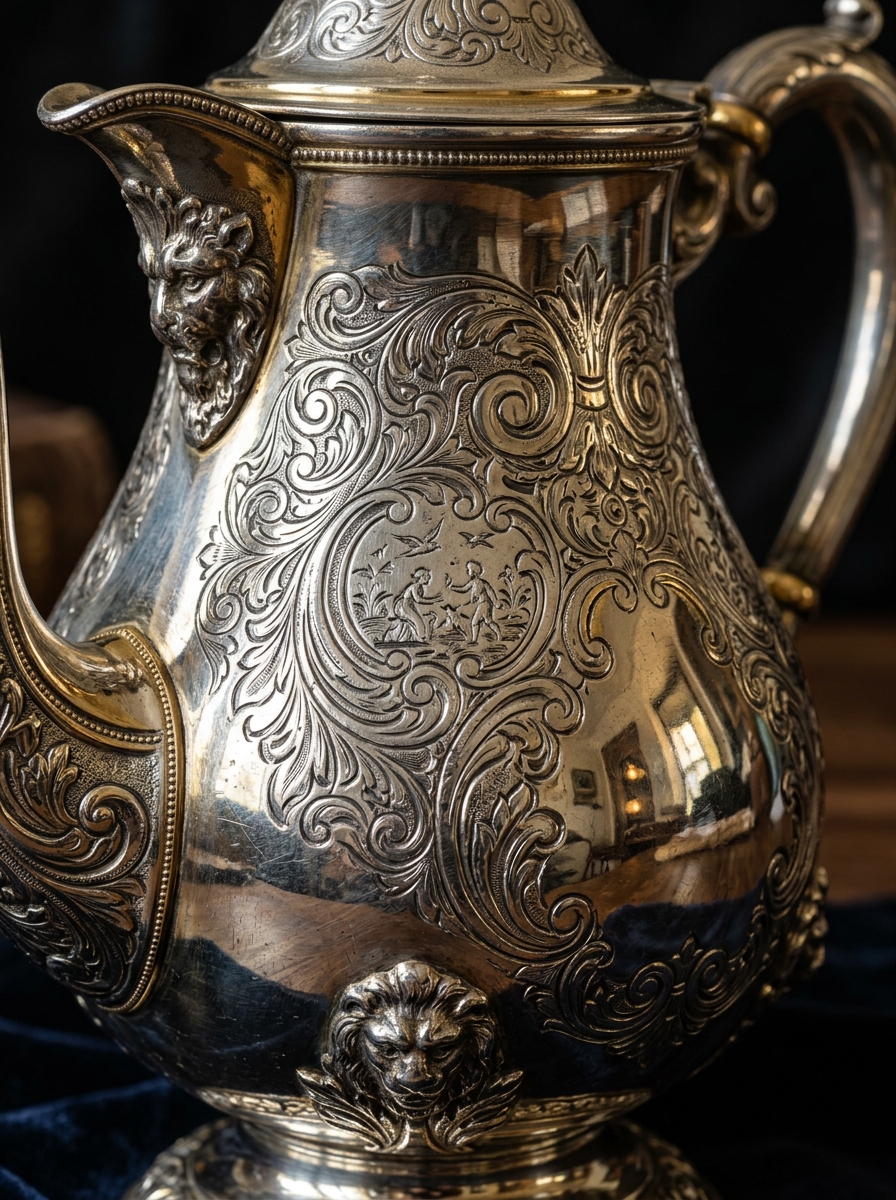
Native 1K to 4K, your choice
True multi-resolution output — no upscaling artifacts. Generate 1K for web speed, 2K for posters or native 4K for print-quality detail, across 15 aspect-ratio presets covering every format.
FAQs
How fast is Nano Banana 2?
It generates full-resolution images in about 4–8 seconds — roughly 3–5× faster than previous-generation models, because it runs on Google’s Gemini Flash image architecture.
What resolutions does it support?
Native 1K, 2K and 4K generation — true resolution rather than upscaled — with 15 aspect-ratio presets from square to wide panoramic.
How is it different from Nano Banana Pro?
Nano Banana 2 (Gemini Flash) prioritises speed, cost and creative volume; Nano Banana Pro prioritises reasoning depth and crafted quality. Choose 2 for fast batching, Pro for the most demanding compositions.
Can I edit images after generating?
Yes. Nano Banana 2 supports native image-plus-text editing — give it an image and an instruction like “change the background to marble” and it returns edited variations.
Can I use the images commercially?
Yes — full commercial rights are included on paid Wandura plans, for client work, ads, e-commerce, merchandise and print.
How many credits does one image cost?
Cost varies by resolution — the exact price in credits is always shown on the Generate button before you generate.