Sora 2 — direct video with words
OpenAI's Sora 2 on Wandura creates 4–20 second videos with natural motion, perfectly synced audio and 720p or 1080p output — from a single prompt.
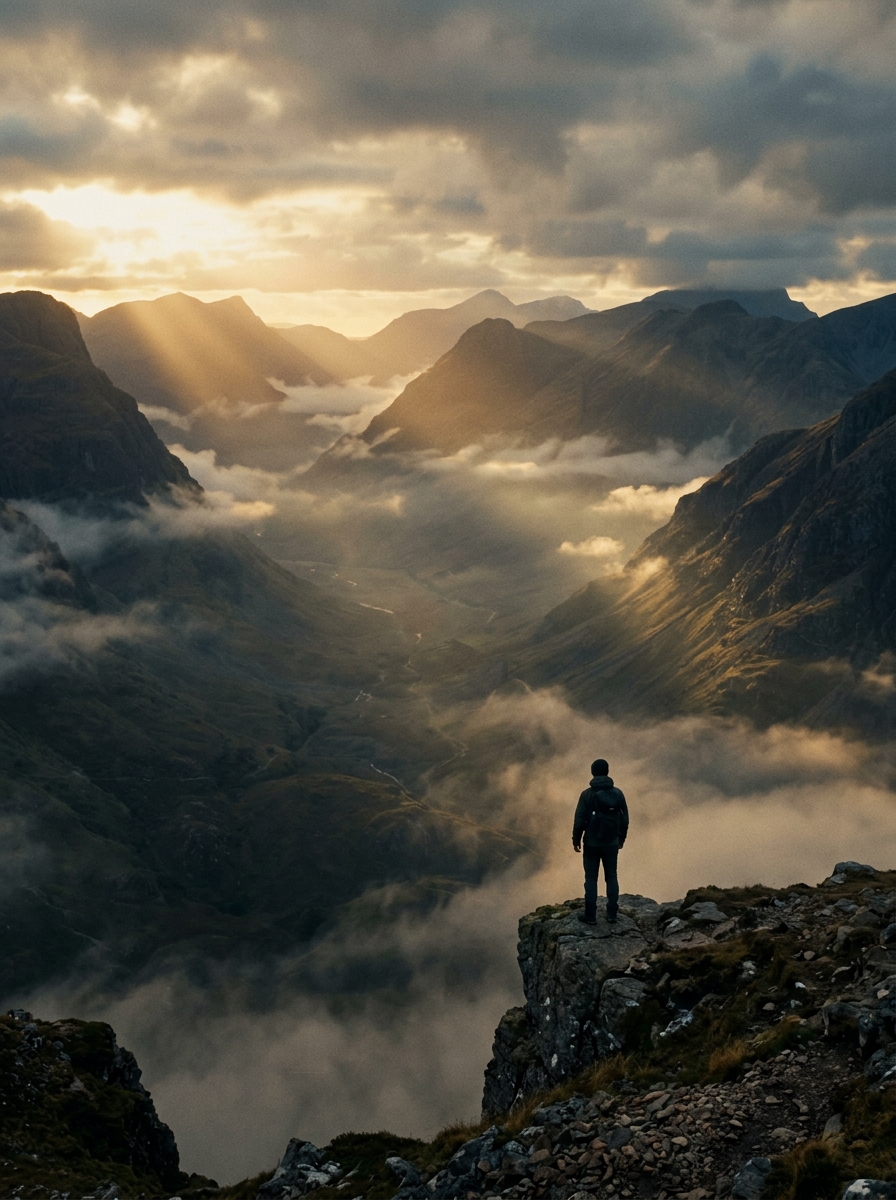 Sora 2 Pro
 Sora 2 Pro
How to use Sora 2 Pro
1Tell Sora 2 what you want
Write your prompt — the action, the setting, who's in it and how it should feel.
2Pick your video settings
Choose resolution (480p is fast, 720p and 1080p are high quality), duration and aspect ratio.
3Generate and download
Hit Generate and wait about a minute. Sora 2 renders your video with audio, ready to share.
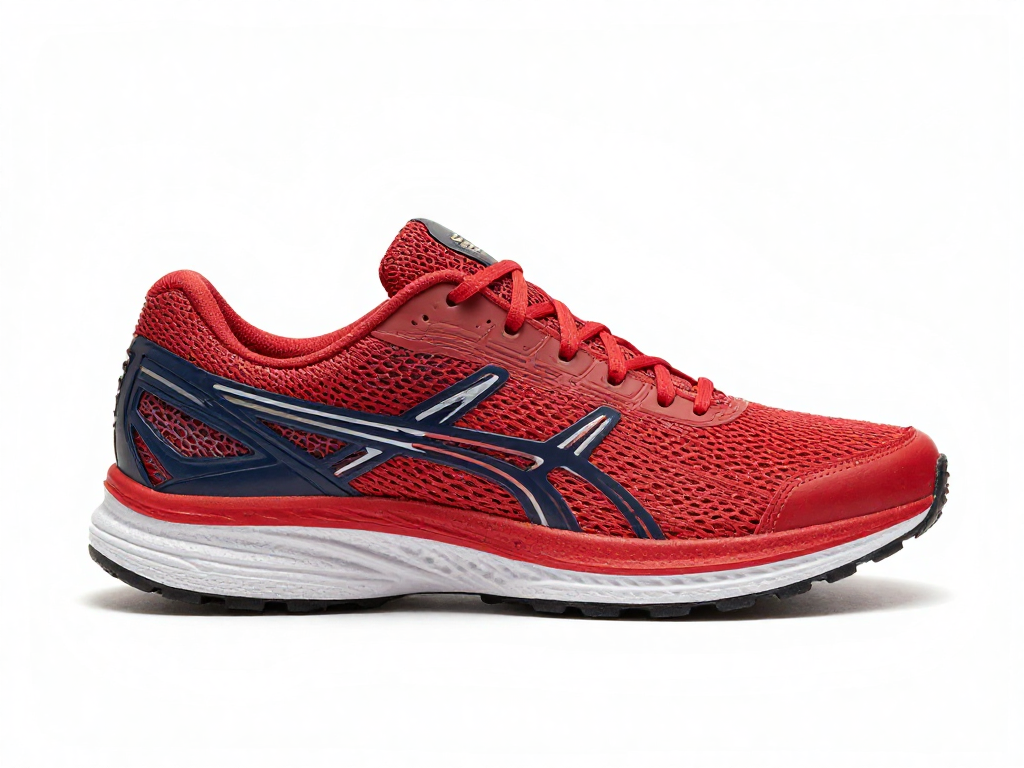
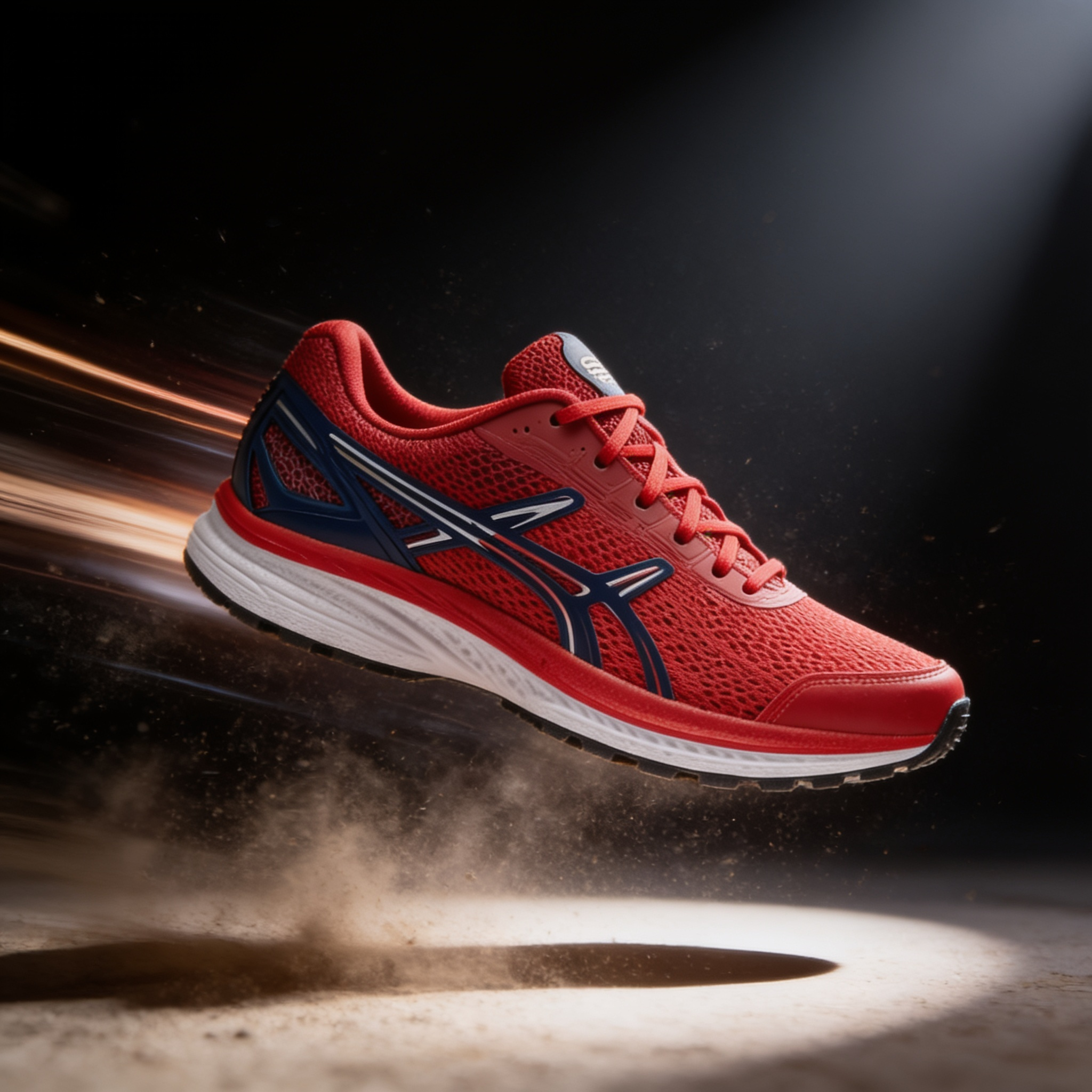
Realistic physics for perfectly natural motion
Sora 2 understands gravity, momentum, fluid dynamics and object permanence. It simulates reality instead of morphing pixels — extended videos with temporal consistency throughout.

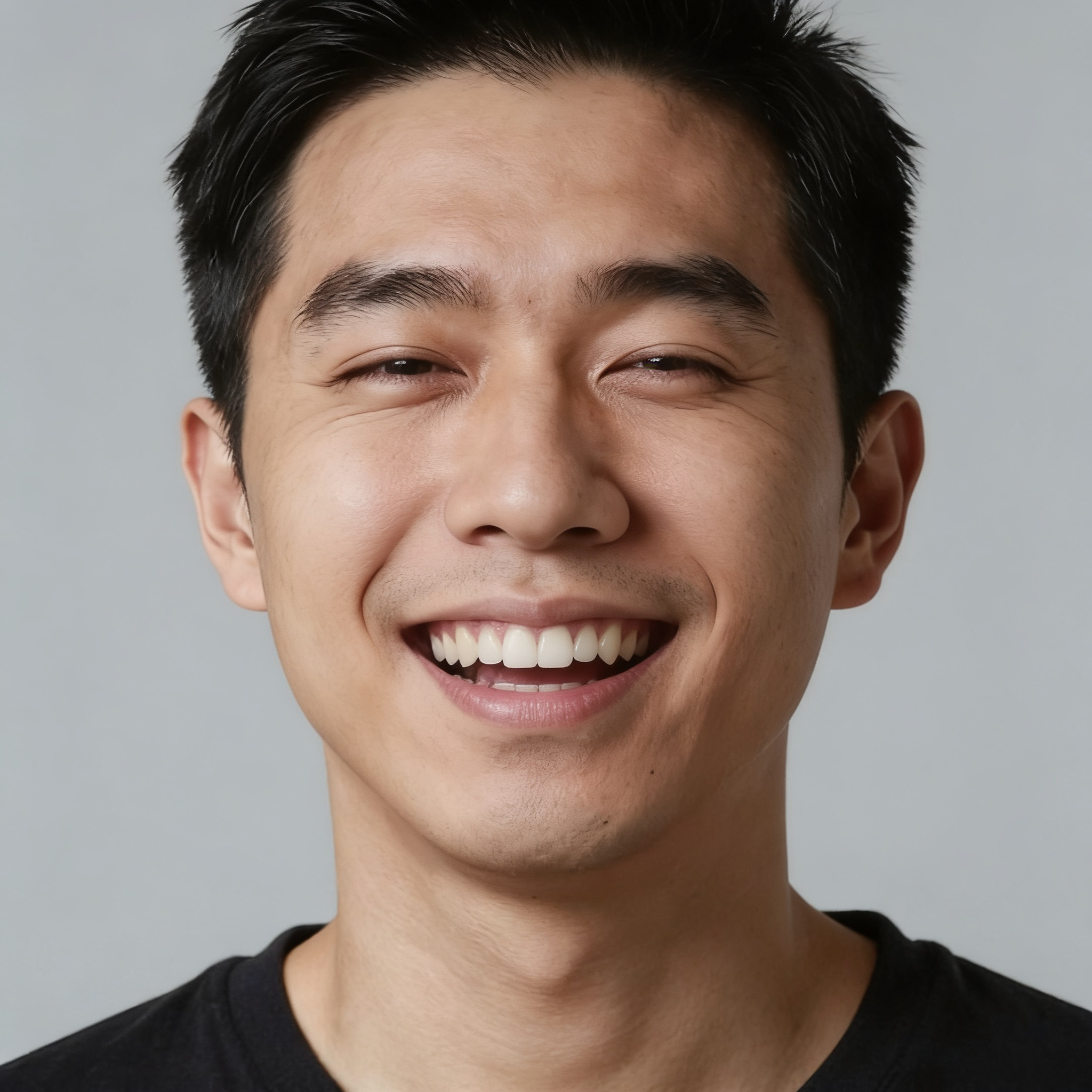
Synchronized native audio generation
Audio is generated with your video. Dialogue syncs with lip movement, footsteps match walking pace and background music fits the mood — no separate audio editing.
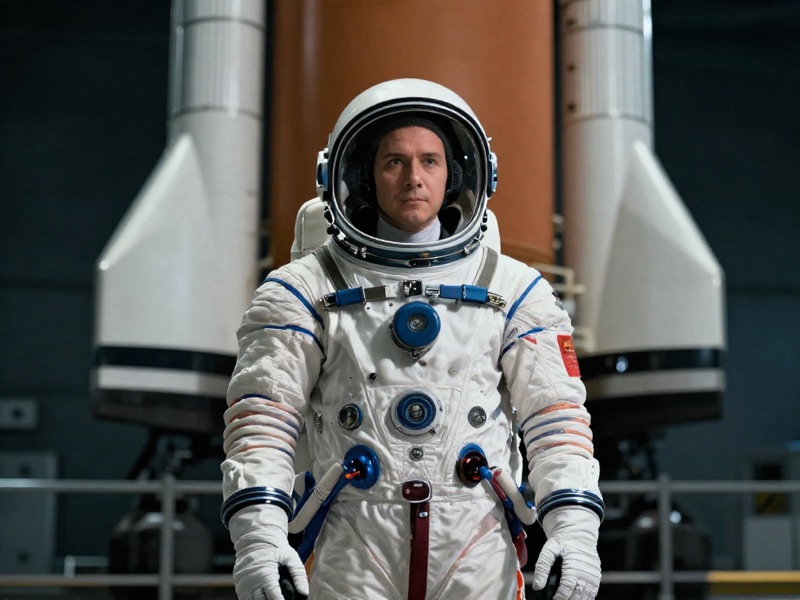
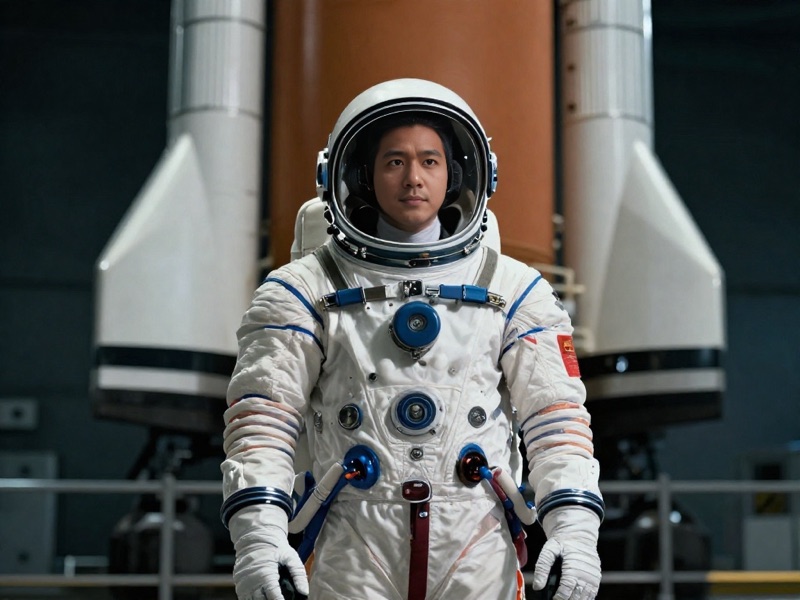
Insert yourself into AI-generated scenes
Record a short clip once to capture your appearance and voice. Cameos place you — or any person, pet or object — into any generated environment with an accurate portrayal.
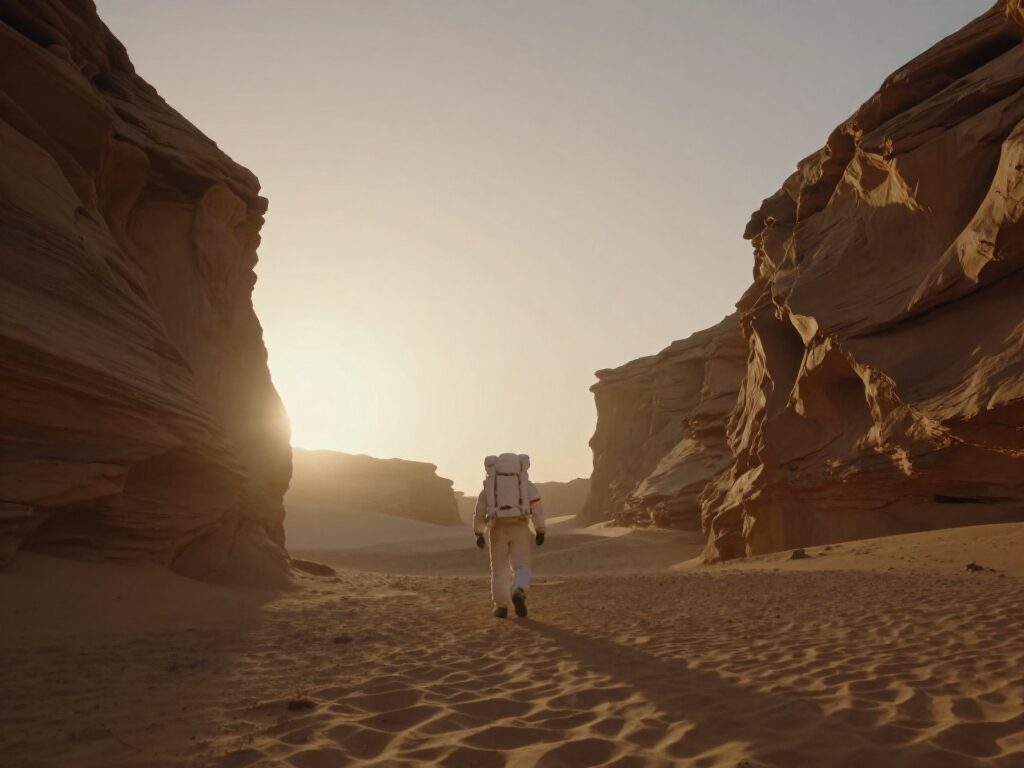
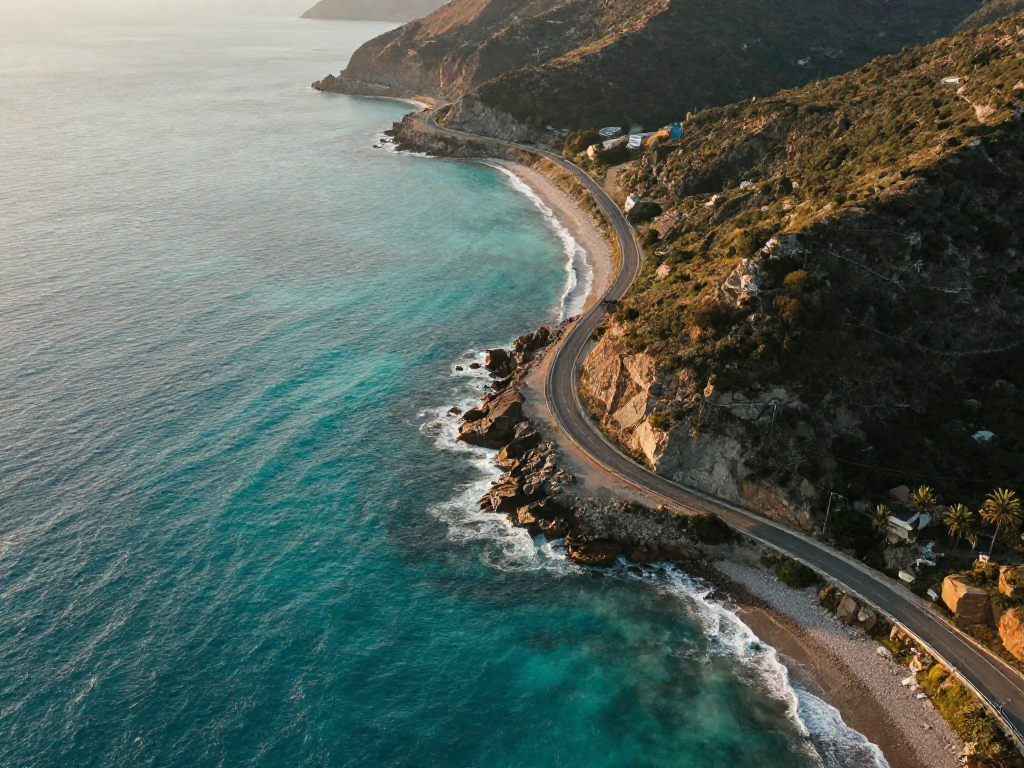
Direct camera movements and composition
Specify camera angles, movements and transitions in plain language. Control framing, lighting and shot composition — multi-shot sequences with seamless handling across every cut.
FAQs
What is Sora 2?
Sora 2 is OpenAI's video and audio generation model. It creates videos between 4 and 20 seconds with synchronized audio, realistic physics and precise camera control — available on Wandura without a separate subscription.
How long can Sora 2 videos be?
Video length depends on your plan. Free users can create short clips, while paid plans unlock longer durations so you can generate full scenes without feeling rushed.
Does Sora 2 include audio?
Yes. Sora 2 generates audio along with the video: dialogue matches character lips, sound effects align with actions and background music fits the mood.
What resolutions does Sora 2 support?
Sora 2 generates 720p video, while Sora 2 Pro produces 1080p output. Both support landscape (16:9) and portrait (9:16) formats.
Can I control camera movements?
Yes. Specify camera angles, tracking shots, pans, zooms and transitions using text prompts — you can also direct framing, lighting and overall composition.
Can I use Sora 2 for commercial work?
Yes. Paid Wandura plans allow commercial use and you keep full ownership of your content. Review the licensing terms for your specific project.
How many credits does one video cost?
It depends on duration and resolution — the exact price in credits is always shown on the Generate button before you commit, so there are no surprises.