How to Make a 30-Second AI Horror Film: Silence, Knock, Choice
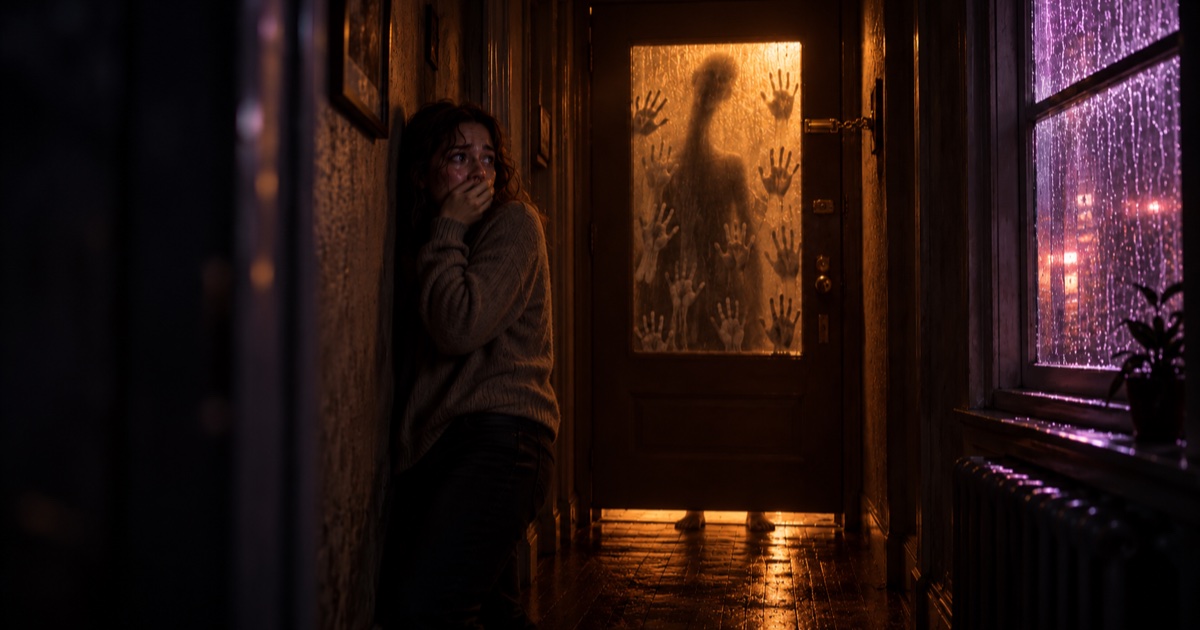
Short answer: To make a 30-second AI horror film, plan three parts: the silence, the knock and the choice. Split them into a handful of short shots, write one prompt per shot with the same character description every time, generate, then cut slowly and export in vertical 9:16.
The test: if the viewer is not already uneasy before anything scary happens, the scare will not land.
The Knock: one door, one sound, thirty seconds.
Horror is the genre where a short film can beat a long one. Thirty seconds is enough to build one feeling of dread and break it once. It is not enough for a backstory, a monster origin or three scares in a row. What works at this length is one place, one character, one threat and one decision.
This guide is a craft method for a short vertical horror film. The timings are a planning frame you can bend to fit your story. For the full process behind a longer short film, see our AI filmmaking guide.
1. Write the knock in one sentence
Before you write a prompt, write one sentence in this form:
[Character] is alone in [a place that should feel safe] when [something knocks or calls], and in the end [they make a choice we fear for].
For example: A young woman is alone in her apartment on a rainy night when someone knocks on the glass of her front door, and in the end she reaches for the handle.
That sentence gives you the three things short horror needs: a place the viewer recognises, a threat they cannot fully see, and a choice. If the last part is missing, the film ends on a jump scare instead of a story.
2. Build the 30 seconds in three parts
| Part | Rough share | What it has to do |
|---|---|---|
| Silence | first third | Show a normal place that feels slightly wrong. A dim light, a ticking clock, rain on a window. Nothing happens yet. |
| Knock | the middle | The threat arrives, mostly unseen: a sound, a shadow behind glass, a handle that moves. |
| Choice | the last few seconds | The character decides: open, hide, answer or run. End on that moment, or just after it. |
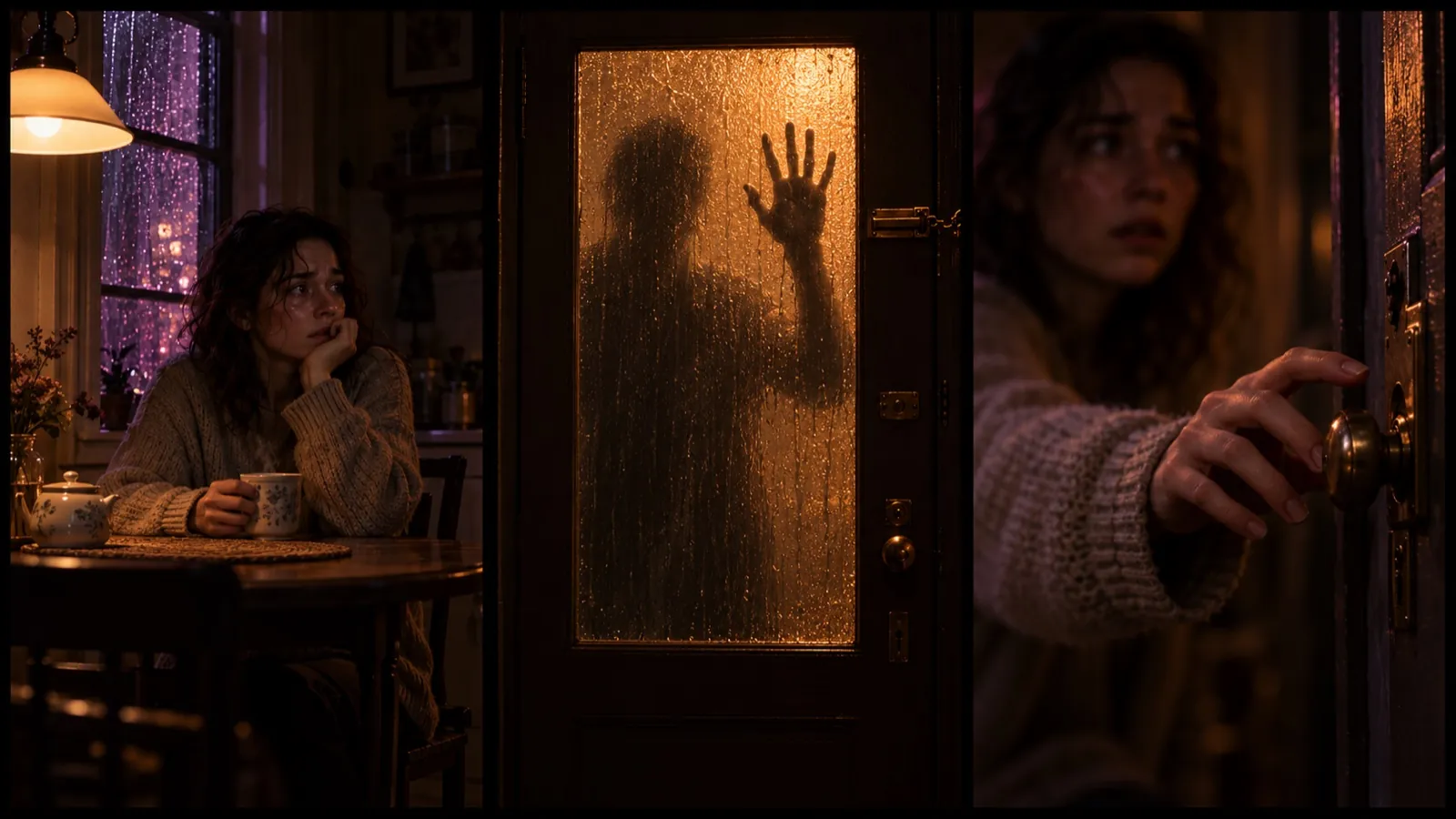 Silence, knock, choice: the dread is built before the threat appears.
The most common mistake is starting with the scare. Give the silence time. The knock only works if the viewer has been waiting for something.
3. Show less than you think
In a short horror film, what the viewer imagines is scarier than anything you can render. Plan your shots so the threat stays partly hidden:
- Behind something: frosted glass, a curtain, a door left open a few centimetres.
- Out of focus: a shape in the background while the character is sharp in the foreground.
- Off screen: only the sound and the character's face reacting to it.
This also helps with AI video. A creature in full light for several seconds is hard to keep convincing. A silhouette behind glass is easy to keep consistent.
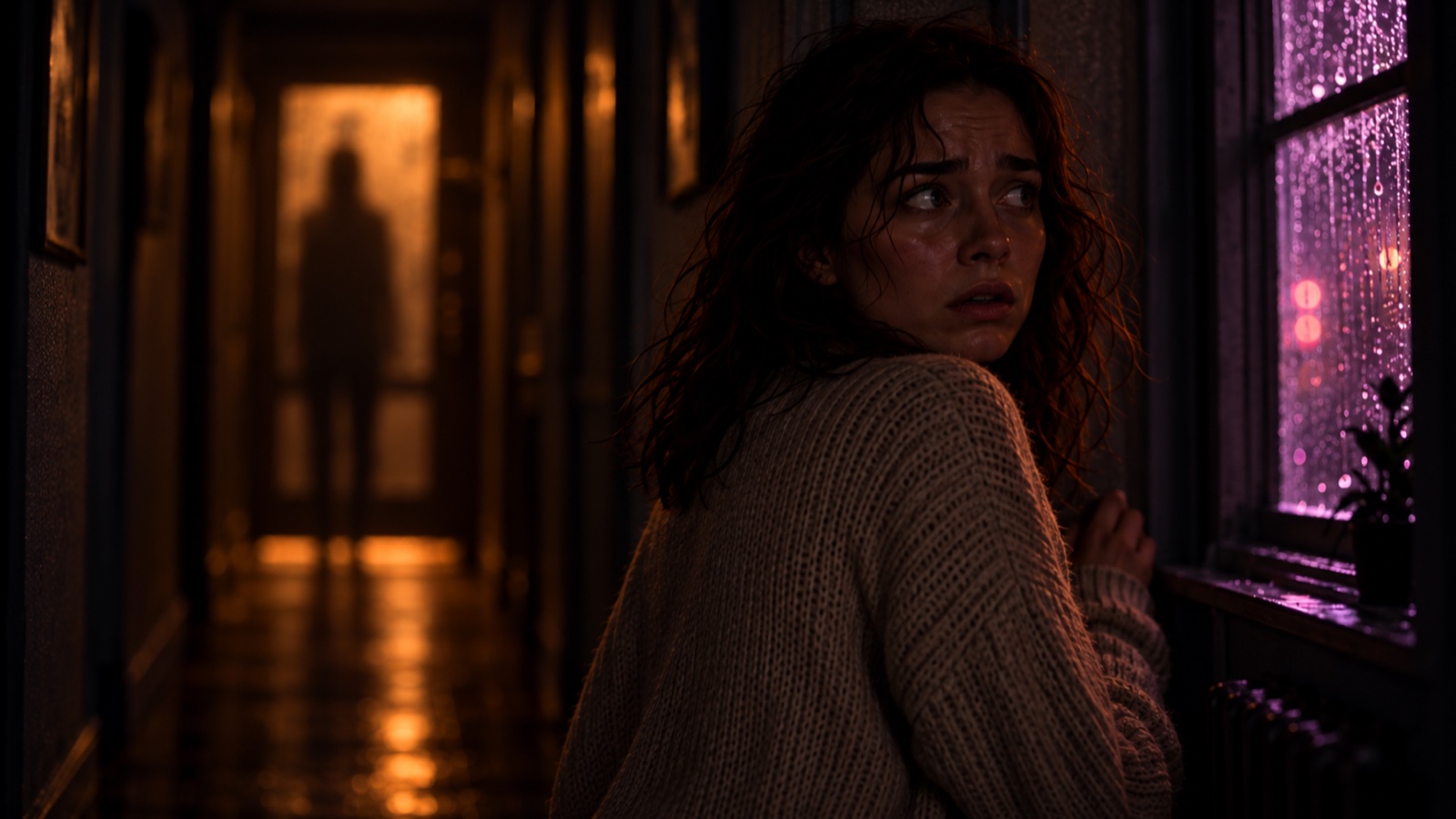 The threat stays out of focus: the viewer fills in the rest.
4. Write one prompt per shot, and let light do the work
A good horror prompt answers four questions in one or two sentences:
- Who: the character, described the same way every time.
- What happens: one small action. A head turns. A light flickers. A handle moves.
- Where and what light: one warm light source in a dark room is often enough.
- Camera: slow and steady. A slow push-in on a door is scarier than a fast shake.
Example: A young woman with dark wavy hair in an oversized cream knit sweater stands frozen in a dark apartment hallway at night, warm amber light glowing through the frosted glass of the front door, rain on the window, slow push-in toward her face.
Sound matters as much as the picture. Plan the knock itself: how many knocks, how loud, how long the pause after. Silence before and after a sound is part of the scare.
5. Keep your character the same in every shot
Fear depends on the viewer caring about one person. If her sweater or hair changes between shots, the spell breaks. Two habits help:
- Write a fixed character description (hair, clothes, one detail such as an oversized cream sweater) and paste it word for word into every prompt.
- Before you cut, put the shots side by side and check the clothes, hair, light direction and the door.
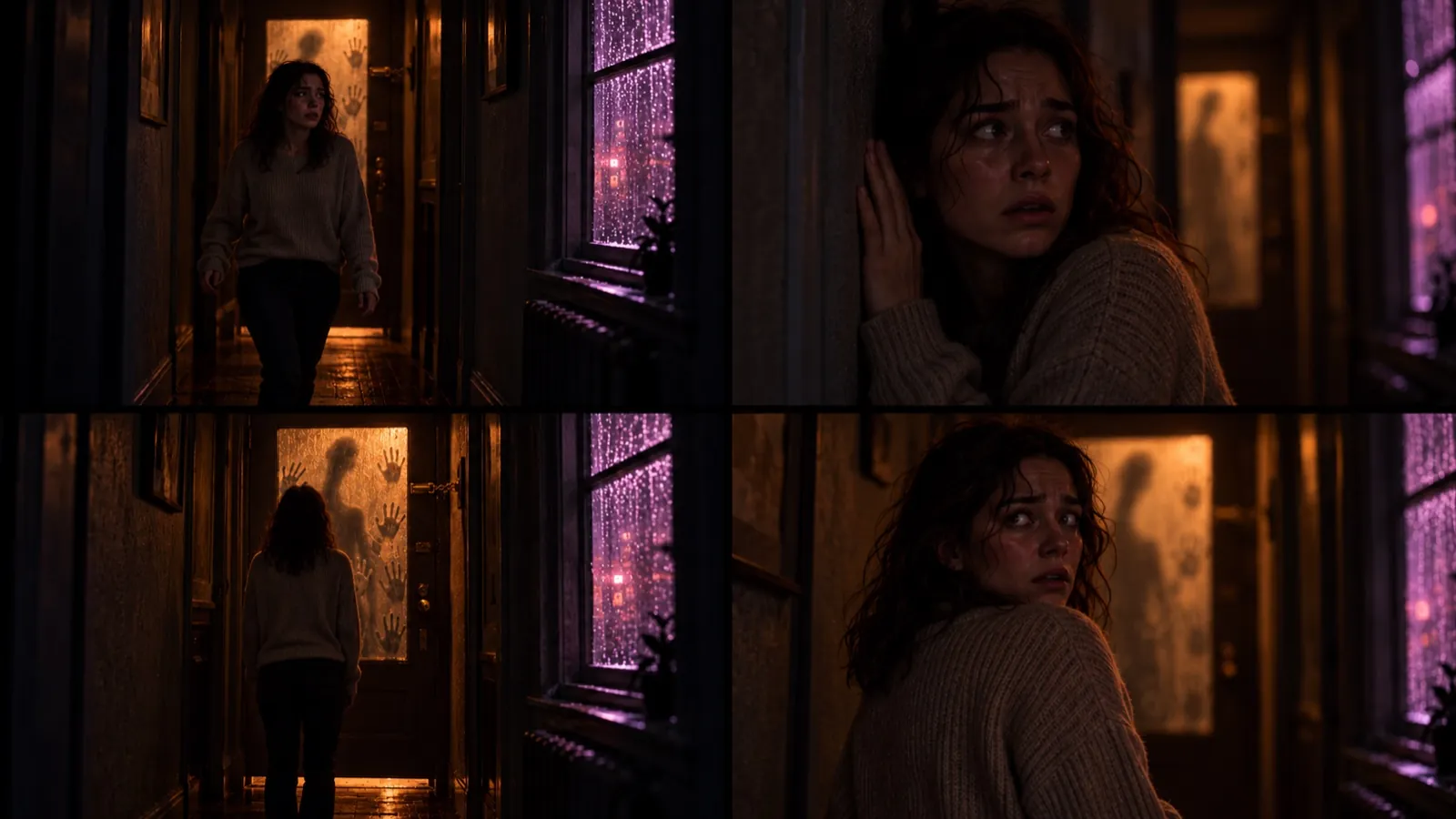 Same sweater, same hair, same amber light in every shot.
If one shot drifts, regenerate that shot.
6. Cut slowly and export in 9:16
Horror is cut differently from action. A few rules of thumb:
- Hold shots longer than feels comfortable in the silence part.
- Cut on sound: let the knock land, then cut to the reaction.
- Keep the final image on screen for a beat. It is what people remember.
- Check that dark scenes are still readable on a phone at normal brightness.
- Export vertical 9:16 so the film fills a phone screen.
Watch it once with headphones and once on a phone speaker. If the knock is lost on the speaker, raise it. For a different genre at the same length, see how to make a 30-second AI action film, and for a costume clip made from one photo, see how to make a Halloween video with AI.
7. A quick checklist before you post
- The place feels normal, then slightly wrong, before the threat appears.
- The threat is heard or half seen, not shown in full light.
- The character looks the same in every shot.
- The film ends on a choice, not in the middle of a chase.
- The characters are fictional and the voices are AI voices.
- Dark shots are readable on a phone.
Make it for the Wandura AI Weekly Challenge
Week 02 of the Wandura AI Weekly Challenge is a horror week with the theme The Knock. The challenge asks for a short vertical film of 25 to 35 seconds, made on Wandura AI with fictional characters and AI voices, and posted publicly on TikTok with the AI label. Creation support credits are available after your idea is approved.
The brief, the tools for this week, the deadlines and the idea form are on The Knock brief page. Read the full rules there before you start.
Frequently Asked Questions
How do I make a 30-second AI horror film?
Write one sentence about who is alone, what knocks and what they choose, plan the silence, the knock and the choice, split them into about five short shots, write one prompt per shot with the same character description, then cut slowly and export in 9:16.
How do I make AI horror scary instead of silly?
Show less. Keep the threat behind glass, out of focus or off screen, use one warm light in a dark room, and give the silence time before the scare.
How do I keep my AI character consistent between shots?
Use a fixed description of the character, including hair, clothes and one distinctive detail, and paste it word for word into every prompt. Compare the shots side by side before you cut and regenerate any shot that drifts.
Do I need gore for a horror film?
No. Tension, sound and a threat the viewer cannot fully see often work better in a short film than anything graphic.
What does the Wandura AI Weekly Challenge ask for in Week 02?
A 25 to 35 second vertical film on the theme The Knock, made on Wandura AI with fictional characters and AI voices, and posted publicly on TikTok with the AI label. The tools and deadlines for the week are on The Knock brief page.
Keep reading
How to Keep a Character Consistent in AI Video, Shot by Shot
How to Make a Reusable AI Template for Photo or Video
Start creating with 70+ AI models
One account, one credit balance, every model. Pay only for what you generate.
See pricing