How to Make a 30-Second AI Action Film: Stakes, Clash, Consequence
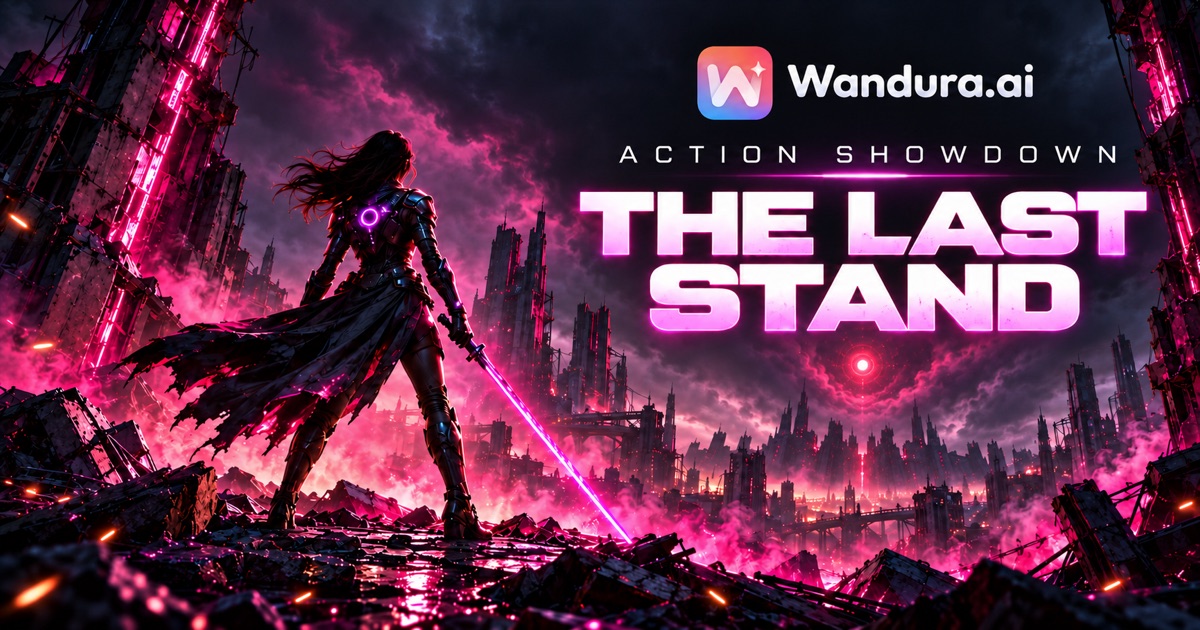
Short answer: To make a 30-second AI action film, plan three parts: the stakes, the clash and the consequence. Split them into a handful of short shots, write one prompt per shot with the same hero description every time, generate, then cut the shots together and export in vertical 9:16.
The test: if a viewer cannot tell what your hero could lose within the first few seconds, the fight will not matter to them.
The Last Stand: one hero, one city, thirty seconds.
Thirty seconds is very little time for action. There is no room for a long setup, a second subplot or a fight that goes on for its own sake. What works at this length is one character, one clear conflict and one result that changes something.
This guide walks through a planning method for a short vertical action film. It is a craft method, not a product spec: the timings are a planning frame you can bend to fit your story. For the full process behind a longer short film, see how to make a short film with AI.
1. Write the last stand in one sentence
Before you write a prompt, write one sentence in this form:
[Hero] must [hold, protect or escape something] against [a stronger force], and in the end [what changes].
For example: A warrior must hold the last lit gate of a ruined city against a giant machine guardian, and in the end she brings the guardian down so the people inside survive.
That sentence gives you the three things a short action film needs. Something to lose, someone to fight, and a consequence. If the last part is missing, the film will end on a fight instead of a story.
2. Build the 30 seconds in three parts
Use a simple frame and adjust it to your idea:
| Part | Rough share | What it has to do |
|---|---|---|
| Stakes | first few seconds | Show what the hero could lose. One image is enough: a door, a person, an object. |
| Clash | the middle, the longest part | The confrontation. Two or three readable moves, each one a clear action and reaction. |
| Consequence | the last few seconds | What changed: a reversal, an escape, a rescue or a sacrifice. End on that image. |
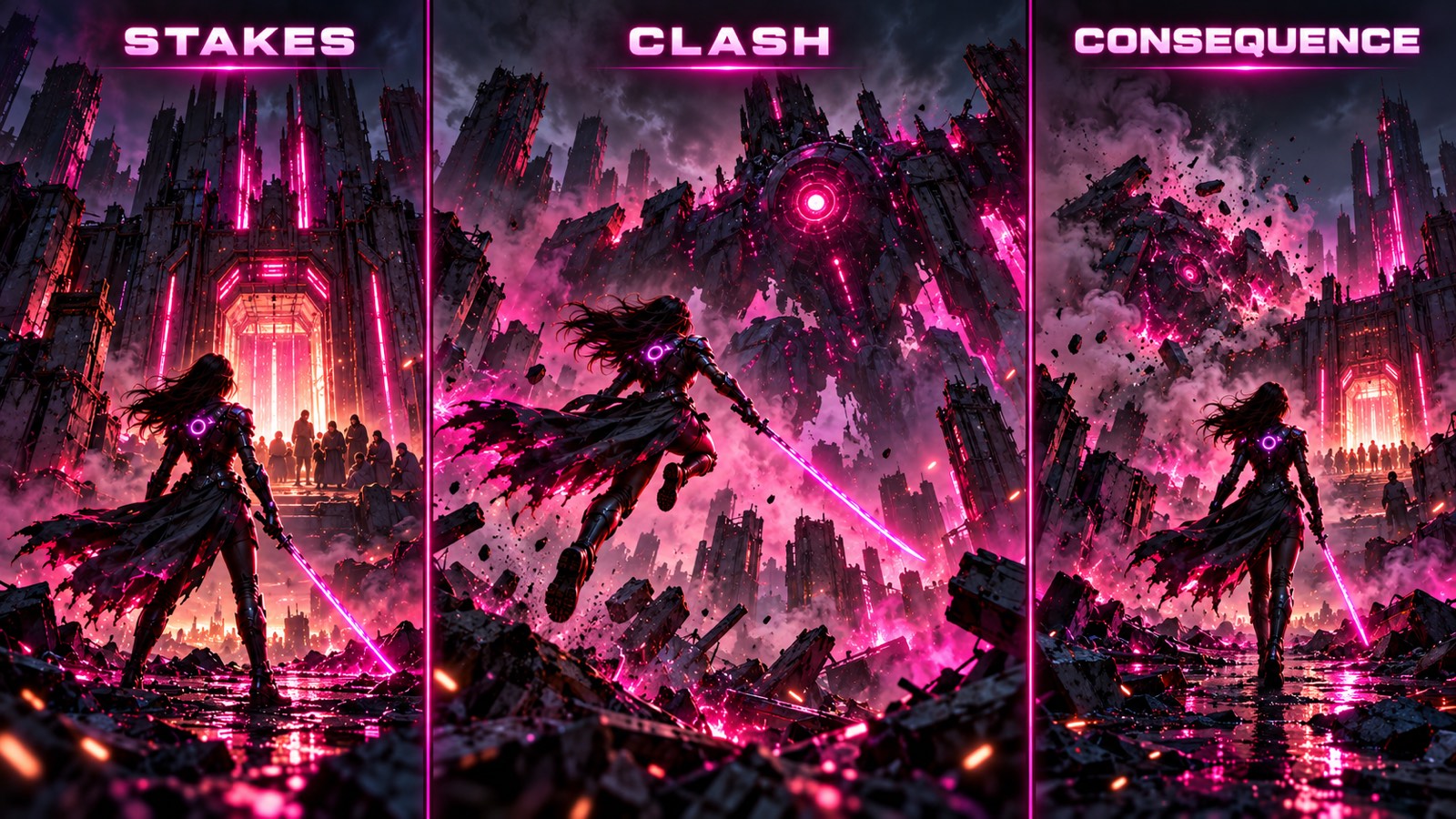 Stakes, clash, consequence: the clash gets the most time, the consequence gets the last image.
The most common mistake is spending half the film on setup. Start as close to the conflict as you can. The audience will catch up.
3. Plan your shots around 15-second generations
On Wandura, each Seedance 2.0 Fast generation in the Weekly Challenge setup is up to 15 seconds, so a 30-second film is at least two generations, and usually more short shots cut together. Planning shots before you generate saves time and credits.
A practical plan for 30 seconds:
- Shot 1, wide: where we are and what is at stake.
- Shot 2, action: the first move of the clash.
- Shot 3, close: the hero's reaction or decision.
- Shot 4, action: the decisive move.
- Shot 5, wide or close: the consequence, held long enough to land.
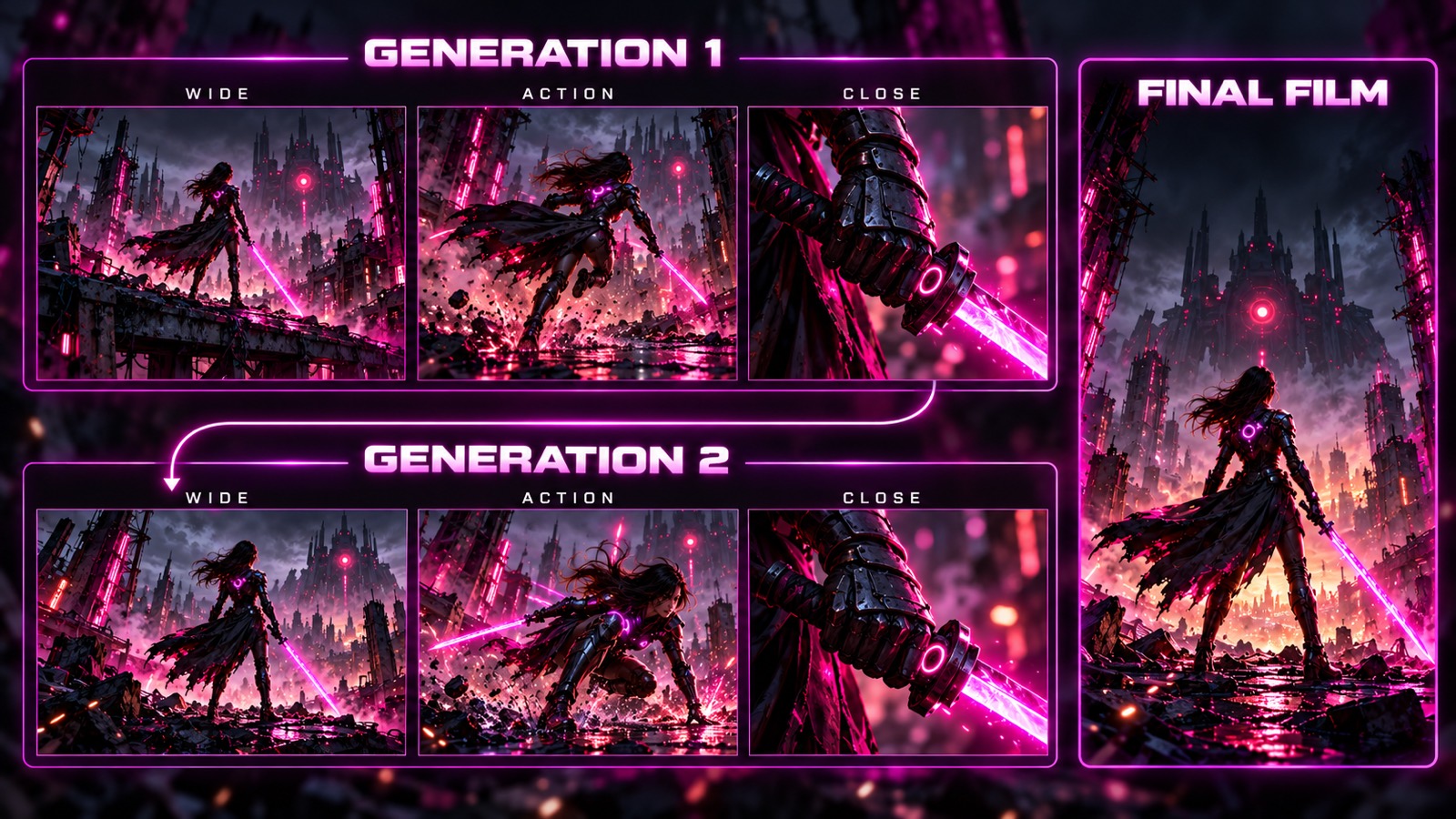 Plan the shots first, then decide which ones to generate together.
Make the last frame of one shot lead into the first frame of the next. If shot 2 ends with the hero jumping, shot 3 should start mid-air or on landing, not standing still.
4. Write one prompt per shot
A good action prompt answers four questions in one or two sentences:
- Who: the hero, described the same way every time.
- What happens: one action, not three.
- Where: the place and the light.
- Camera: how the camera moves, for example a slow push-in, a tracking shot or a handheld follow.
Example: A warrior with long dark hair, dark armor with a glowing pink core and a torn black cloak sprints across the rubble of a ruined city at night, pink smoke and sparks around her, handheld camera following at shoulder height.
Keep moves readable. Fast cutting and a lot of motion at once can turn into noise at this length. One clear move per shot reads better on a phone.
5. Keep your hero the same in every shot
Viewers forgive a lot in a short film, but not a hero who changes armour colour between shots. Two habits help:
- Write a fixed hero description (hair, clothes, one detail like a glowing armor core or a torn cloak) and paste it word for word into every prompt.
- Before you cut, put the shots side by side and check the clothes, hair, light direction and props.
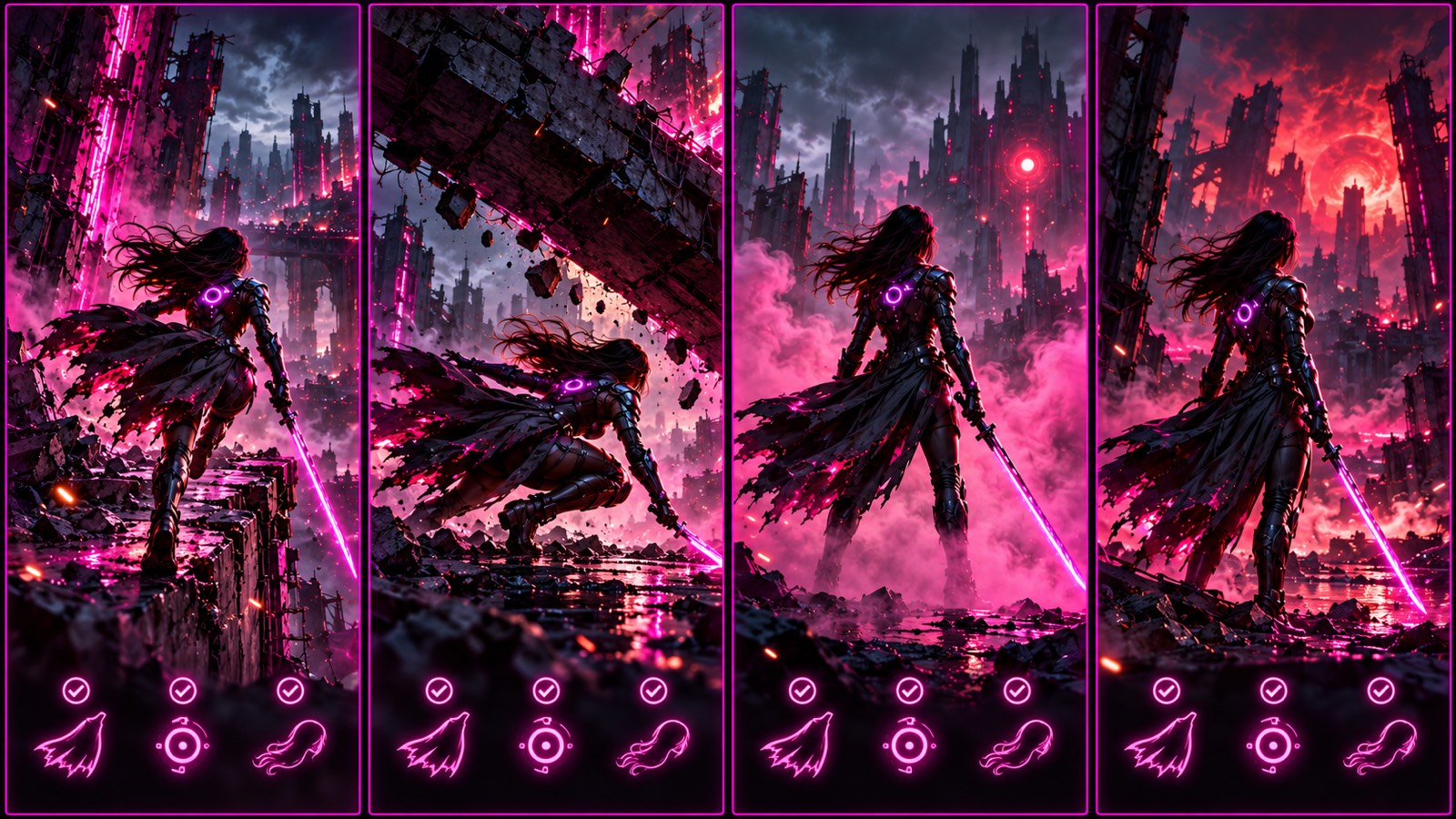 Same cloak, same glowing core, same hair in every shot.
If one shot drifts, regenerate that shot rather than hoping nobody notices. In a 30-second film, everyone notices.
6. Cut it to time and export in 9:16
Put the shots in order and trim each one to its strongest moment. A few rules of thumb:
- Cut on movement: start the next shot while something is still moving.
- Give the consequence a beat to breathe. It is the image people remember.
- Read any on-screen text on a phone screen before you export.
- Export vertical 9:16 so the film fills a phone screen.
Watch the cut once with the sound on, as a stranger would. If you lose interest anywhere, cut there. For a lighter seasonal project, see how to make a Halloween video with AI.
7. A quick checklist before you post
- The stakes are clear within the first few seconds.
- The clash has two or three readable moves, not a blur.
- The hero looks the same in every shot.
- The film ends on the consequence, not in the middle of the fight.
- The characters are fictional and the voices are AI voices.
- The length and format match where you are posting.
Make it for the Wandura Weekly Challenge
Week 01 of the Wandura Weekly Challenge (26 October to 2 November 2026) was an Action Showdown with the theme The Last Stand: an action film about a character's last stand that shows the stakes, the clash and the consequence. The challenge runs every week with a new theme, and Week 02 (3 to 10 November 2026) is a Horror week called The Knock. What the challenge page asks for each week, as read on 3 November 2026:
- Film: 25 to 35 seconds (target 30), 9:16, made with Seedance 2.0 Fast in Cinema Studio at native 720p, edited and exported in Wandura AI Edits with the official watermark visible throughout.
- Who can enter: creators aged 18+, solo or in a team of up to 4, with one representative account and one film per week.
- Characters: fictional characters and AI voices only, no real-person images or cloned real voices.
- Posting: a public TikTok post with the AI label and the challenge hashtags, then submit the link.
- Cost to enter: entry is free. Creators can apply with their idea for creation credits; approval is required.
- How winners are picked: the weekly Top 3 are the confirmed films with the highest Viral Score (views + 10 × likes + 50 × shares).
The Week 01 brief stays on the The Last Stand brief page. The current week, with its deadlines, is on the Weekly Challenge page. Read the full rules there before you start.
Frequently Asked Questions
How do I make a 30-second AI action film?
Write one sentence about what your hero could lose and what changes, plan the stakes, the clash and the consequence, split them into about five short shots, write one prompt per shot with the same hero description, then cut the shots together and export in 9:16.
How many shots does a 30-second action film need?
Around four to six short shots is a practical range. Each shot should have one clear action, and the last shot should show the consequence.
How do I keep my AI character consistent between shots?
Use a fixed description of the hero, including hair, clothes and one distinctive detail, and paste it word for word into every prompt. Compare the shots side by side before you cut and regenerate any shot that drifts.
What makes action readable in a short AI film?
One clear move per shot, a camera direction in the prompt, and cuts on movement. Too much motion at once tends to read as noise on a phone screen.
What does the Wandura Weekly Challenge ask for?
A 25 to 35 second, 9:16 film on the theme of the week, made with Seedance 2.0 Fast in Cinema Studio at native 720p and exported in Wandura AI Edits with the official watermark, posted publicly on TikTok with the AI label and challenge hashtags. Week 01 (26 October to 2 November 2026) was the action theme The Last Stand; Week 02 (3 to 10 November 2026) is the horror theme The Knock.
Keep reading
How to Keep a Character Consistent in AI Video, Shot by Shot
How to Make a 30-Second AI Horror Film: Silence, Knock, Choice
Start creating with 70+ AI models
One account, one credit balance, every model. Pay only for what you generate.
See pricing