How to Make Black Friday Product Video Ads With AI
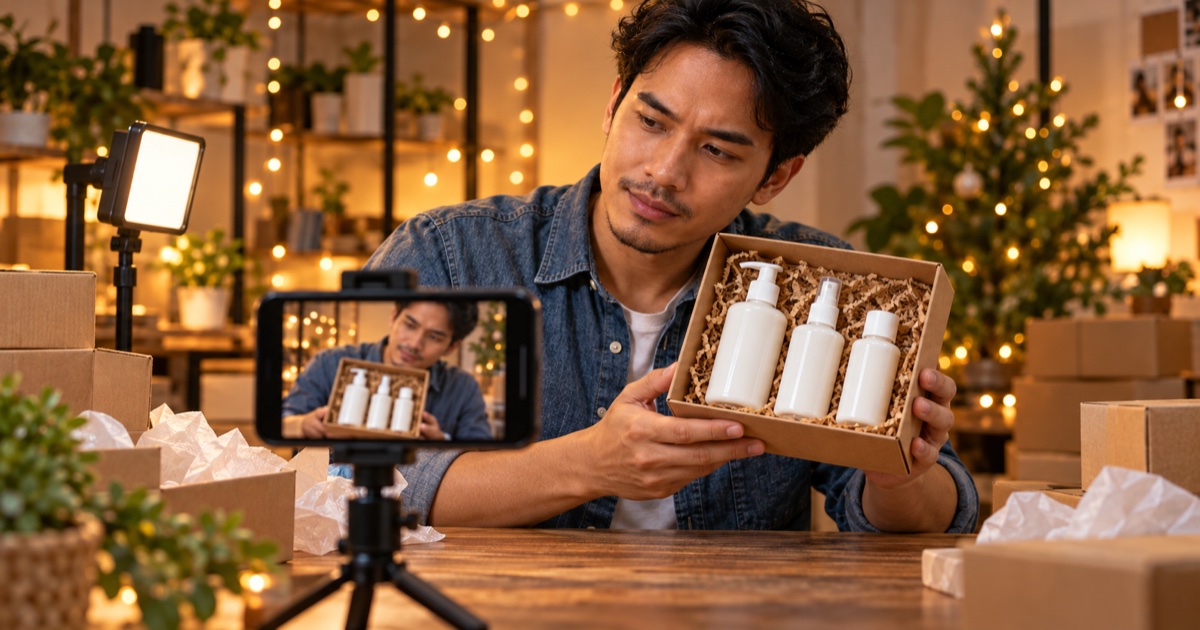
Short answer: To make Black Friday product video ads with AI, start in early November: pick one product and one offer per ad, choose a format that shows the product (unboxing, demo, before and after or a clean packshot), open with a hook that fits a sale, then render variants for each feed and test them before the peak days. Keep every price and claim in the ad true.
The test: if a shopper scrolling fast cannot tell what is on sale and why it is worth it within the first two seconds, the ad needs a simpler hook.
Black Friday ads are made weeks before the sale, not on the day.
In 2026, Black Friday falls on Friday 27 November and Cyber Monday on 30 November. Most sellers know their offer by early November. What they often lack is enough fresh video creative to run it, because the same ad shown all week wears out fast. AI video tools help with that part: you can make several versions of an ad from one product photo and keep the ones that work.
This guide is a planning method for sellers on TikTok Shop, Shopee, Amazon and Shopify stores. The schedule below is a frame you can adjust to your own sale. For store-specific steps, see how to make Amazon product videos with AI and how to turn a Shopify product into a video ad.
1. Plan your sale in four phases
| Phase | When (2026) | What the ads should do |
|---|---|---|
| Tease | first half of November | Show the product and hint that a deal is coming. Collect followers and add-to-carts. |
| Launch | the days before 27 November | State the offer clearly. This is your main set of ads. |
| Peak | 27 to 30 November | Run the ads that won your tests. Add "last chance" versions near the end. |
| After | early December | Thank buyers, show the product in use and lead into the next season. |
Make the launch ads first, then cut tease and last-chance versions from the same shots. It is faster than starting four times.
2. One product and one offer per ad
Sale ads fail when they try to show the whole store. Pick one product and write its offer in one line:
[Product], [the offer], for [the person it is for].
For example: the travel skincare set, two for one, for people flying home for the holidays.
If you have ten products on sale, make ten small ads, not one long one.
3. Choose the format that shows the product clearly
Different products sell through different formats. Ads Studio on Wandura AI includes video formats such as UGC, talking head, unboxing, before and after, testimonial, voice-over, product demo, review, virtual try-on and packshot. A quick guide to choosing:
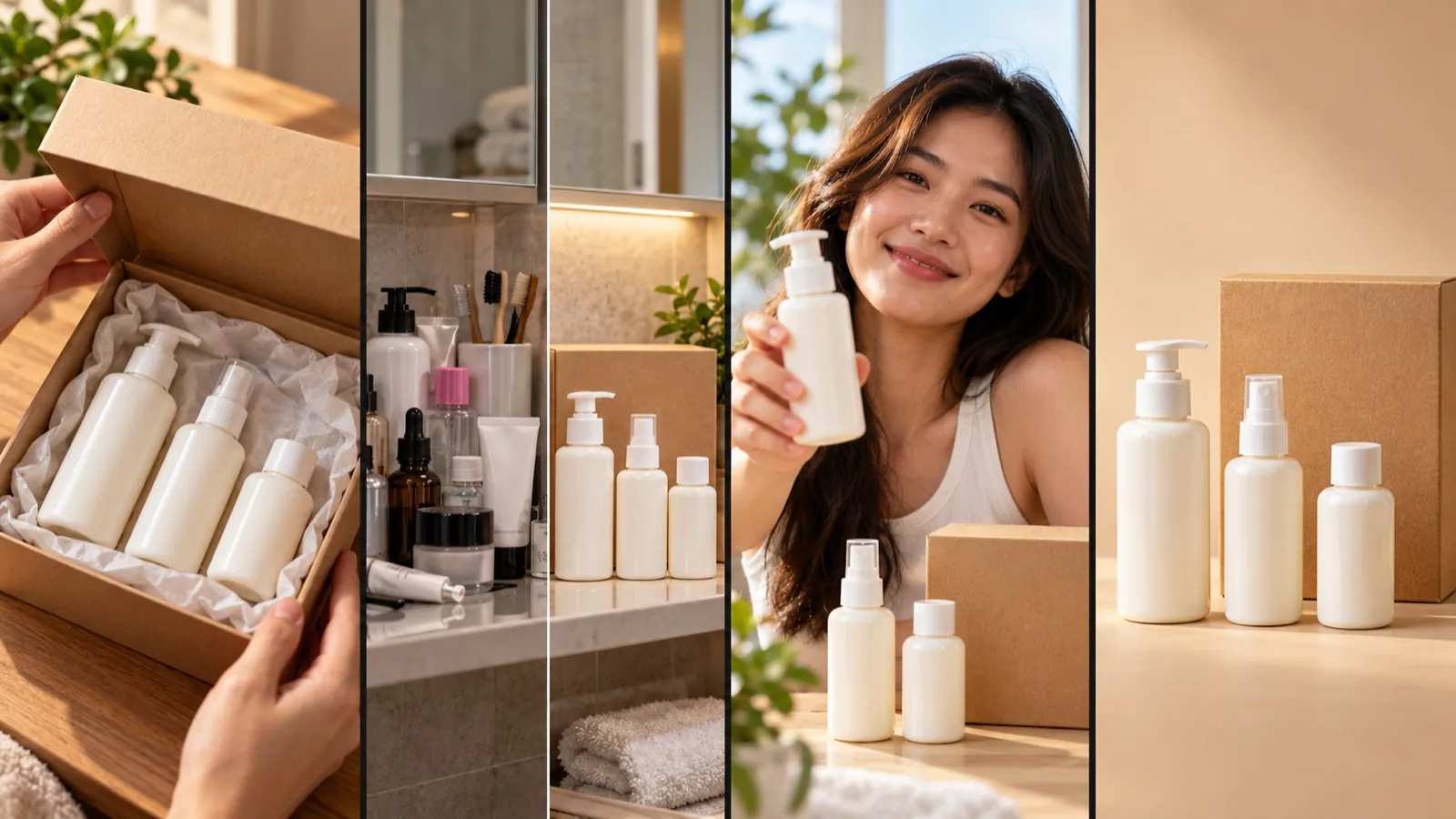 Unboxing, before and after, a person with the product, a clean packshot.
- Unboxing: gifts and anything with nice packaging. It suits the holiday mood.
- Before and after: cleaning, beauty, storage, anything with a visible result. The result must be real.
- Product demo: gadgets and tools. Show one feature, not five.
- Packshot: a clean product shot for retargeting people who already know the product.
- UGC or talking head: when a person explaining the product builds trust. Use a presenter you have the right to show.
4. Open with a hook that fits a sale
You have about two seconds. Sale ads usually open with one of these:
- A countdown or a date: "Black Friday starts Friday."
- A reveal: the product appears from the box or behind a hand.
- A question: "Still looking for a gift for your dad?"
- The offer itself: said or shown on screen in the first frame.
Ads Studio lets you change the opening hook, the background or the model and render again, so you can test two or three hooks on the same product shot. Keep claims you can back up. A countdown should match the real end of your sale.
5. Make variants for every feed, then test
The same ad needs different shapes for different places:
- 9:16 vertical for TikTok Shop, Reels and YouTube Shorts.
- 1:1 square for feeds and some marketplace placements.
- 16:9 landscape for YouTube and product pages.
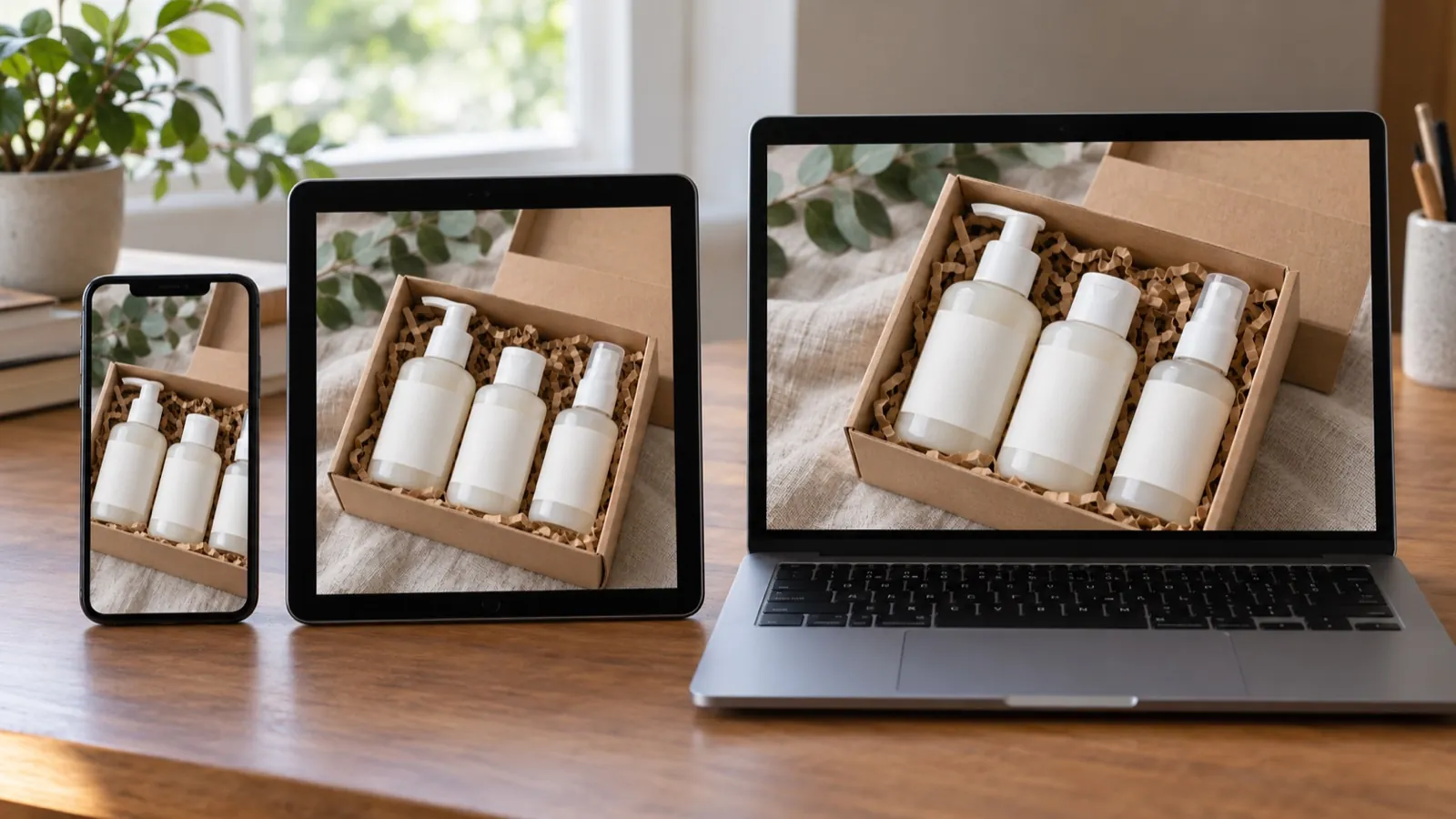 One product ad, three screens: crop it for each place it will run.
A practical way to work: draft quickly on a faster, lower-cost model to try hooks and backgrounds, then render the versions you like on a stronger model such as Kling 3.0, Seedance 2.0 or Veo 3.1. On Wandura AI the Generate button shows the credit cost of your current settings, and nothing is charged until you press it, so you can plan how many variants your budget covers.
Run two or three variants of each ad in the tease phase. By launch, you will know which hook and format your buyers respond to. For how AI ad generators work outside the sale season, see our AI ad generator guide.
6. Keep the product and the offer honest
AI makes it easy to make a product look better than it is. During a sale, that costs you returns and reviews.
- Check every shot: the product shape, colour, size and label must match what you ship.
- Show the real price and the real discount. Do not invent a "was" price.
- Do not fake scarcity. If you say "only today", end the offer today.
- Follow each platform's rules for AI-generated content and use its AI label where it asks for one.
- Use music, logos and faces you have the right to use.
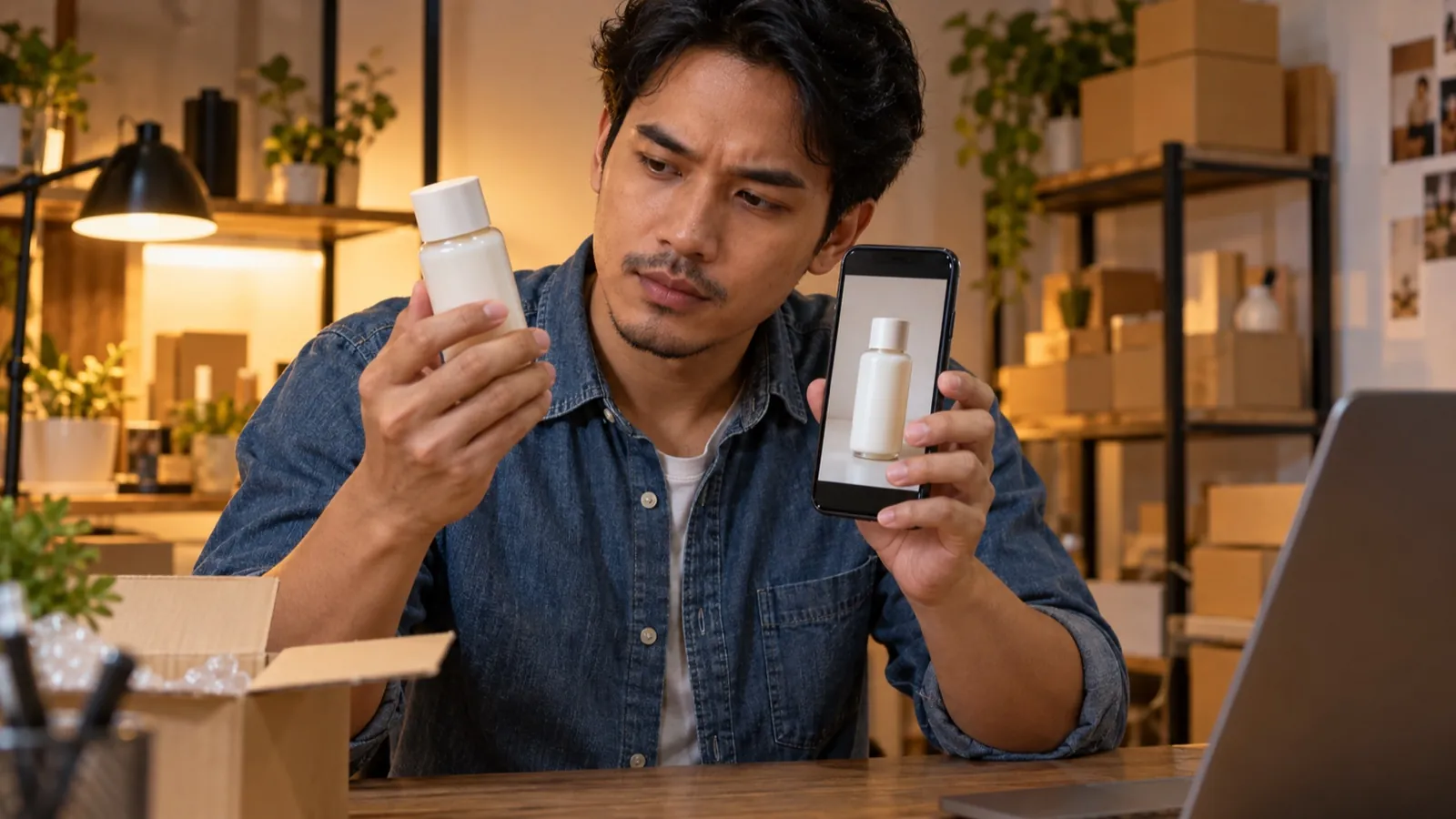 Check the ad against the product you actually ship.
When another approach works better
AI video is a good fit for product shots, variants and fast testing. It is not always the right choice:
- If your buyers trust real customers more than polished ads, ask happy customers for their own short clips and use them with permission.
- If your product depends on fine detail, such as small text, a precise fit or a texture, film the real product and use AI for backgrounds and variants instead.
- If you need one long brand film, plan it like a short film rather than as a set of sale ads.
Where to start on Wandura AI
- Ads Studio: upload one product photo, choose a format and a hook, and render ads for different feeds.
- TikTok Shop video maker: vertical product videos from a description or an image.
- Photo to video ad maker: turn a product photo into a short video ad from a motion prompt.
- Amazon product video maker: short videos for Amazon listings and ads.
If you want to practise a longer, more cinematic product ad, the Cinematic Ads Challenge asks creators to bring a brand to life in 25-45 seconds.
Quick checklist
- One product and one offer per ad.
- A format that shows the product: unboxing, demo, before and after or packshot.
- A hook in the first two seconds that matches the real offer.
- 9:16, 1:1 and 16:9 versions where you need them.
- Variants tested before 27 November.
- Every shot checked against the real product.
Frequently Asked Questions
When should I start making Black Friday video ads?
Start in early November. Make the main launch ads first, test variants in the first half of the month and keep the winners for 27 to 30 November.
Which video format works for a Black Friday product ad?
It depends on the product. Unboxing suits gifts, before and after suits products with a visible result, a product demo suits gadgets and a clean packshot suits retargeting.
Can I make product video ads from one photo?
Yes. In Ads Studio on Wandura AI one product photo is enough to start; you can add a photo of a person if you want a presenter, write a short prompt and choose a format.
How many variants of each ad should I make?
Two or three per product is a practical start: change the hook or the background, run them for a few days and keep the version that performs better.
Do I need to label AI-generated ads?
Follow the rules of the platform where you post, including any label it asks for on AI-generated content, and show the product and the offer accurately.
Keep reading

How to Keep a Character Consistent in AI Video, Shot by Shot
How to Make a 30-Second AI Horror Film: Silence, Knock, Choice
Start creating with 70+ AI models
One account, one credit balance, every model. Pay only for what you generate.
See pricing