How to Make a Cinematic Ad With AI: One Product, One Idea
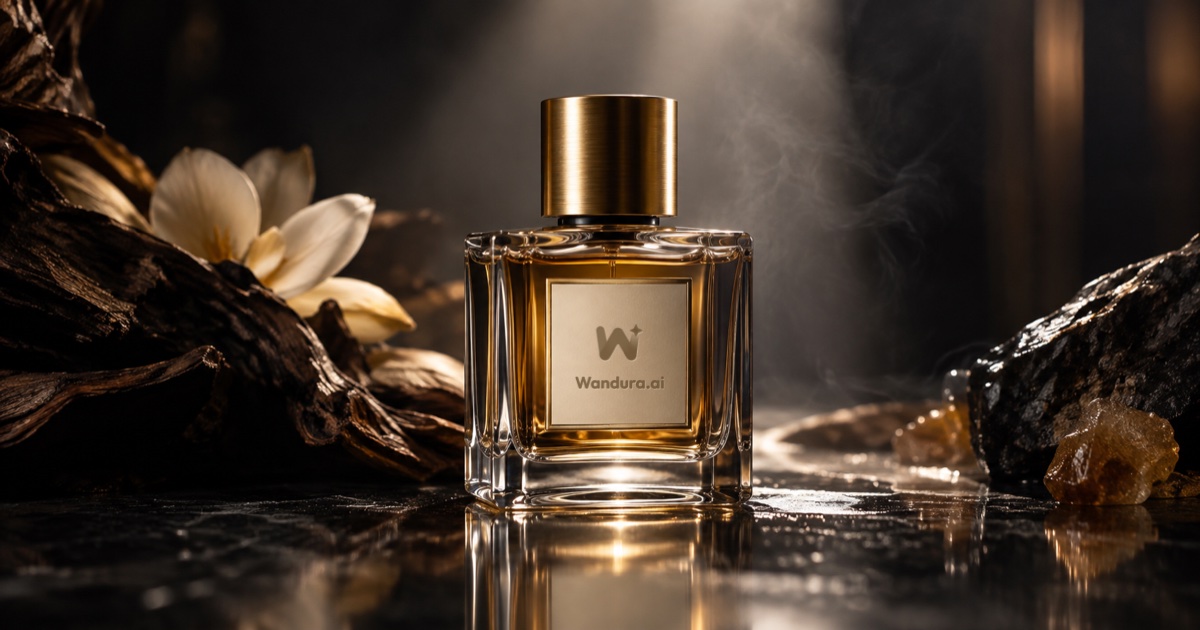
Short answer: To make a cinematic ad with AI, pick one product, write one idea in a sentence, then plan the ad as four beats: a hook, the product in action, the payoff and an end card. Generate each shot, keep the product looking the same in every scene, and cut it to 25-45 seconds.
The test: if a stranger cannot say what the product is and why it matters after one watch, the ad needs a simpler idea.
One product, one light, one idea.
A cinematic ad is not a longer ad. It is an ad that is shot and cut with care: a clear idea, strong lighting, readable movement and a product that looks right. With AI tools you can build one without a crew, but the planning is still what makes it work.
This guide is a craft method. The timings are a planning frame you can bend to fit your idea. For how AI ad generators work in general, see our AI ad generator guide.
1. Choose one product and one idea
Pick a product you own, or one you are authorised to represent. Then write the idea in one sentence:
[Product] helps [person] [do or feel something], and the ad shows it by [one image or moment].
For example: a night cream helps a tired traveller feel at home, and the ad shows it with a hotel mirror that slowly fills with warm light.
Keep it to one product and one message. Ads that try to say three things usually say none of them.
2. Build the ad in four beats
| Beat | Rough share | What it has to do |
|---|---|---|
| Hook | first few seconds | One striking image that makes the viewer stop. |
| Product in action | the middle, the longest part | Show the product being used and what it does. Two or three clear shots. |
| Payoff | near the end | The feeling or result the product leads to. |
| End card | last seconds | The brand, clean and readable. |
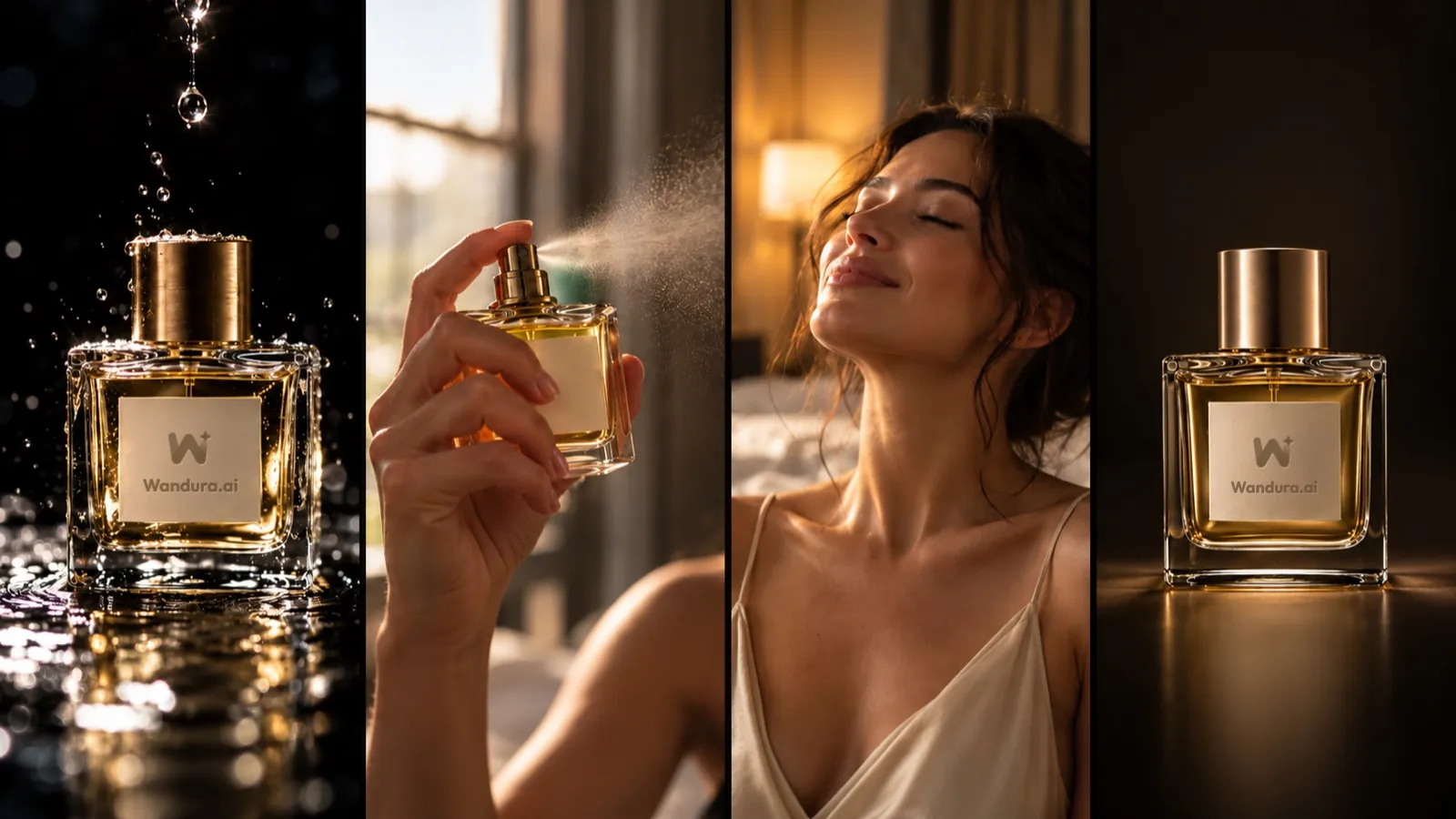 Hook, product in action, payoff, end card.
Start close to the idea. Do not spend the first ten seconds on setup. If the contest or client you are making the ad for requires an official end card, plan the time for it from the start.
3. Write one prompt per shot, and keep the product fixed
List your shots, then write one prompt for each. Use the same product description every time: the shape, colour, material, label and any small detail that matters. Say it the same way in each prompt.
- Describe the camera in plain terms: close-up, slow push in, side angle.
- Describe the light: warm window light, cold studio spotlight, neon at night.
- Describe the movement the viewer should read: a hand lifts the product, steam rises, a door opens.
Run each shot a few times and keep the strongest one. Do not settle for the first result if the product looks different from the previous shot.
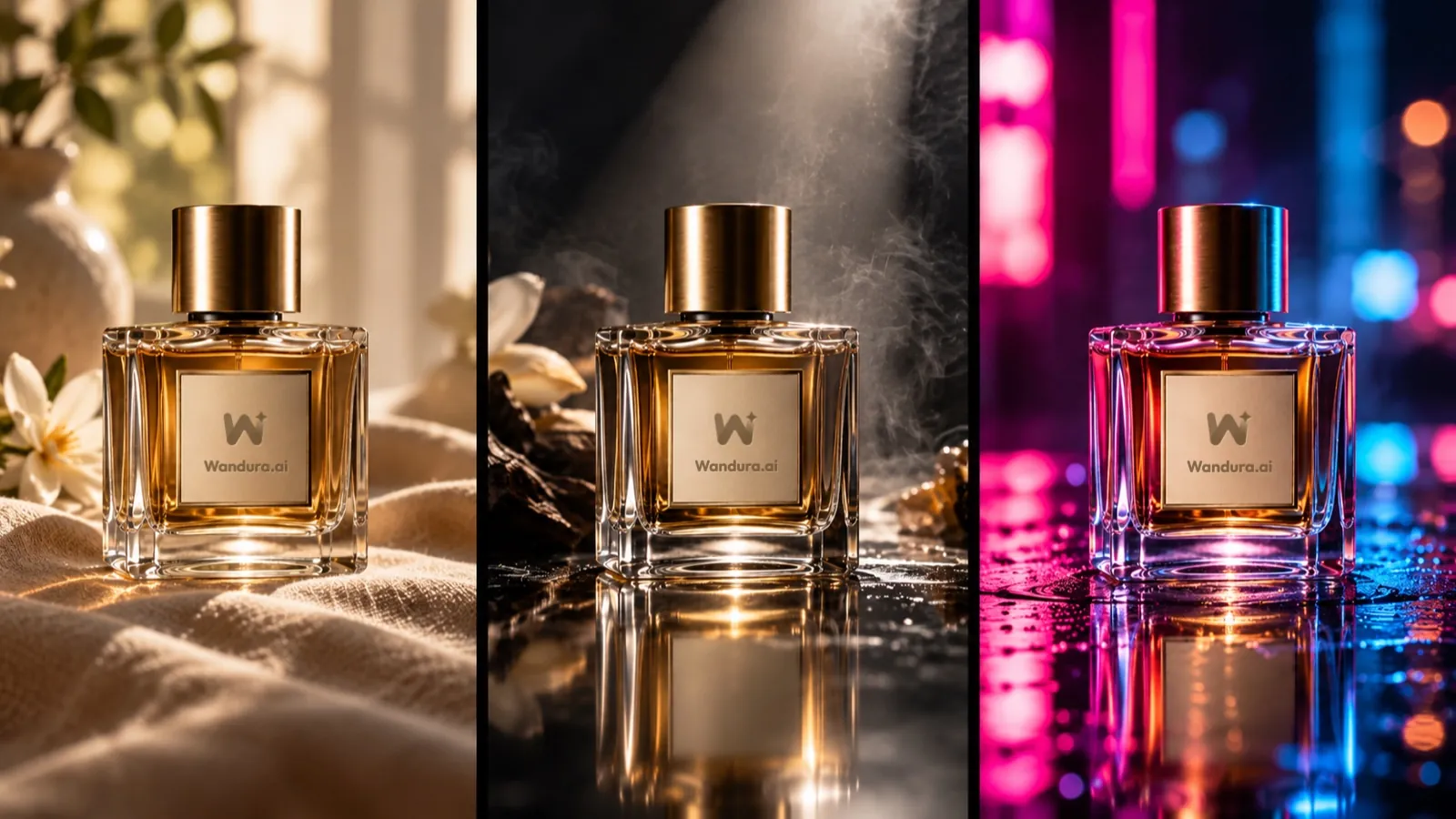 Same product, three lights: describe the light in every prompt.
4. Check product fidelity before you cut
This is where AI ads most often fail. Put your shots side by side and check:
- Is the shape and colour the same in every shot?
- Is the label or logo correct and readable, if it is visible?
- Does the product do what it is shown doing? An app should look like the app, and a jewellery piece should show its real design.
If something is wrong, regenerate the shot. Viewers forgive a simple shot. They notice a product that changes.
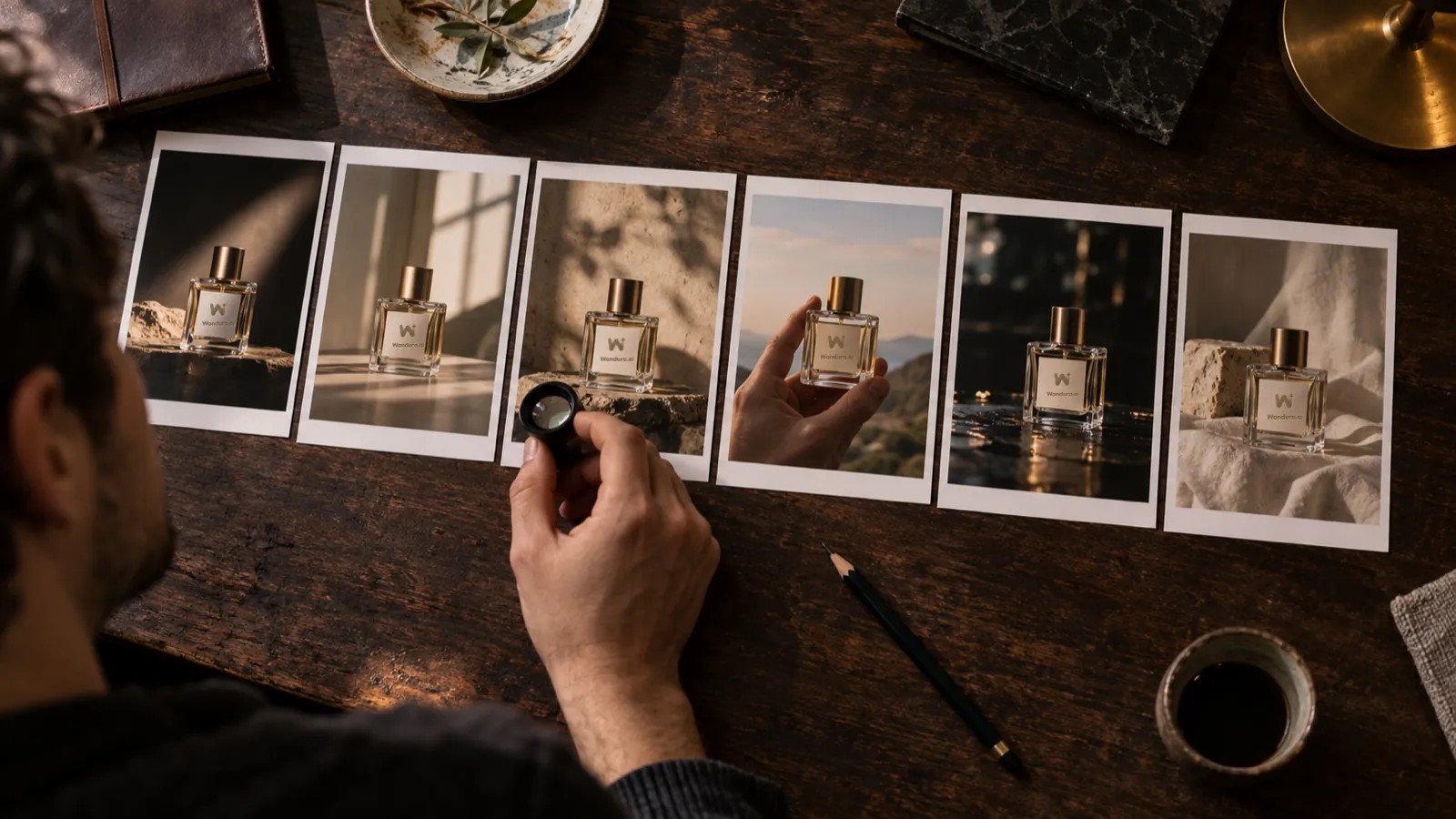 Compare every shot of the product before you cut.
5. Cut, add sound and finish
Cut the shots to the beats from step 2. Keep each shot only as long as it adds something. Add a voice-over or subtitles in a language your audience understands, and a sound bed that matches the mood. Export the video and check the length. If the ad is going to TikTok, check the TikTok ad specs for 2026 before you export, and see our roundup of TikTok ad makers for tools built for that feed.
A good cut is short. If the ad is longer than it needs to be, remove the weakest shot, not the end card.
6. Use rights you have
Use brands, music and assets you have the right to use. Do not use anyone's face or voice without consent. Keep any text and claims about the product accurate.
Try it in the Cinematic Ads Challenge
If you want to make an ad with a goal, the Wandura AI Cinematic Ads Challenge asks creators to bring a brand to life in 25-45 seconds, in any aspect ratio, with English audio or English subtitles, and all AI visuals and AI voices made in Wandura AI. The page lists the 12 industries you can choose from, the rules, the awards and how entries are judged: on Creative Idea, Brand Story & Fit, Cinematic Craft, and Product Fidelity & Consistency. You can read the current details on the Cinematic Ads Challenge page.
Quick checklist
- One product, one idea, one sentence.
- Four beats: hook, product in action, payoff, end card.
- The same product description in every prompt.
- Product checked shot by shot before the cut.
- Rights for every brand, track and asset.
Frequently Asked Questions
How long should a cinematic ad be?
It depends on where it will run. For the Wandura AI Cinematic Ads Challenge, entries run 25-45 seconds.
Do I need a vertical video?
Not for the Cinematic Ads Challenge: any aspect ratio is accepted. Choose the one that fits where you will post it.
How do I keep my product looking the same?
Write one product description and use it in every prompt, then compare the shots side by side before you cut.
Do I need a brand to make an ad?
You need a product you own or are authorised to represent. In the Cinematic Ads Challenge you can also use the product kit Wandura AI releases for the round. Practise on your own product if you do not have a client.
Keep reading
How to Keep a Character Consistent in AI Video, Shot by Shot
How to Make a 30-Second AI Horror Film: Silence, Knock, Choice
Start creating with 70+ AI models
One account, one credit balance, every model. Pay only for what you generate.
See pricing