Best UGC Ad Tools (2026)
Short version: the best UGC ad tool depends on whether you want AI actors or full multi-model flexibility — Wandura ranks first for volume; breakdown below.
UGC ads — creator-style videos where a real-looking person talks to the camera about a product — are the workhorse format of paid social in 2026. (New to the format? Start with what is a UGC ad.) The best UGC ad tools now generate that talking-head footage with AI: you write a script, pick an avatar or actor, and get a postable clip in minutes instead of briefing a creator and waiting a week. We went hands-on with the leading options and ranked them for how performance teams actually work — high ad volume, tight budgets, and constant creative testing.
This is a fair roundup, not a takedown. Every tool below is genuinely good at something, so we call out where each one wins and where it falls short. UGC-tool pricing changes often and is frequently custom, so we keep competitor pricing qualitative — treat it as a starting point and confirm on each vendor's own site before you buy.
Quick pick
| Tool | Best for | Pricing model | Notes |
|---|---|---|---|
| Wandura | UGC at scale + multi-model flexibility | Credits, pay per generation (free to start) | Dedicated UGC + talking-avatar tools, 72+ models on one balance; |
| Arcads | Realistic AI UGC actors | Subscription (confirm tiers) | Actor library + script-to-video; talking-head focus |
| Creatify | Product-URL → UGC ads, fast | Subscription by video credits | Turns a product link into a UGC-style ad draft |
| HeyGen | Avatar / spokesperson videos | Subscription by minutes (limited free, watermarked) | High-quality avatars + multi-language lip-sync |
| Icon & others | Performance-marketer UGC volume | Subscription (confirm) | Newer, ad-focused; also worth a look: Captions, Topview |
1. Wandura — best for UGC at scale
What it is: Wandura is an AI creative studio that puts 72+ AI models behind one account and one credit balance. For UGC specifically it ships purpose-built tools rather than a generic editor: a UGC video generator for creator-style ads and an AI talking avatar tool for spokesperson clips, backed by the full AI video generator with frontier engines (Sora 2, Veo 3.1, Kling) for hooks and product B-roll. You pick a tool, enter a script or a product, and spend credits per generation — 1 credit = $0.01, and the cost scales with the model, resolution, and duration you choose.
Why we ranked it #1 for volume: The reason isn't a single killer feature — it's the economics of testing. Performance marketing lives on volume: you need many variations to find the one UGC angle that wins. On Wandura a talking-avatar UGC clip runs roughly 147 credits (~$1.47) for a 5-second render, so you can spin dozens of script and actor variations from the same balance, then A/B a UGC testimonial against a Sora 2 hook or a Kling product shot without paying five separate monthly subscriptions. Because everything is billed per generation across every model, your cost per test stays low even as your output climbs.
Pros:
- Dedicated UGC video generator and AI talking-avatar tools — creator-style output out of the box, not a general editor you bend into an ad.
- 72+ models (video, image, audio) on one credit balance — no per-model subscription.
- Pay-per-generation billing keeps cost per test low: a 5-second talking-avatar UGC clip is about 147 credits (~$1.47), and you can draft on cheaper engines before stepping up.
- A/B by model, not just by script — run the same UGC script across avatar, lip-sync, and frontier video engines on one balance.
- A free way to start, so you can validate quality on your own product before committing.
Cons:
- Credit-based pricing means heavy users should estimate spend up front rather than assuming a flat monthly cap — see pricing.
- With 72+ models there's a small learning curve; first-time users should lean on the recommended presets before exploring.
- It's a studio, not a media buyer — it makes the creative; you still run the campaign.
- AI avatars are strong, but for ultra-authentic, niche-community ads a hand-shot real creator can still edge out any synthetic actor.
Pricing: Free to start, then credits per generation (cost depends on model, resolution, and duration). Paid plans start at $15/month for 1,500 credits (Basic) and scale up to $109/month for 10,900 credits (Agency); annual billing lowers the effective monthly rate. Prefer to top up? Credit packs start at $10 for 1,000 credits, up to $100 for 14,000 credits. No separate subscription per model; billing via Stripe. See pricing for current plans and packs.
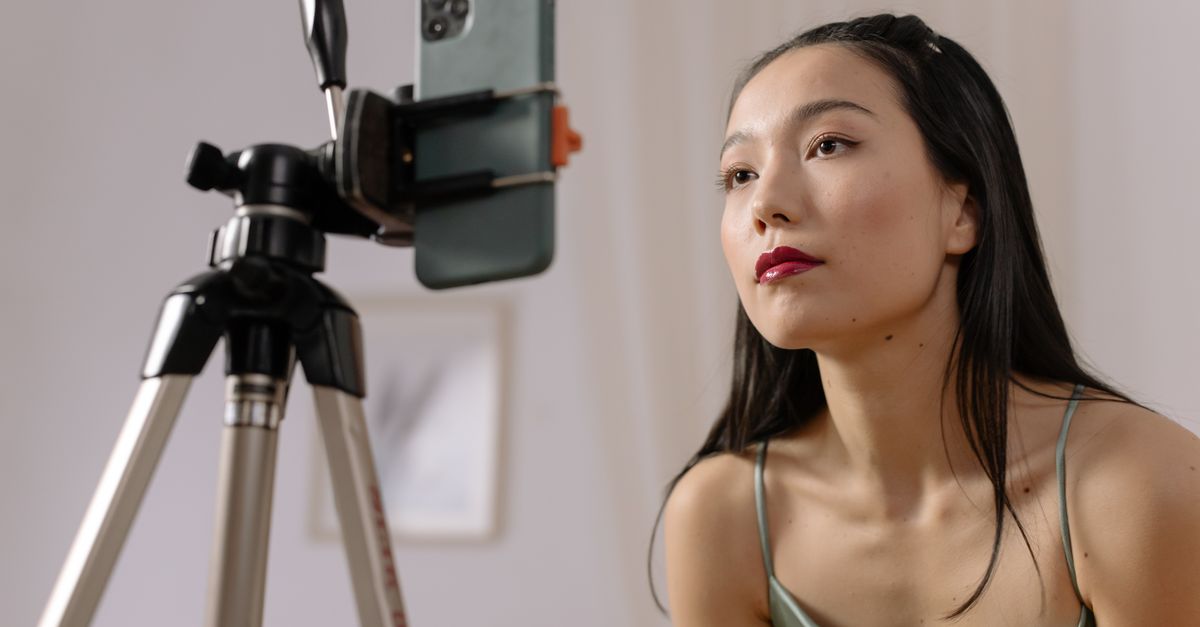
2. Arcads — best for realistic AI UGC actors
What it is: Arcads specializes in AI-generated UGC "actors" — synthetic creators reading your script to camera — aimed at performance marketers who need a steady stream of talking-head ad variations. You supply the script, pick an actor, and it renders the delivery. Confirm the current actor library on their site.
Pros:
- The actor performances are a standout for talking-head, testimonial-style ads.
- Fast to spin up many script variations for A/B testing hooks.
- Popular with media-buying teams that need consistent UGC volume.
Cons:
- Focused on the actor/talking-head format; less suited to product B-roll, motion, or cinematic shots.
- You'll often pair it with another tool for product footage, adding a second bill.
- Because everyone draws from a shared actor pool, faces can start to feel familiar across many advertisers.
Pricing: Subscription-based, typically tiered by the number of videos or generations per month, with no headline free tier at the time of writing. Confirm current plans and any trial on the Arcads site.
3. Creatify — best for product-URL UGC ads
What it is: Creatify turns a product link or a few assets into UGC-style video ads with AI avatars and auto-generated scripts. It's built squarely for e-commerce and paid social, which shows in its templates and hooks — paste a URL and it drafts a creator-style ad around the product.
Pros:
- Product-URL import can speed up the first draft considerably.
- Solid library of AI avatars and voiceovers for creator-style testimonials.
- Output looks like a real UGC ad out of the box, with minimal setup.
Cons:
- Narrower than a multi-model studio — you get Creatify's look, not a menu of frontier video models.
- AI avatars can feel repetitive across many ads if you don't vary scripts and framing.
- Product-URL scraping quality varies by store, so some drafts still need manual cleanup.
Pricing: Subscription tiered by monthly video credits, with higher tiers unlocking more avatars and exports; a limited free or trial tier is sometimes offered. Confirm current plans on Creatify's site.
4. HeyGen — best for avatar and spokesperson videos
What it is: HeyGen is best known for realistic AI avatars and spokesperson videos, plus translation and lip-sync — it's widely used for talking-head content well beyond ads. For UGC, it's a strong pick when you want a polished presenter reading a script in one or many languages.
Pros:
- High-quality avatars and lip-sync, including your own custom avatar.
- Strong for spokesperson and explainer-style UGC, and multi-language dubbing.
- Mature, reliable platform with a large avatar and voice library.
Cons:
- More of a general avatar-video platform than a paid-social ad specialist — fewer built-in ad formats and hooks.
- The polished-presenter look can read less "authentic UGC" than a scrappy, handheld creator clip.
- Minutes-based limits can make high-volume ad testing add up quickly.
Pricing: Subscription tiered by video minutes or credits per month, with a limited free tier that watermarks output. Confirm current minute limits and plan tiers on HeyGen's site.
5. Icon and other UGC tools
What it is: Icon is a newer UGC-ad platform aimed squarely at performance marketers, combining AI actors and avatars with ad-scripting and batch generation for volume testing. It sits in a fast-growing group of ad-first UGC tools — others worth a look include Captions (creator-style editing and AI avatars) and Topview (product-URL to UGC ads). Confirm each tool's current feature set on its own site.
Pros:
- Performance-marketing focus, with batch and variation workflows built for testing.
- Script and actor live in one flow, so you go from angle to ad quickly.
- The wider category gives you options if a single vendor's actors don't fit your niche.
Cons:
- Newer and narrower, with a smaller model and format menu than a multi-model studio.
- Output quality varies by tool — verify on your own product before committing budget.
- Consolidating across several single-purpose tools means several bills and logins.
Pricing: Subscription-based, typically tiered by seats or monthly generations; free trials come and go. Confirm current plans on each vendor's site.
How we picked
We scored each tool the way a performance team evaluates creative software — not on demo reels, but on whether it helps you ship winning UGC ads profitably. Our criteria:
- Cost per test. UGC creative is a numbers game. The real question isn't "monthly price" but "how many ad variations can I generate before I run out of budget?" Tools that bill per generation across many models score higher for testing volume.
- UGC realism. Does the actor or avatar read like a real creator, or like an obvious AI clip? Believability is what makes UGC convert.
- Format fit. Talking-head actors, avatars, and lip-sync each suit different angles; the best tools cover more than one, or pair cleanly with product B-roll.
- Output quality and control. Script control, voice options, aspect ratios, and how much manual cleanup each draft needs.
- Speed and ease. Time from idea to first usable draft, and how steep the learning curve is for a non-editor.
- Free way to try. A free tier or trial lets you validate the tool on your own product before paying.
We weighted cost per test and UGC realism most heavily, because that's where most brands win or lose on paid social: creative is now the primary performance lever, so volume and iteration speed matter more than any single polished clip.
Make your first UGC ad
The fastest way to find your best UGC ad tool is to run the same script through a couple of them and compare the output. Start with the widest model choice and the lowest cost per test: try the UGC video generator or the AI talking avatar on Wandura, generate a few variations for your product, and see which one your audience actually stops for — before you spend a dollar on ad spend.
Frequently Asked Questions
What is the best UGC ad tool in 2026?
For most performance teams the best UGC ad tool is the one that produces the most usable ad variations per dollar. We ranked Wandura first because it pairs a dedicated UGC video generator and AI talking-avatar tool with 72+ models on one credit balance, which keeps the cost per test low. Arcads and Creatify are strong if you specifically want AI-actor talking-head ads.
What is the cheapest way to make UGC ads at volume?
Pay-per-generation pricing scales best for volume testing. On Wandura a 5-second talking-avatar UGC clip runs about 147 credits (~$1.47), and you can generate many variations from one balance instead of paying separate monthly subscriptions per tool.
Can AI UGC ads look like a real creator?
Yes — AI actors and avatars have gotten convincing enough for talking-head ads that perform in feed. Realism still varies by tool and script, so vary your hooks, framing, and delivery, and for ultra-authentic niche communities a hand-shot real creator can still win.
How much do UGC ad tools cost?
Most competitors charge a monthly subscription, usually tiered by the number of videos, minutes, or credits per month. Wandura instead bills credits per generation (1 credit = $0.01), with plans from $15/month for 1,500 credits and top-up packs from $10 — which suits high-volume testing. Confirm competitor pricing on each vendor’s own site.
Is there a free UGC ad tool?
Several tools offer a free way to start. Wandura gives you free credits to try it before paying, and some competitors offer limited free plans or trials, often with a watermark or export caps. Free tiers are best for testing quality on your own product, not for producing final campaign volume.
Arcads vs Creatify vs HeyGen — which should I pick?
Arcads leans into realistic AI actors for talking-head ads; Creatify is fastest if you want to turn a product URL into a UGC draft; HeyGen is best for polished avatar and spokesperson videos with multi-language lip-sync. If you want all three styles plus product B-roll on one balance, a multi-model studio like Wandura covers them together.
Do UGC ads made with AI actually perform?
Yes, when used for volume and iteration. AI UGC tools let you test far more hooks and angles quickly, and winners often match or beat manually produced creative — but the human still owns the strategy, offer, and script. Treat AI as the production engine, not the media buyer.
Can one tool make both UGC actors and product B-roll?
Most UGC-specialist tools focus on actors or avatars, so you pair them with a separate tool for product footage. A multi-model studio like Wandura runs UGC and talking-avatar tools next to frontier video engines (Sora 2, Veo 3.1, Kling) on one credit balance, so you can produce the testimonial and the product shot in the same place.
Start creating with 72+ AI models
One account, one credit balance, every model — pay only for what you generate.
See pricing →